


Graphics not rendering

Hello!
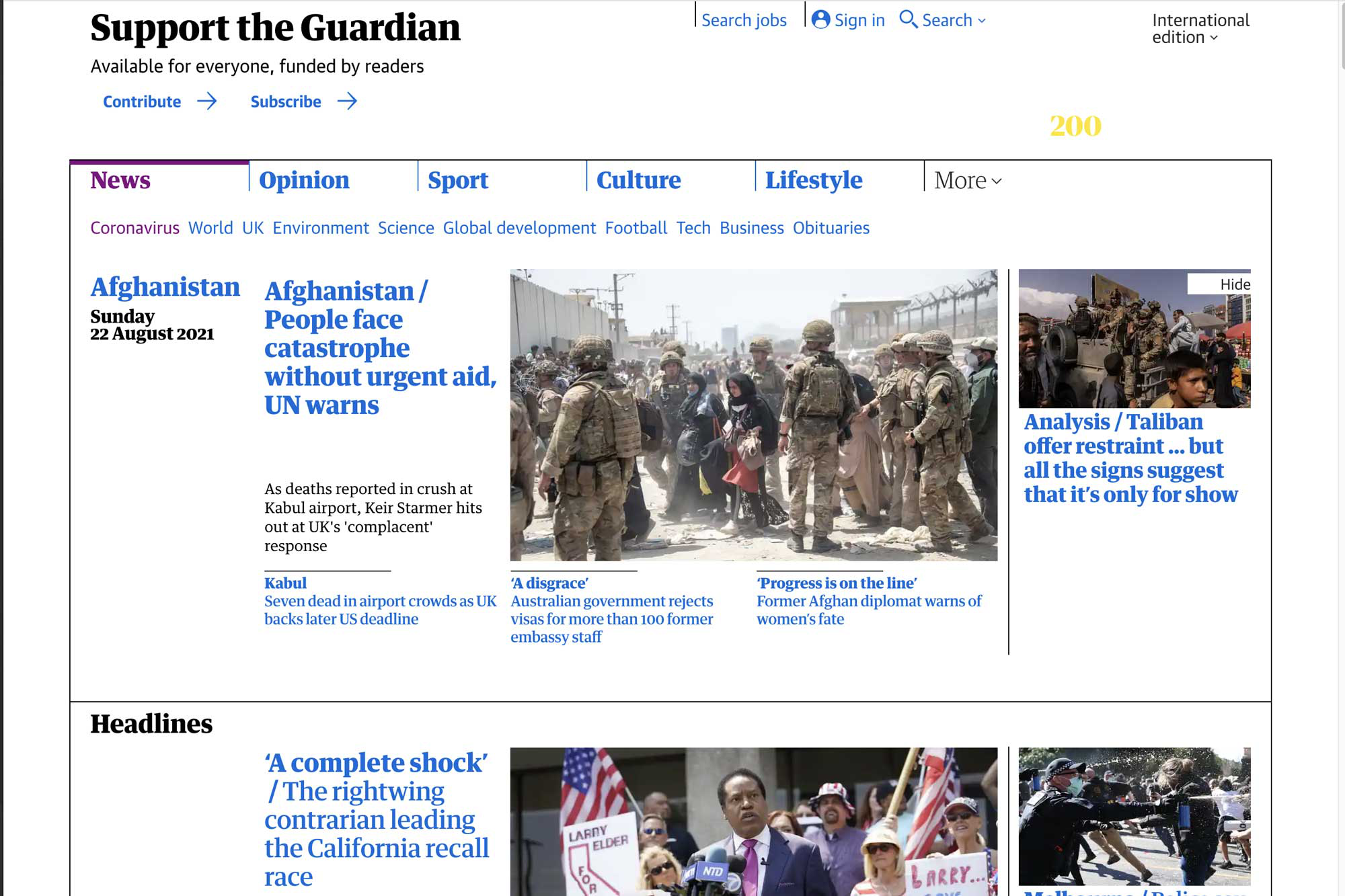
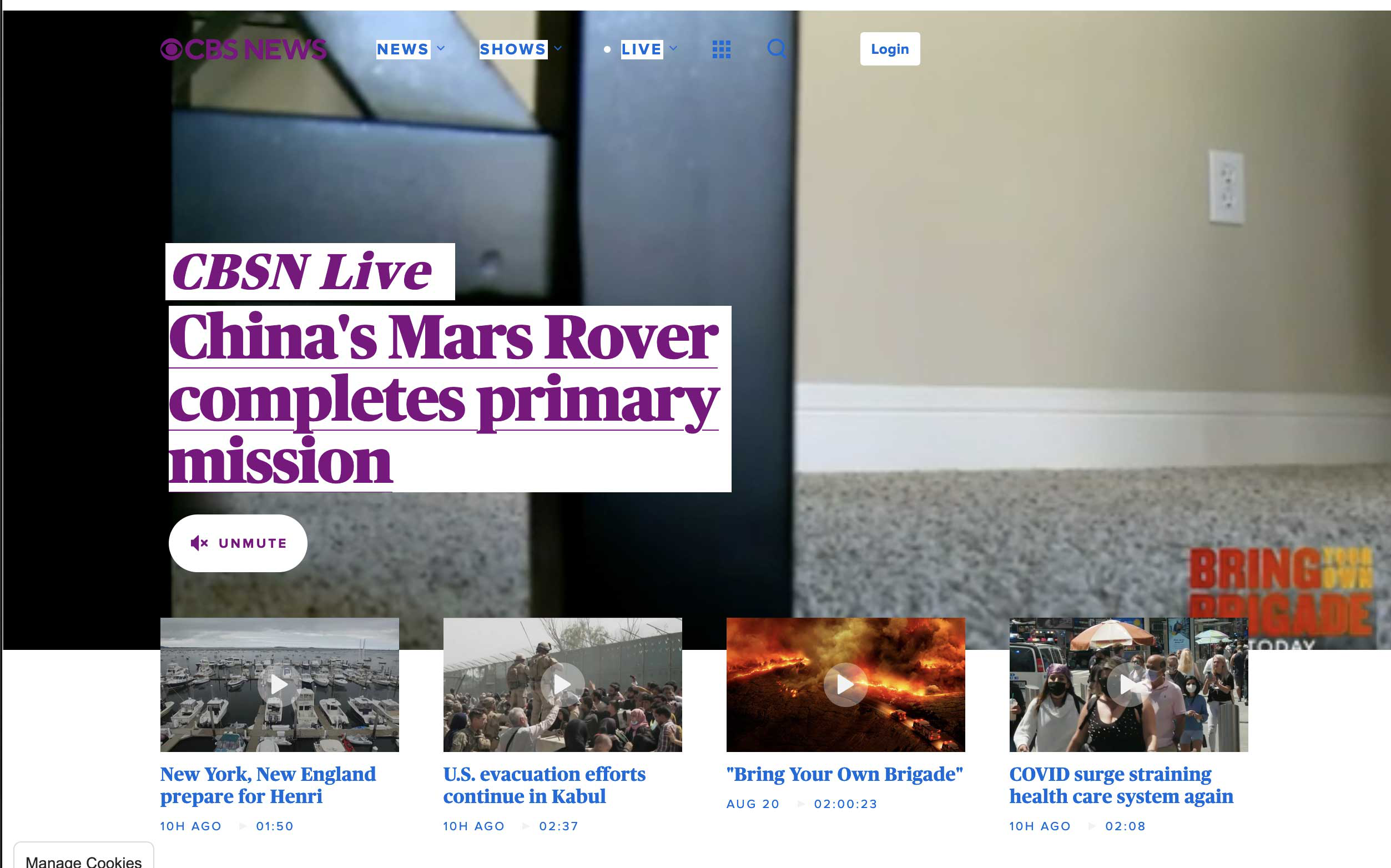
Despite trying all the standard troubleshooting stuff (reset, refresh, reinstall), Firefox (latest version) won’t render websites properly.
Please help me – thanks beforehand!
Joakim
Hello!
Despite trying all the standard troubleshooting stuff (reset, refresh, reinstall), Firefox (latest version) won’t render websites properly.
Please help me – thanks beforehand!
Joakim

الحل المُختار
cor-el said
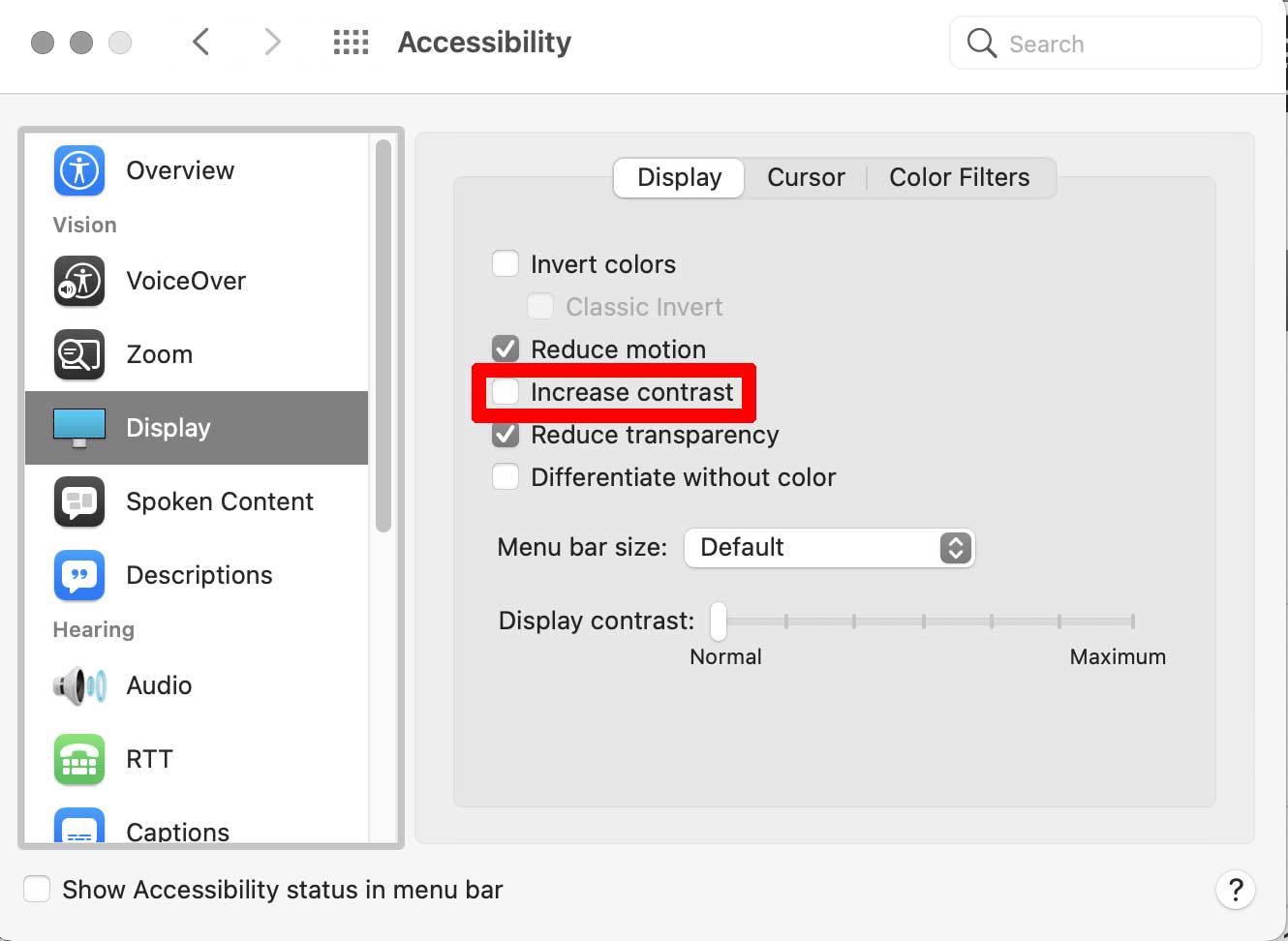
This could be a problem with High Contrast Mode on Mac. See "New" in the release notes. Firefox now automatically enables High Contrast Mode when "Increase Contrast" is checked on MacOS in the Accessibility settings.Read this answer in context 👍 1
Make sure you allow pages to choose their own colors.
- Settings -> General: Fonts & Colors -> Colors: "Override the colors specified by the page with my selections above"
Try "Never" if the default "Only with High Contrast themes" isn't working.
All Replies (4)
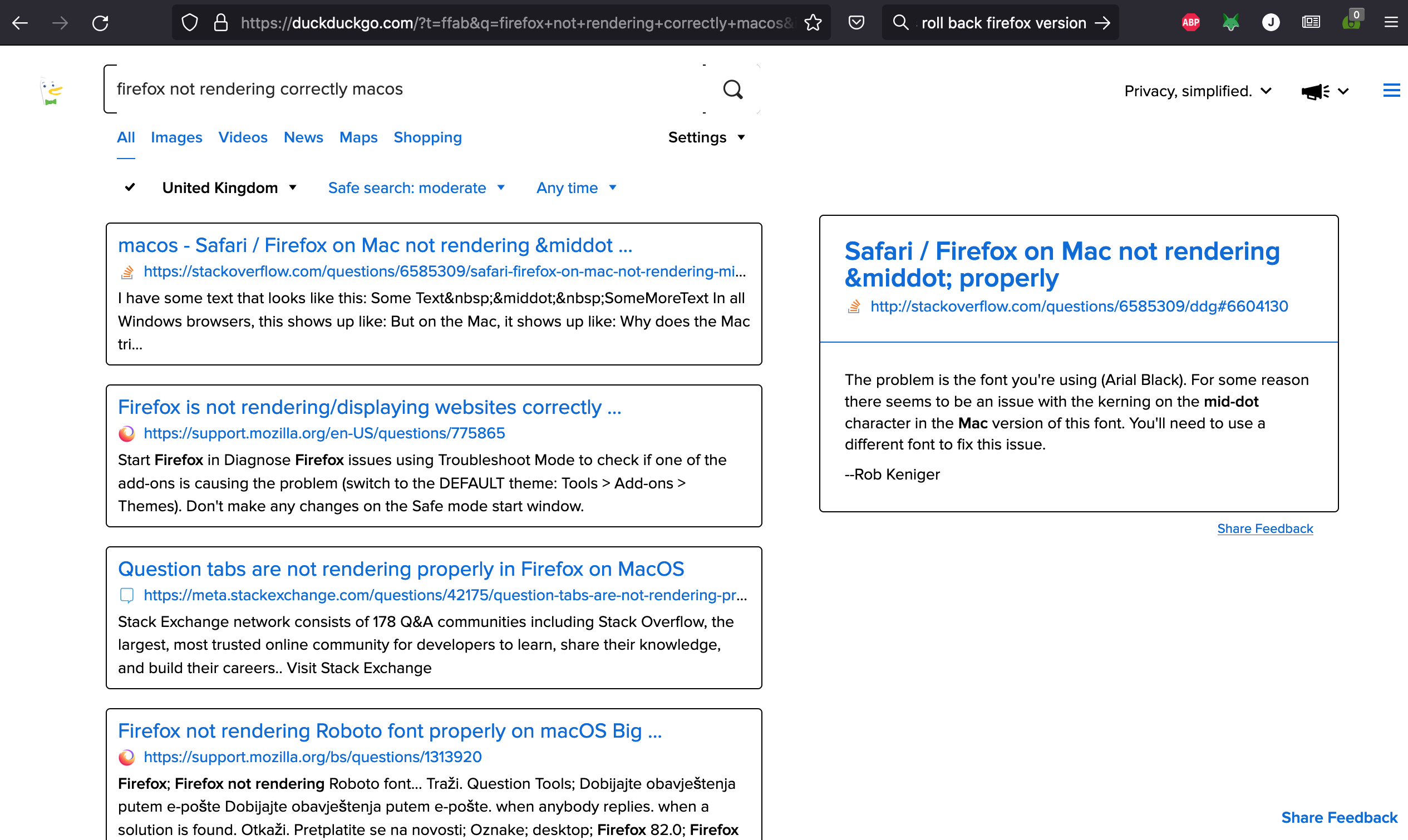
Exact same issue here, Firefox is essentially unusable and I've had to fall back to Safari

الحل المُختار
cor-el said
This could be a problem with High Contrast Mode on Mac. See "New" in the release notes. Firefox now automatically enables High Contrast Mode when "Increase Contrast" is checked on MacOS in the Accessibility settings.
Make sure you allow pages to choose their own colors.
- Settings -> General: Fonts & Colors -> Colors: "Override the colors specified by the page with my selections above"
Try "Never" if the default "Only with High Contrast themes" isn't working.
Thanks! That was it. Uncheck the "Increase Contrast" box and voila!
Glad to help. Safe Surfing.