


Firefox crashes immediately after having been started

Hi everybody,
I cannot bring my Firefox to work anymore. Whenever it is started (even when done in safe-mode) it immediately crashes, with not even a browser window being opened (so I do not have any chance to switch off any add-ons).
Here is the collection of data send to Mozilla by the automatic maintenance service
"AddonsShouldHaveBlockedE10s: 0 AvailablePageFile: 2235215872 AvailablePhysicalMemory: 1379717120 AvailableVirtualMemory: 4032364544 BIOS_Manufacturer: Phoenix Technologies Ltd. BlockedDllList: BreakpadReserveAddress: 236126208 BreakpadReserveSize: 67108864 BuildID: 20161208153507 CPUMicrocodeVersion: 0x31e CrashTime: 1483554500 E10SCohort: disqualified-test EMCheckCompatibility: true Email: xxx FramePoisonBase: 00000000f0de0000 FramePoisonSize: 65536 InstallTime: 1482077914 ProductID: {ec8030f7-c20a-464f-9b0e-13a3a9e97384} ProductName: Firefox ReleaseChannel: release SafeMode: 1 SecondsSinceLastCrash: 181 StartupTime: 1483554498 SystemMemoryUsePercentage: 66 Theme: classic/1.0 Throttleable: 1 TotalPageFile: 5247778816 TotalPhysicalMemory: 4174036992 TotalVirtualMemory: 4294836224 URL: UptimeTS: 3.275780052 User32BeforeBlocklist: 1 Vendor: Mozilla Version: 50.1.0 " I have already tried to re-install the browser, but still the result remained the same.
All Replies (2)
Adding to my last post:
the first time this happened was Dec 28th, with the report being bp-8273b0d4-ed2a-4fde-9a98-d3c732161228.
Latest report can be found under bp-e45be3e2-2e6c-4a59-9d0d-5538b2170104

Same here... I have been uninstalling and re-installing Firefox v50.1.0 for at least 4 times now, with reboots in between.
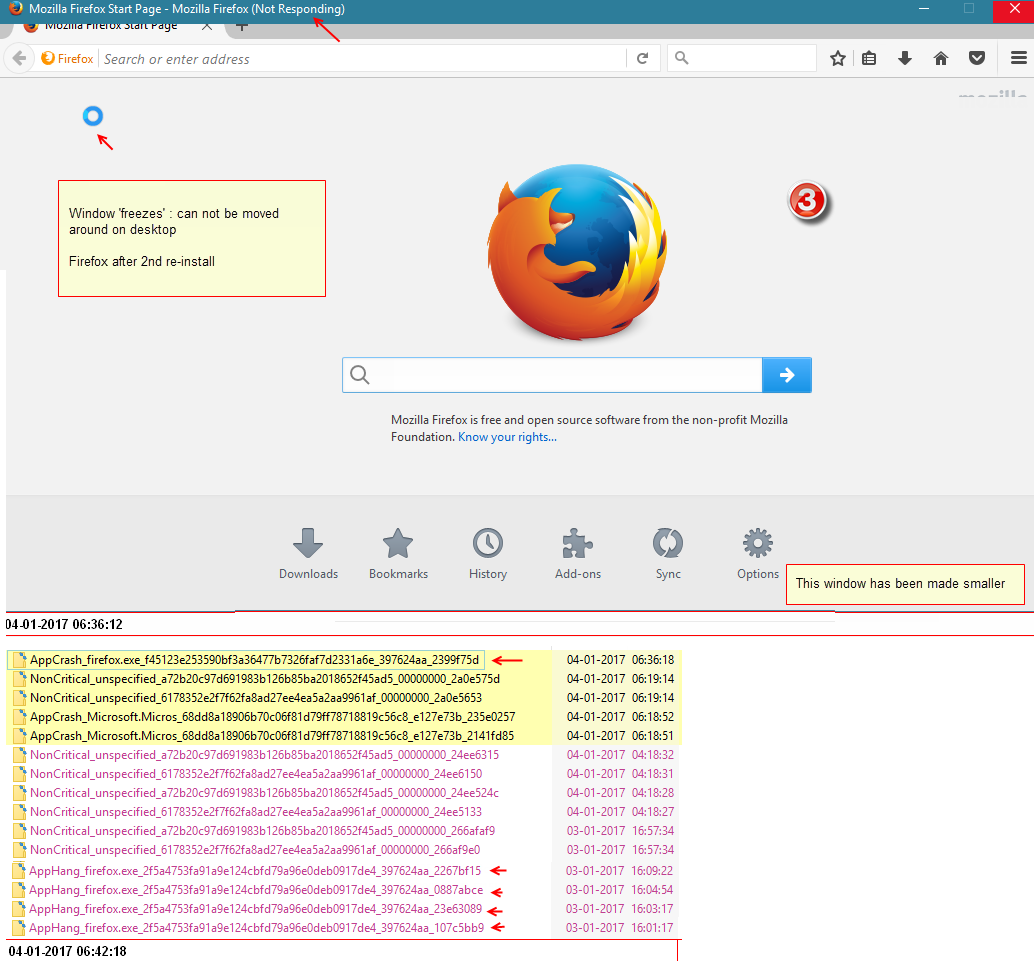
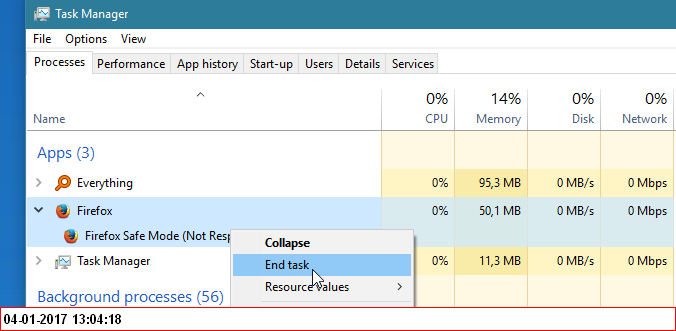
Immediately after install, at first launch (firstrun) it freezes, not responding... The window can not be moved or closed and I have to kill Firefox using the task manager.
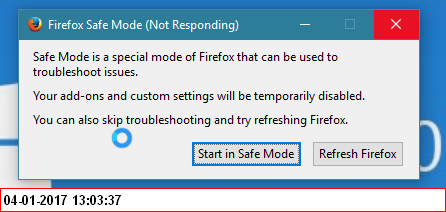
Also, the case with Safe mode, spinning cursor.
Ultimately I have given up and am forced to use Chrome now.
Weird...
Regretfully the solutions provided on the forum assume that Firefox can be launched at least in safe mode. Vainly searched for a solution where Firefox does not launch at all.
Windows 10 x64 bld 14393.576
below I cud get from the Windows Event Log.
=
Faulting application name: firefox.exe, version: 50.1.0.6186, time stamp: 0x584a06a2
Faulting module name: mozglue.dll, version: 50.1.0.6186, time stamp: 0x584a067c
Exception code: 0x80000003
Fault offset: 0x00000000000100e7
Faulting process ID: 0x2a84
Faulting application start time: 0x01d2664c55862030
Faulting application path: C:\Program Files\Mozilla Firefox\firefox.exe
Faulting module path: C:\Program Files\Mozilla Firefox\mozglue.dll
Report ID: 34dde5d7-728a-47ca-9bd1-3a6e664163af
Faulting package full name:
Faulting package-relative application ID:
= Fault bucket 120655124775, type 4 Event Name: APPCRASH Response: Not available Cab Id: 0
Problem signature: P1: firefox.exe P2: 50.1.0.6186 P3: 584a06a2 P4: mozglue.dll P5: 50.1.0.6186 P6: 584a067c P7: 80000003 P8: 00000000000100e7 P9: P10:
=
Modified by ffw62