


How do I fix incorrect resolution for Firefox user interface on Retina display Mac?

I have a 15" retina display Mac (roughly a year old) running Mountain Lion. A couple weeks ago the user interface in Firefox seems have switched from using the normal zoom level of every other application to the native dpi of the retina display monitor. This means that the UI elements are all extremely tiny, etc. Is there anyway to reset this without simply reinstalling or reseting the rest of my configuration?
Currently running Firefox 27.0.
所有回覆 (2)
Here's a screenshot to clarify the question. You can see how the UI of Firefox is tiny in comparison to the Chrome browser running in the background.
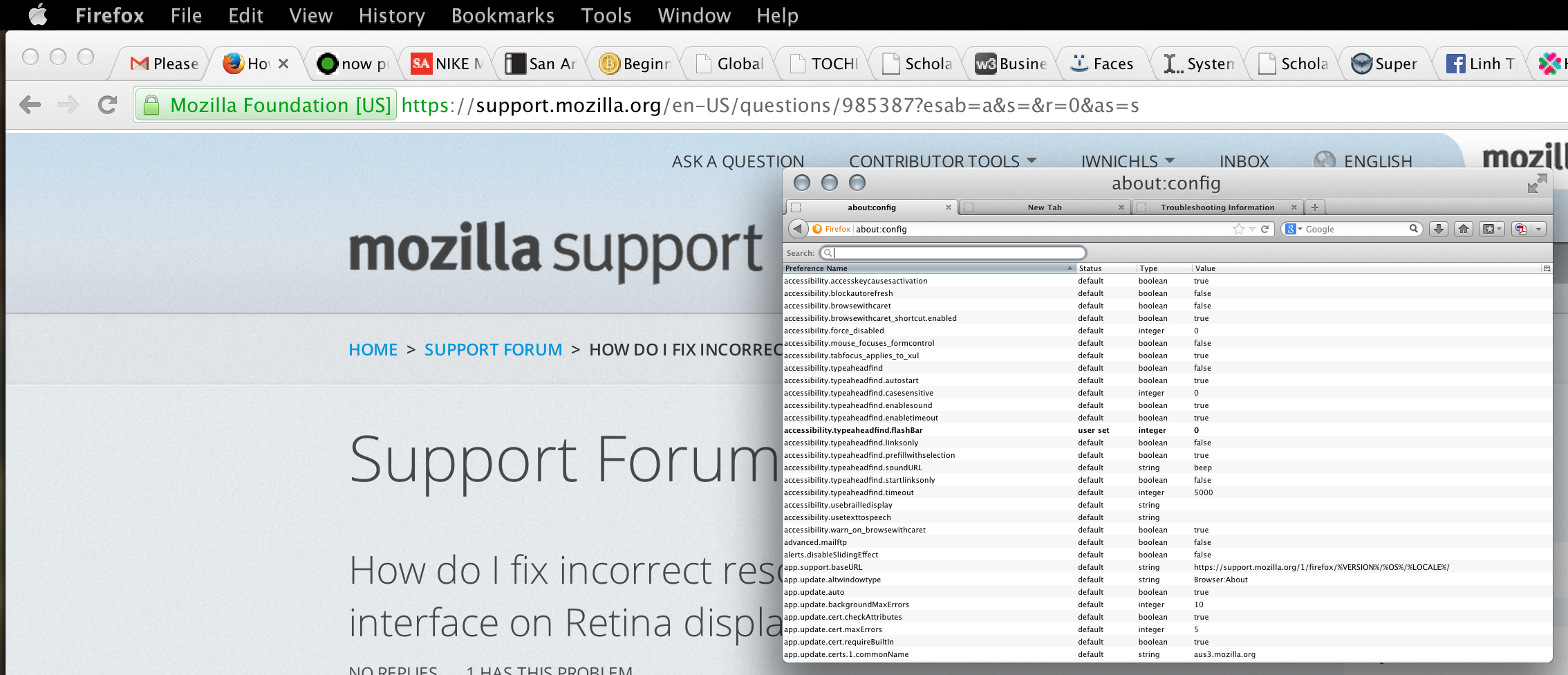
You can try to modify the gfx.hidpi.enabled pref on the about:config page (<=0: disable; 1:all screens same res; >1:enable always).
Try to disable hardware acceleration in Firefox (you need to close and restart Firefox).
- Firefox > Preferences > Advanced > General > Browsing: "Use hardware acceleration when available"
- https://support.mozilla.org/kb/Troubleshooting+extensions+and+themes
You can set the layout.css.devPixelsPerPx pref on the about:config page to 1.0 and if necessary adjust layout.css.devPixelsPerPx starting from 1.0 in 0.1 or 0.05 steps (1.1 or 0.9) to make icons show correctly.
See also:
Use an extension to adjust the text size in the user interface and the page zoom in the browser window.
You can look at this extension to adjust the font size for the user interface.
- Theme Font & Size Changer: https://addons.mozilla.org/firefox/addon/theme-font-size-changer/
You can look at the Default FullZoom Level or NoScript extension if web pages need to be adjusted after changing layout.css.devPixelsPerPx.
- Default FullZoom Level: https://addons.mozilla.org/firefox/addon/default-fullzoom-level/
- NoSquint: https://addons.mozilla.org/firefox/addon/nosquint/