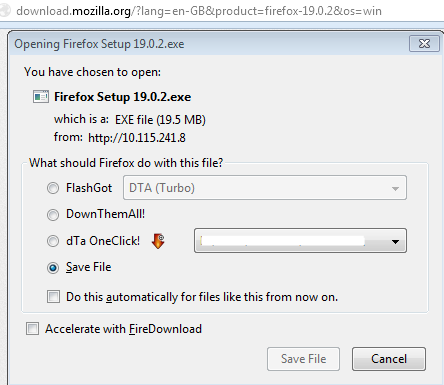
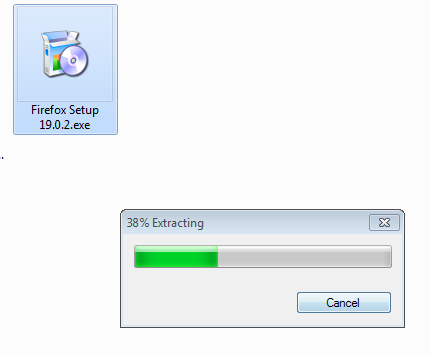
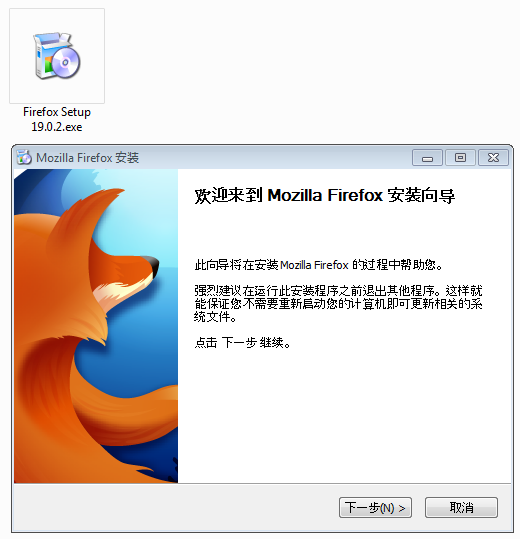
The installer, no matter which language version I download, is always in the language of the country I reside in.

Basically what the title says.
Download En-US, install, end up with a Chinese installer and subsequently a Chinese version of Firefox.
Download En-GB, install, end up with Chinese again.
Installing the language pack solved my problem but it was infuriating searching for answers.
I have no idea why Mozilla would determine the language of what I download based on my IP.
所有回覆 (6)
We use IP's to estimate the locale you will download. You can always pick a different locale by going to https://www.mozilla.org/firefox/all/ to pick a different language.
That's what I did, and I still got the Chinese installer.
So this link gives you the wrong language?
You can also try this location:
Sorry, should have mentioned it's on Windows. Mac seems to be working fine.
In that case try the Windows links.
The ftp link gives me the English installer, the download.mozilla link still gives me Chinese.