


Single message can not be deleted

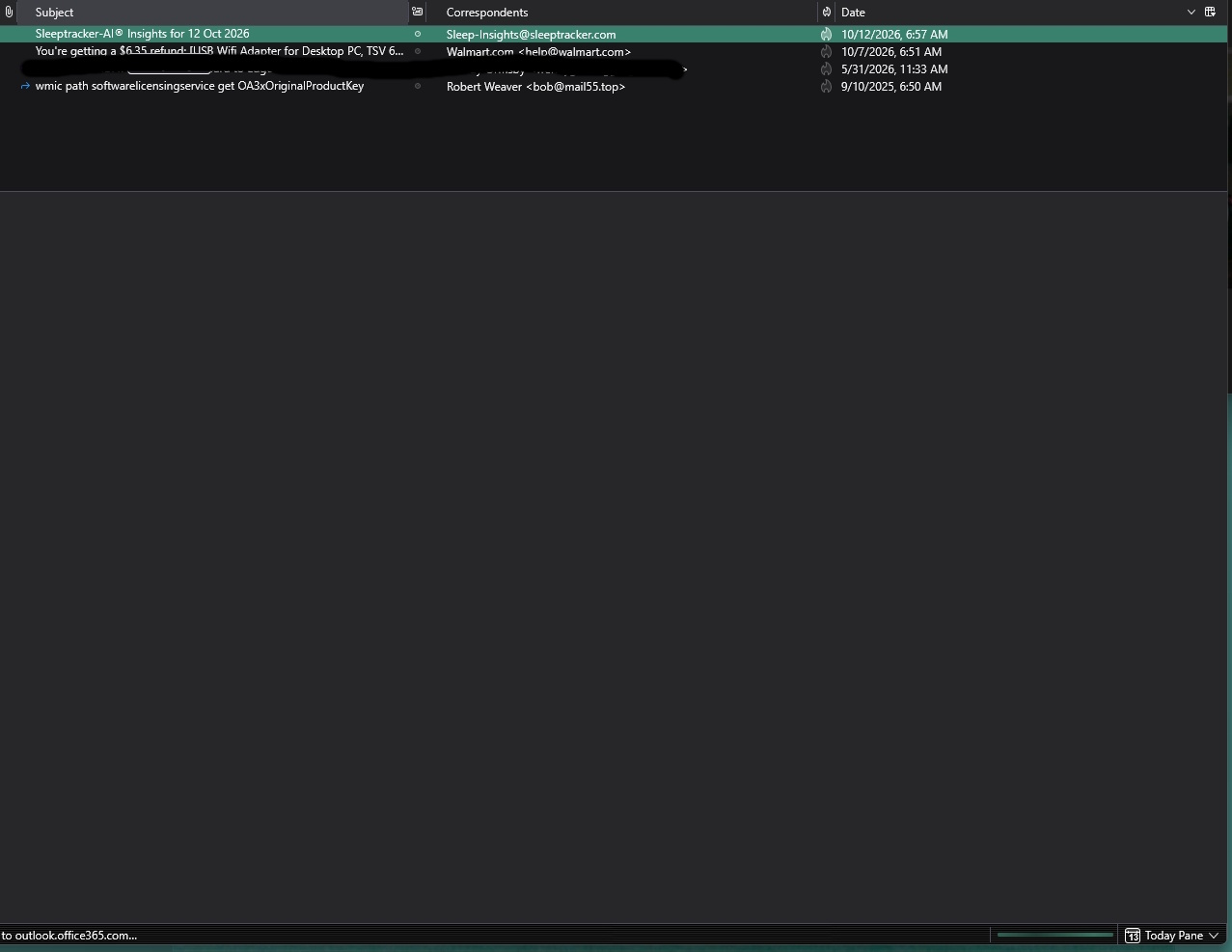
For some strange reason, I have one message in my inbox that does not display in the window below it (just a blank window) and the message subject line can not be deleted at all. Message title has been there for a week now, shows up every time I start Thunderbird but it can not be displayed or deleted. I have received, read and deleted dozens of message since, it just remains as if haunting the app in defiance of any common sense at all. How do I delete it?
The image shows the message selected and the blank window below, once I select another message and then go back to this rouge message, the previous messages window remains, the blank window does not come back up, Indicated to me that there is nothing in this rouge window to be displayed, hence it is blank if the first message selected.

所有回覆 (2)

The "phantom" messages is probably due to a corrupt folder index. To fix it,
- Right-click on the folder name in the Folders List, and choose "Properties" from the pop-up context menu. Then click the "Repair Folder" button.
- Follow up by compacting the folder - right-click on the folder name and choose "Compact".
Is the message gone now?
Message was deleted when I hit the repair button, thanks.