


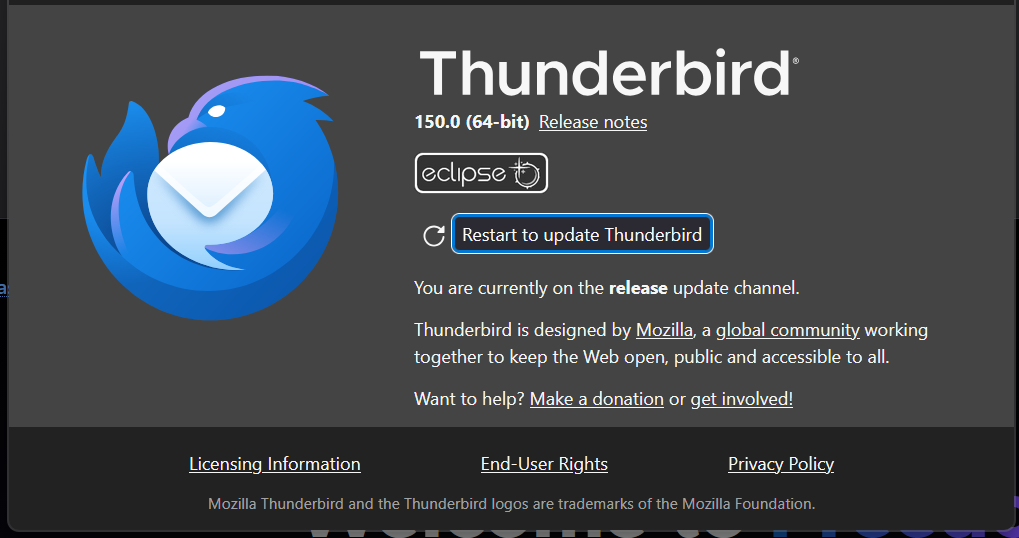
With 150.0 when I go Help/About it comes up with restart to update and when clicked on it restarts but does not update and simply repeats without updating, so the question is how to fix it?

Very simply as per the summary, every time I hit restart to update and then do another Help/About it ends up back with exactly the same result every time and while I downloaded the latest version available for download and installed it, it does not come up with 150.0.1 but the same as above.
所有回覆 (3)

Just reinstall from https://www.thunderbird.net/en-US/thunderbird/all/. It will overwrite the program files, but not you profile.
選擇的解決方法
Found a work around after a bit more searching and having found the link "https://releases.mozilla.org/pub/thunderbird/releases/", scrolled down to the bottom and went into "latest", opened the README.txt and used "https://download.mozilla.org/?product=thunderbird-latest&os=win&lang=en-US" which was relevant to what I was using which actually downloaded the latest version that did not occur using the relevant web page download which was only the previous 150.0 version, ran the installer and then Help/About which again wanted to do another update which I went along with, after which it is now saying it is the current version.
So it looks like a slight tweak is needed on the download web page, but am now happy I got it sorted.
With respect to downloading from the page suggested, I did that numerous times and all I ended up with was 150.0 and not 150.0.1 which was the one I needed to download with the solution being put up once I found where I could download the file from as the page where I should have been able to get it from very obviously hadn't been updated so as to provide the latest version, although it has since been updated, with the advice provided by "ED" being given after the fix, which is better late than never.