


AI on Firefox without direct permission
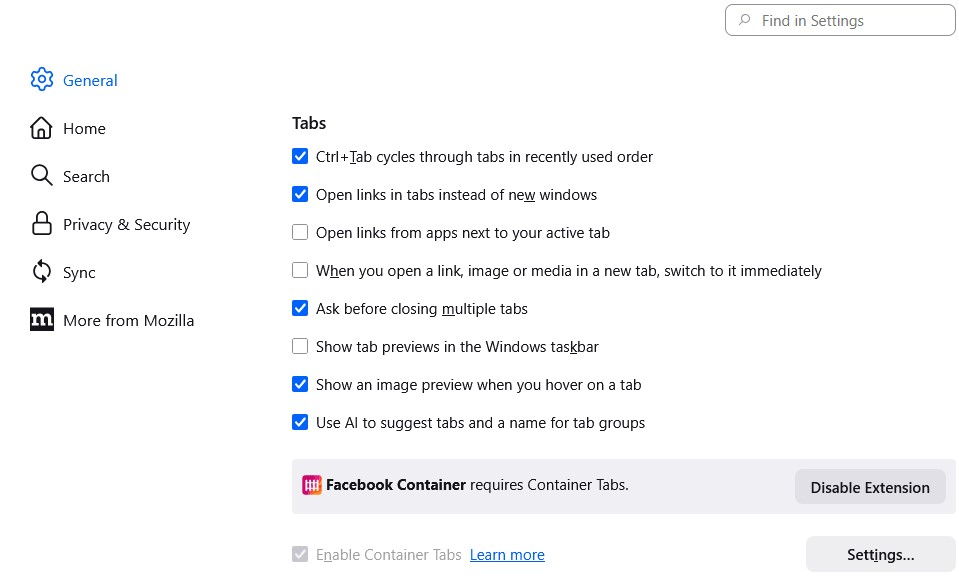
Tonight I was roaming around my Firefox settings looking at something else, when I noticed this AI piece pre-checked. Why is FIREFOX, who is supposed to be for privacy and security, authorizing an update that automatically choose AI? Not cool Mozilla. Not Cool. Anyone else have this? and yes, I've already fixed it ;-)
所有回覆 (7)

Thank you for the alert - I see I now have this setting too, with it automatically checked. That will be corrected.
nikeit2010 said
Tonight I was roaming around my Firefox settings looking at something else, when I noticed this AI piece pre-checked. Why is FIREFOX, who is supposed to be for privacy and security, authorizing an update that automatically choose AI? Not cool Mozilla. Not Cool. Anyone else have this? and yes, I've already fixed it ;-)
Yes, Mozilla has a habit of changing user settings and it bothers me. You have to make it a habbit to always check your settings.
Hello
A space for users to give product feedback. https://support.mozilla.org/en-US/kb/what-mozilla-connect
For information purposes. Customize Firefox using policies.json. https://support.mozilla.org/en-US/kb/customizing-firefox-using-policiesjson
GenerativeAI. https://mozilla.github.io/policy-templates/#generativeai
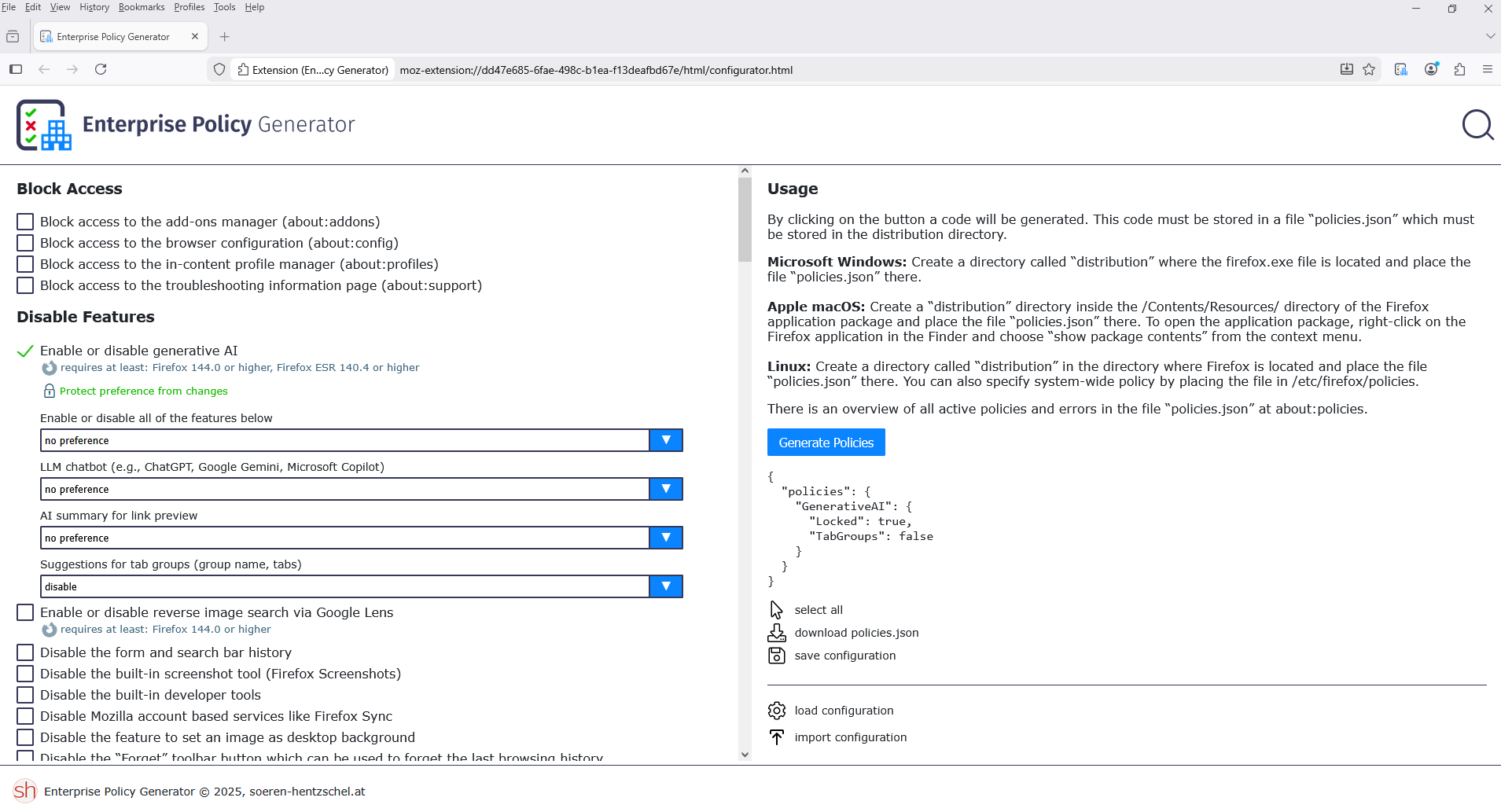
The Enterprise Policy Generator help to create the configuration file. https://addons.mozilla.org/firefox/addon/enterprise-policy-generator
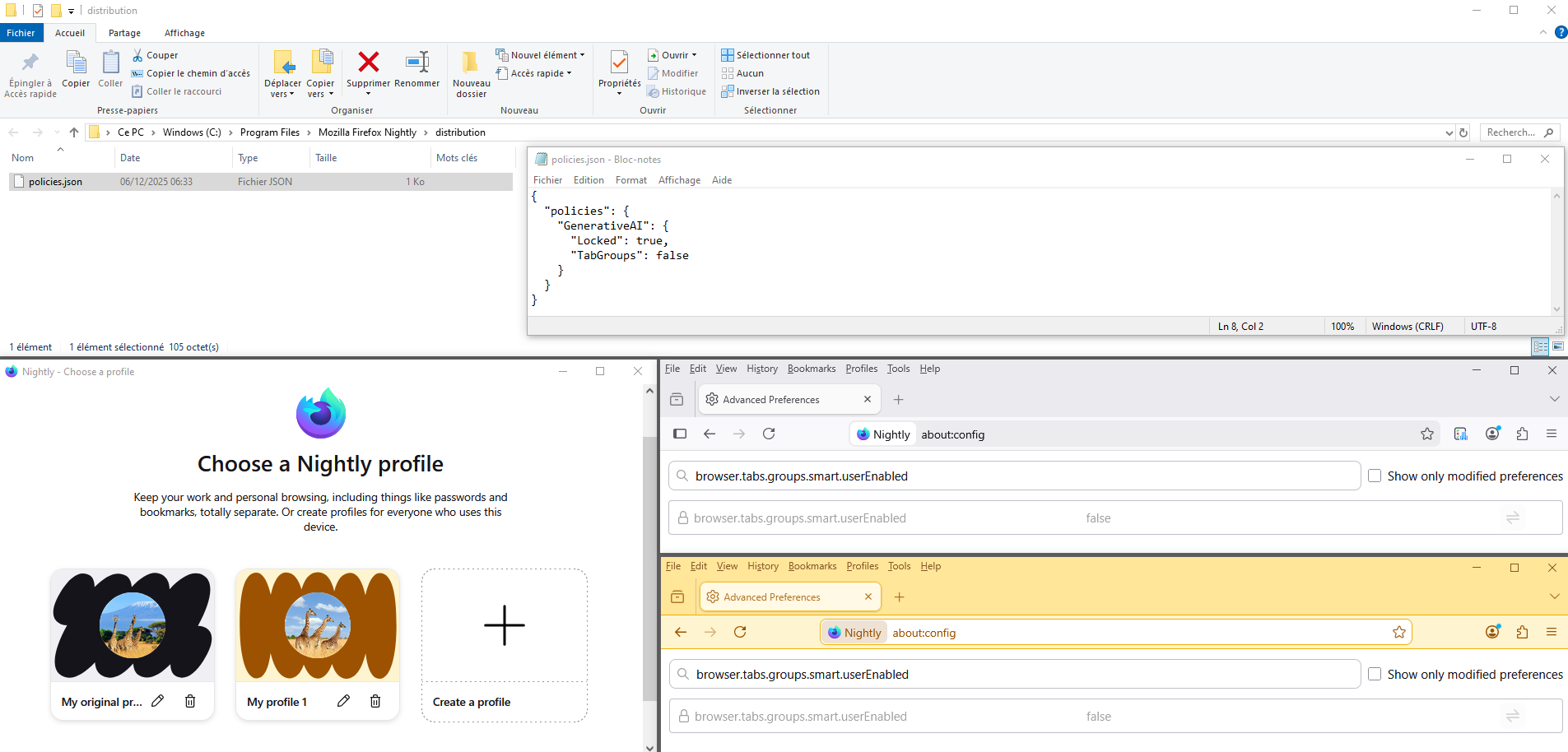
{ "policies": { "GenerativeAI": { "Locked": true, "TabGroups": false } } }
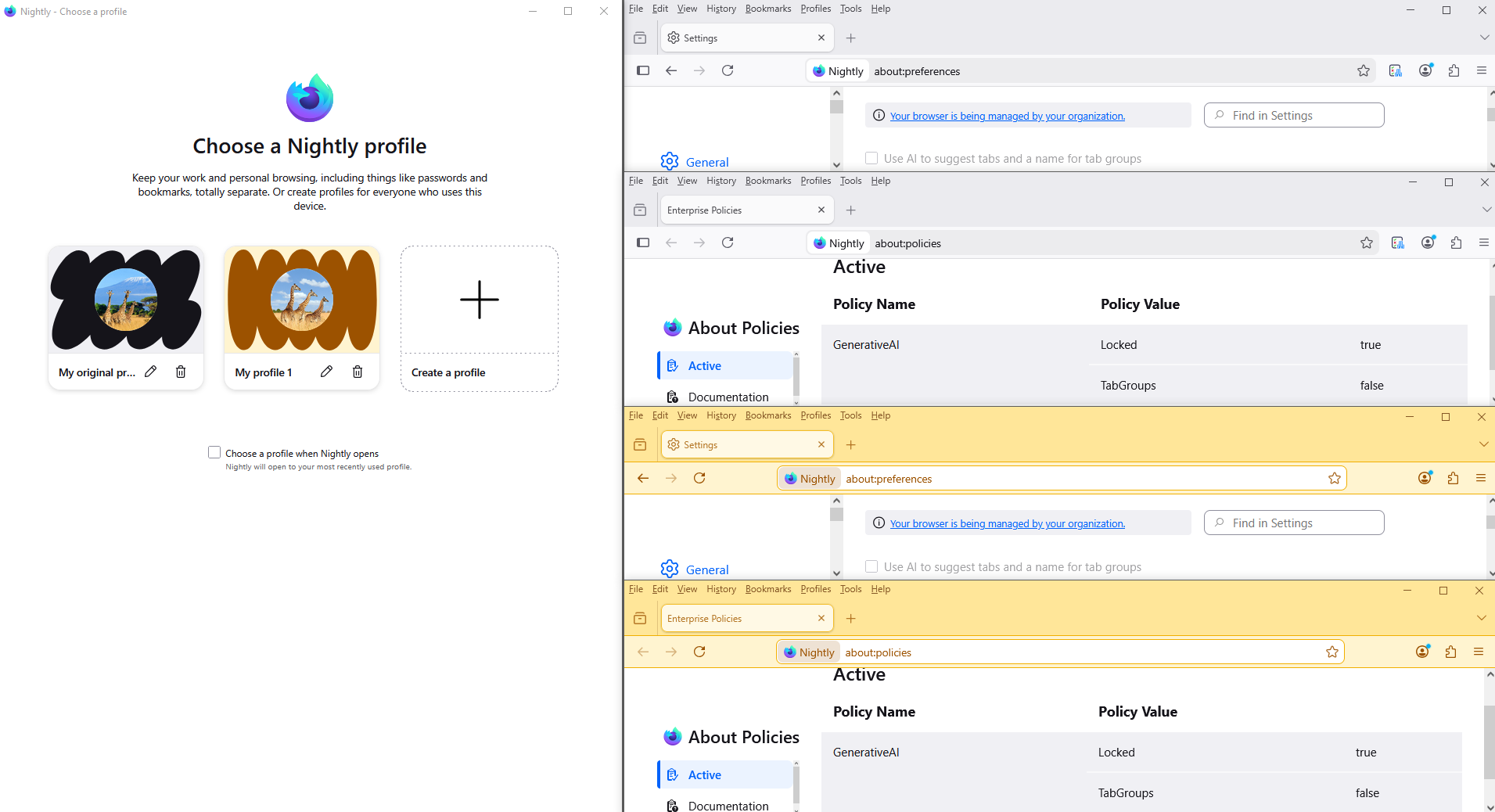
Restart Firefox. Firefox policies affect all profiles. Your browser is being managed by your organization.
由 Agent virtuel 於 修改
What makes you think that local language model could affect your privacy or security? It doesn't make any sense.
To complement, this discusssion.
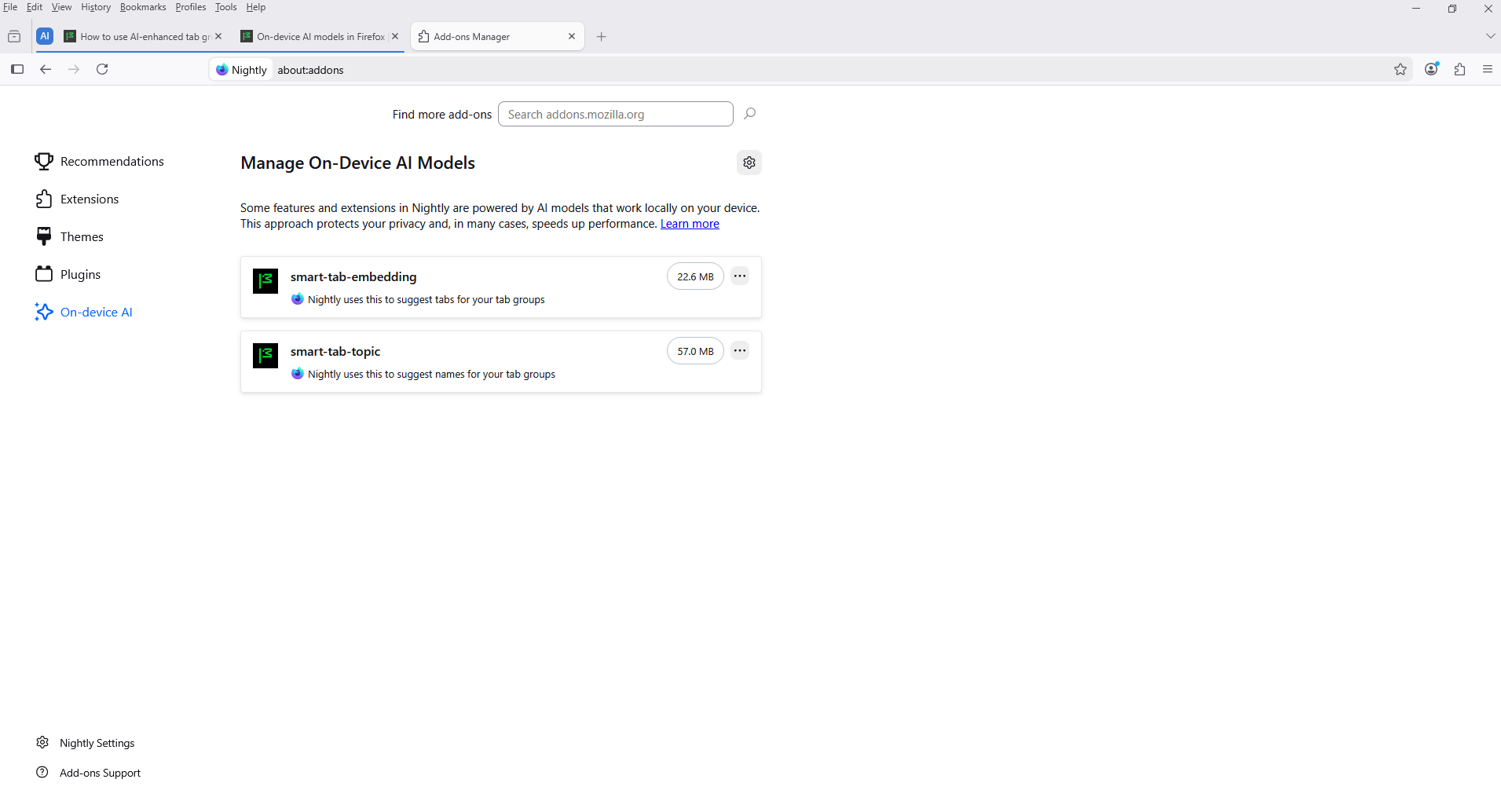
On-device AI models in Firefox. https://support.mozilla.org/en-US/kb/on-device-models
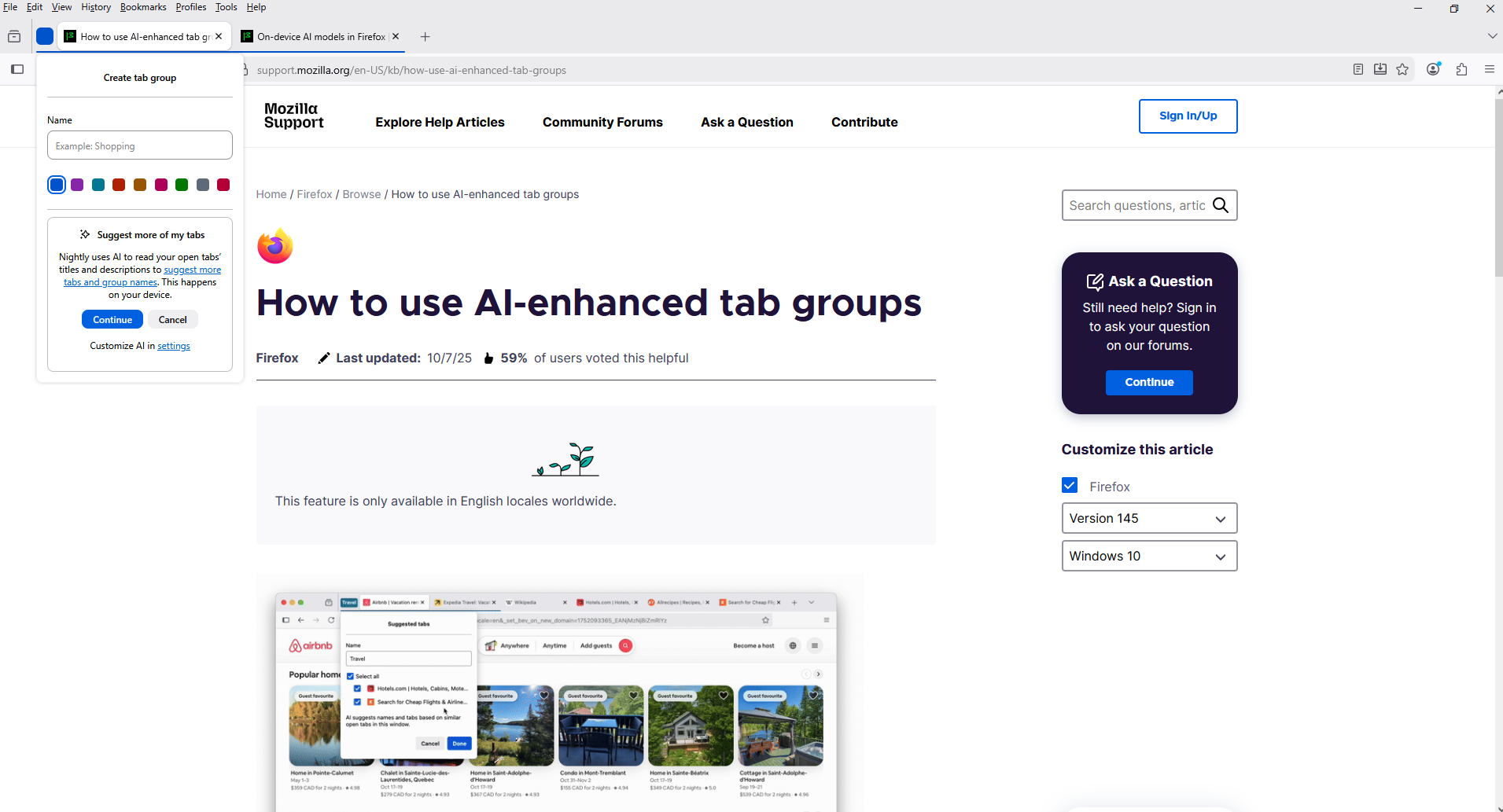
How to use AI-enhanced tab group. https://support.mozilla.org/en-US/kb/how-use-ai-enhanced-tab-groups
TyDraniu said
What makes you think that local language model could affect your privacy or security? It doesn't make any sense.
Huh??
Hi
I am going to close this thread as the support request element of it appears to be resolved.
Some of the AI technology in Firefox runs locally on your device, helping preserve privacy.