此討論串已被封存。
如果您有需要幫助,請新增一個新問題

封存
View passwords saved by Firefox on iPhone 16
How can I view passwords saved by Firefox on iPhone 16?
How can I view passwords saved by Firefox on iPhone 16?
所有回覆 (2)

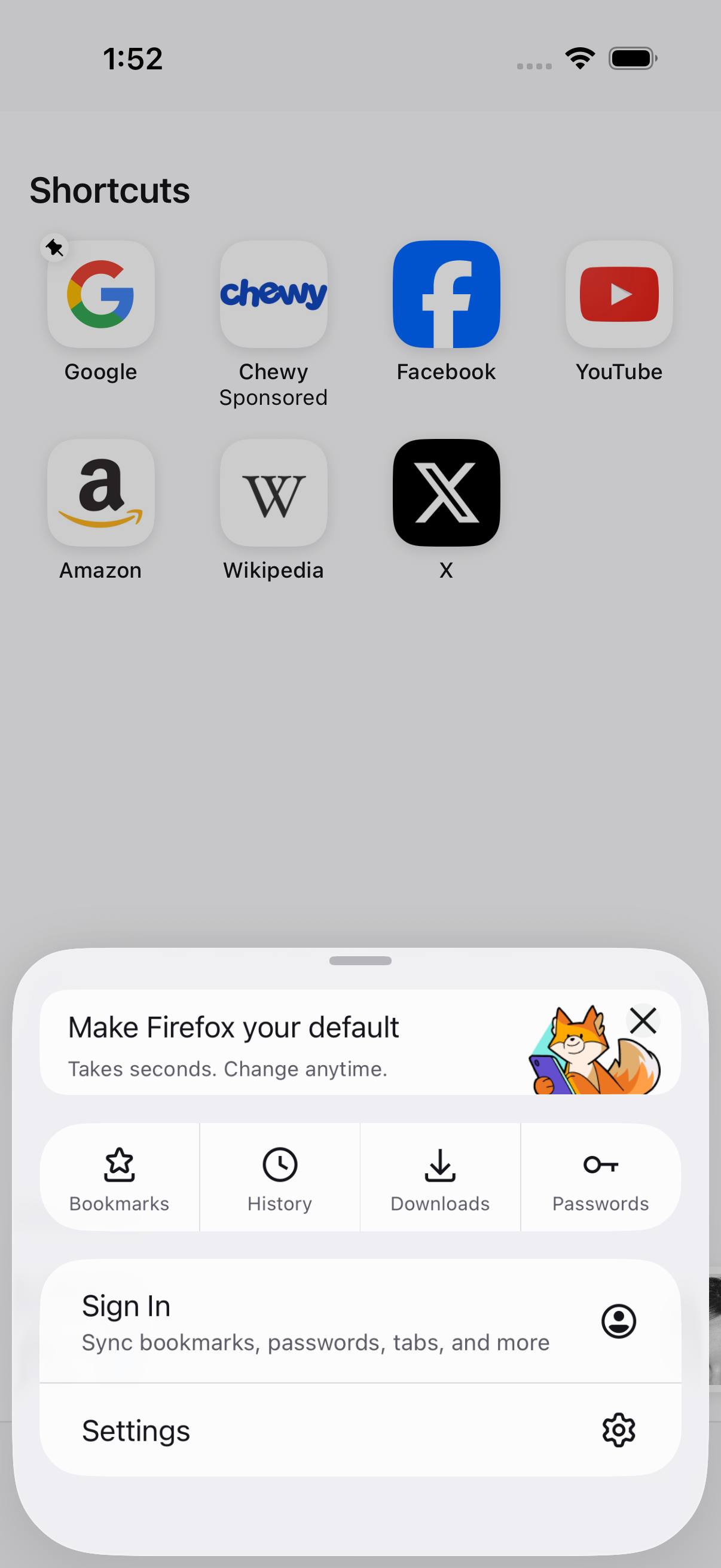
Hey there! In your Firefox app open the menu and navigate to the settings. Tap Autofills and Passwords, select the app or site you want the password for and tap on the password field to reveal it. Be prepared to authenticate according to your prior security settings. Did that help?
See the attached screenshot, there's Passwords icon.