Open previous windows and tabs

Hello Mozilla Support, I enabled Settings → General→ Open previous windows and tabs, but after restarting Firefox all of my tabs were unexpectedly lost. I’ve confirmed the setting is still enabled, restarted Firefox and PC and checked History → Recently Closed tab with no luck. Why wasn’t my session restored? How can I recover my lost tabs? How do I ensure Firefox reliably restores my tabs going forward?
所有回覆 (1)
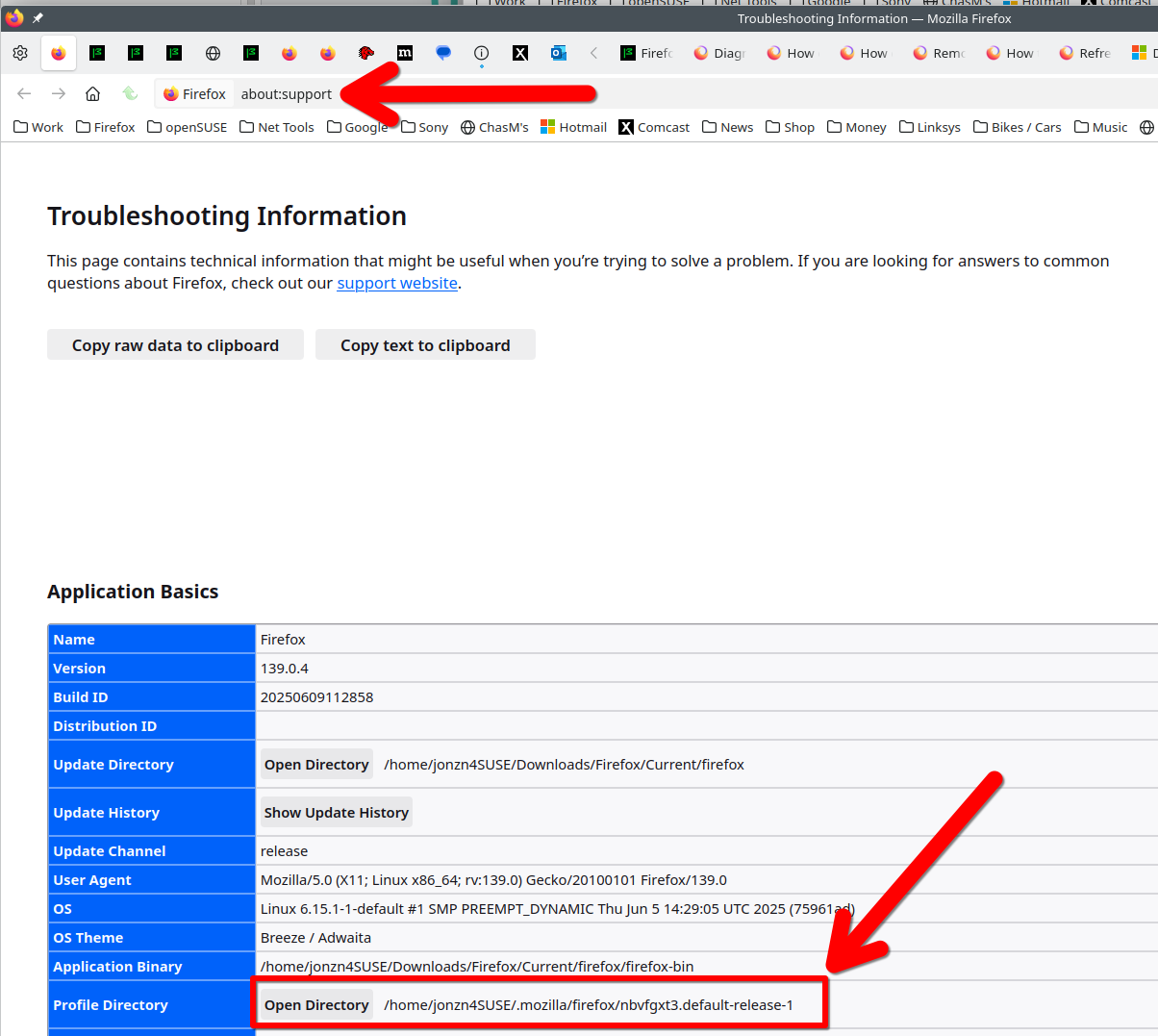
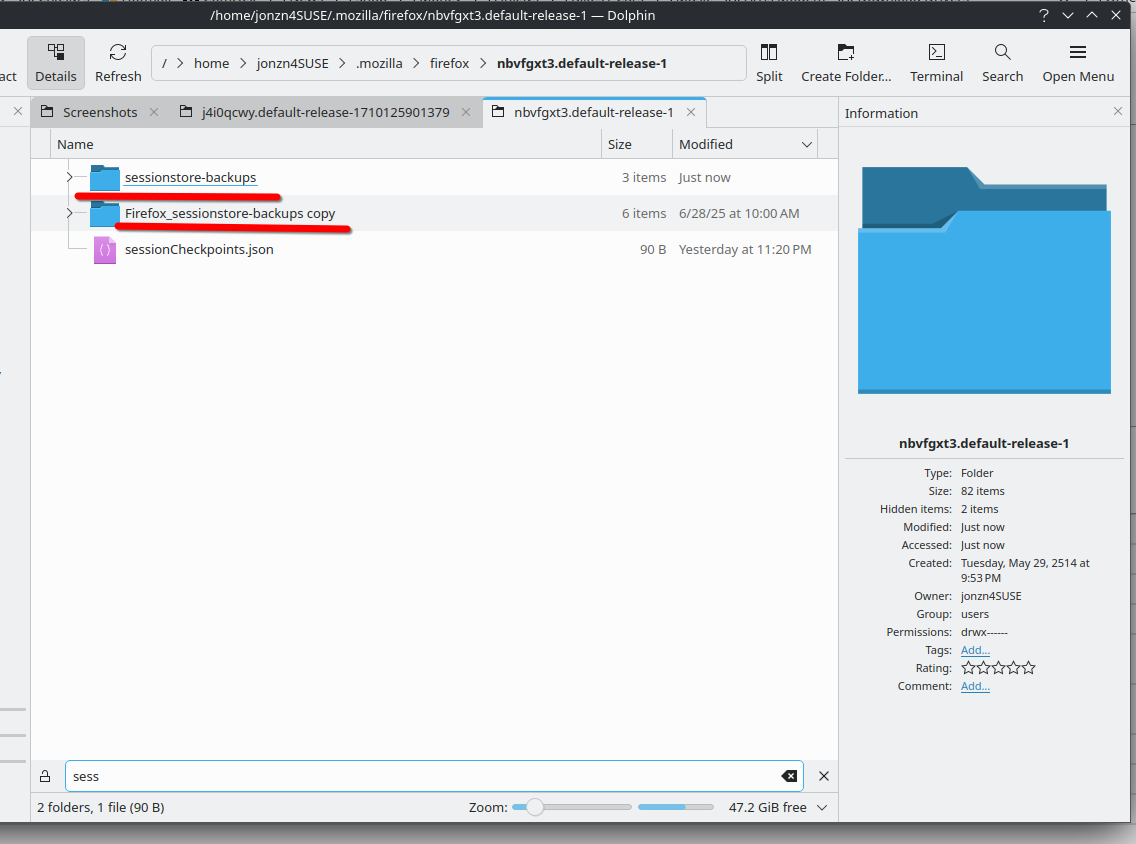
Just happened to me in Waterfox, but I learned a few years ago how to get them back. I make copies of my sessionstore-backups folder because sometimes the files in the folder get reset and you lose your session. see screenshot
Let's get to it... Post a screenshot of the files in your sessionstore-backups folder in your profile. see screenshot
Here's info about the files in the folder. https://support.mozilla.org/en-US/questions/1415643
Here's more info from another user issue. https://support.mozilla.org/en-US/questions/1477659#answer-1713872