


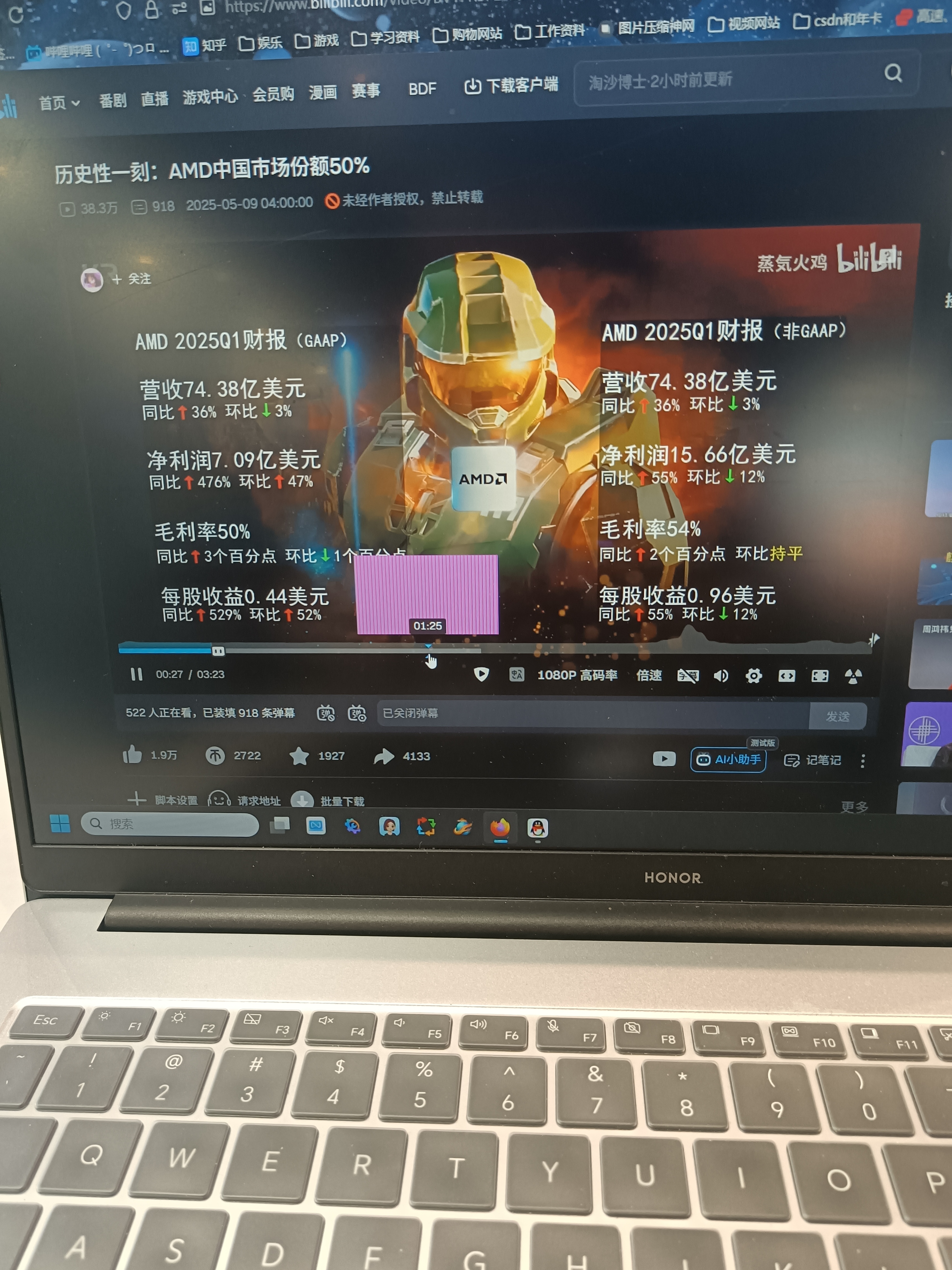
There is a problem with playing the video, and Firefox cannot open it in full screen completely.

This is the link. I can't send animated images as the text is too small, so I'll describe it instead. It's so hard as a loyal fan, I'm crying.https://www.bilibili.com/bold text。There is a bug. Why does the Bilibili website not display the corresponding screen when I try to move to it? Speed playback cannot be used at all, and there’s also the issue of not being able to use fullscreen on Firefox. Are you forcing me to use another browser?
所有回覆 (1)

This is the link you meant to send: https://www.bilibili.com/video/BV1FR5PzAEuV/
For the issue with the video preview showing the purple and pink lines, go to the toolbar and click on the image icon. It is to the left of the https. It will ask you "Allow www.bilibili.com to use your HTML5 canvas image data?". Allow it to do so, then try previewing the video again.