Can’t see “Manage Site List” for Multi-Account Containers
Hi there,
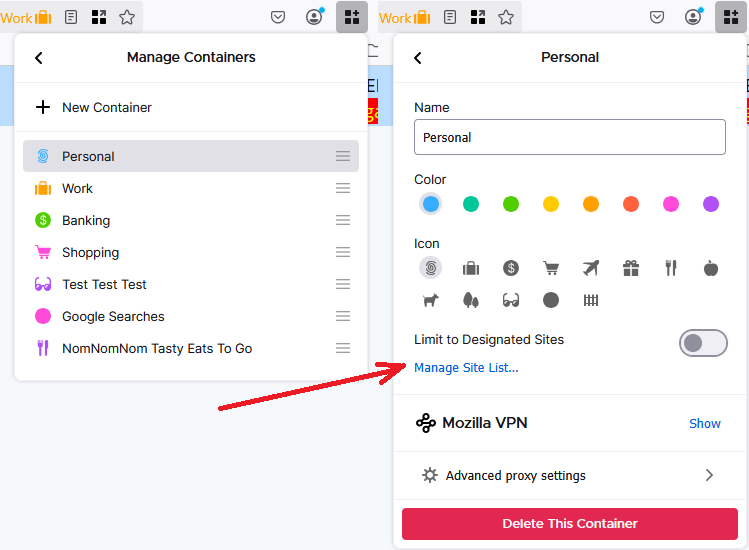
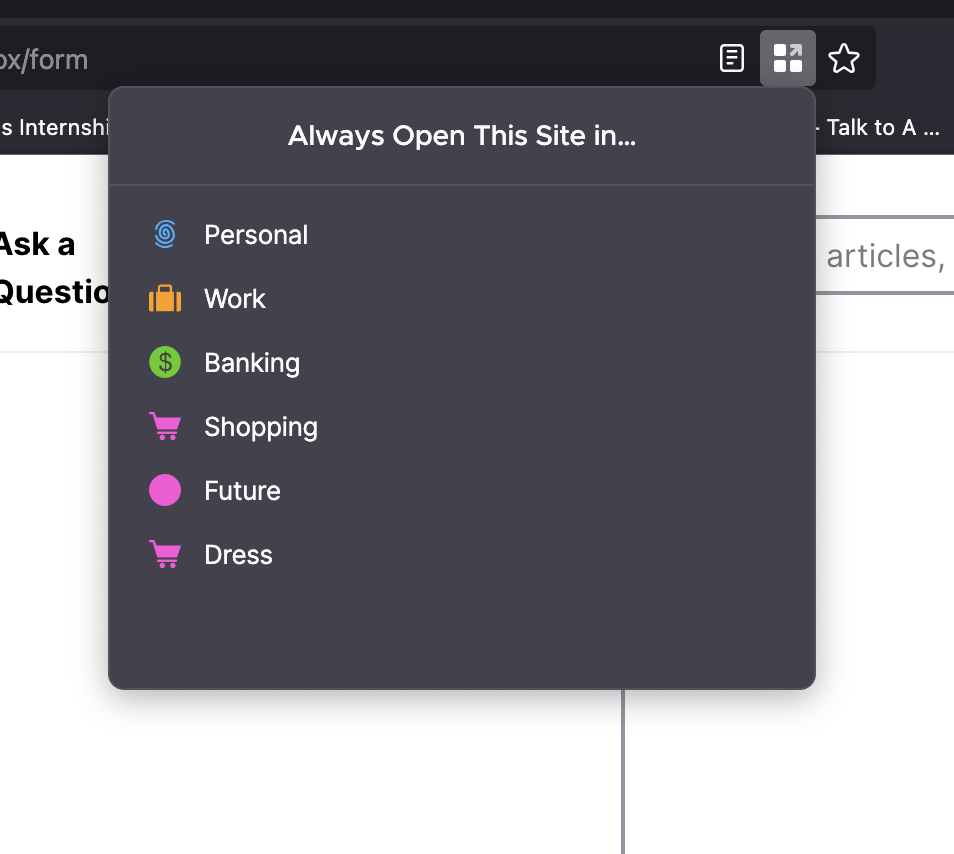
I’m using the Firefox Multi-Account Containers extension and would like to remove a site that’s been set to "Always open in [X] container." However, I don’t see a “Manage Site List” option anywhere in the container settings as seen here: https://support.mozilla.org/en-US/kb/containers
Here’s what I’ve tried so far:
I’ve clicked the Containers icon and selected the gear ⚙ to edit a container.
I enabled privacy.userContext.siteAssignments.enabled in about:config and set it to true.
I restarted Firefox (with session restore on), but still no option appears to view or manage assigned sites.
I’m on Firefox Desktop (Mac), and I’ve confirmed that I’m using the official Multi-Account Containers extension.
Is this a bug, a UI change, or something I’m missing? I’d really prefer not to manually edit the containers.json file if there’s a built-in way to manage these assignments.
Thanks so much for any guidance!
所有回覆 (1)
If you use the main toolbar button to go into Manage Containers, then click a specific container, there is a link about halfway down to manage the site list. I have attached a screenshot for reference.