


F1 TV - Unsupported Browser

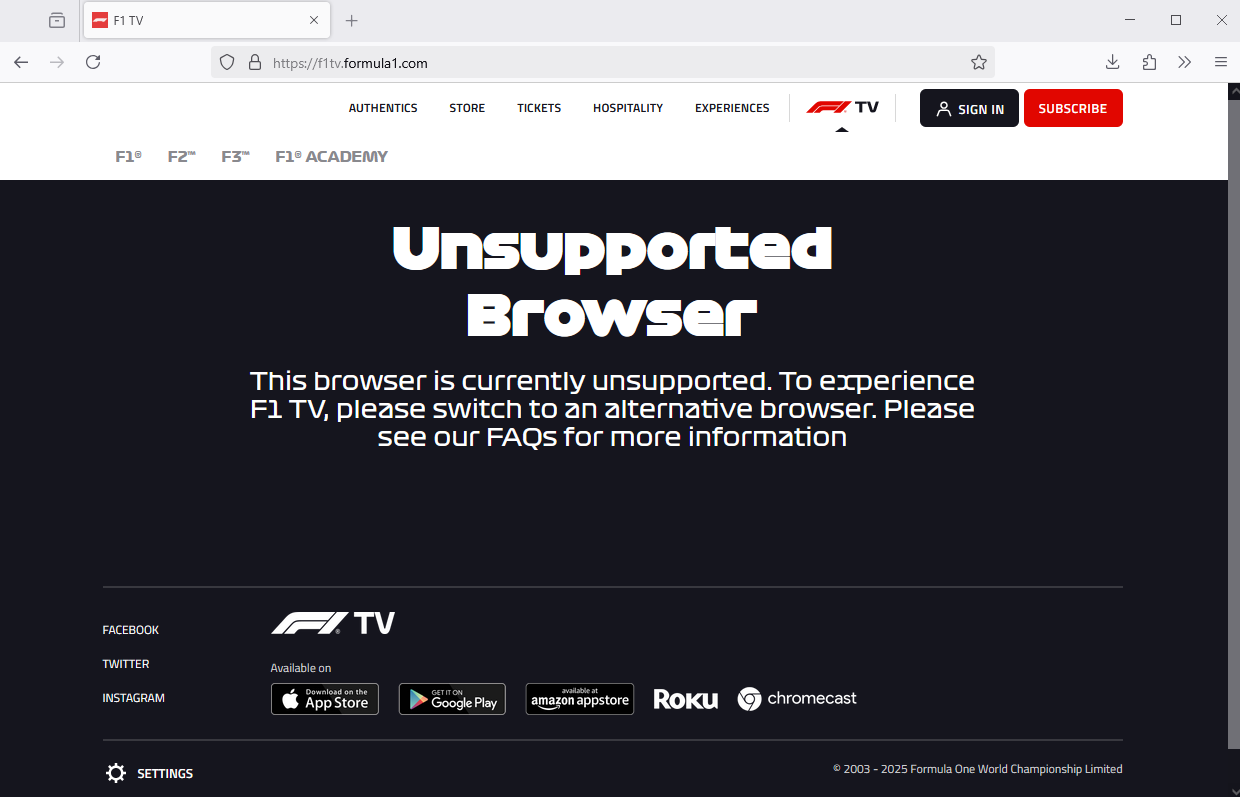
When I try to access F1 TV, it says: "Unsupported Browser". "This browser is currently unsupported. To experience F1 TV, please switch to an alternative browser. Please see our FAQs for more information." (https://f1tv.formula1.com/). The problem started since about a week or so ago. I can't find any info on the the F1 TV site that gives a reason. Now I need to watch it on EDGE..... I don't like EDGE too much.
所有回覆 (4)

Unfortunately there's nothing Firefox browser user forum or Mozilla themselves can do if the site choose to support one browser over another.
Hello
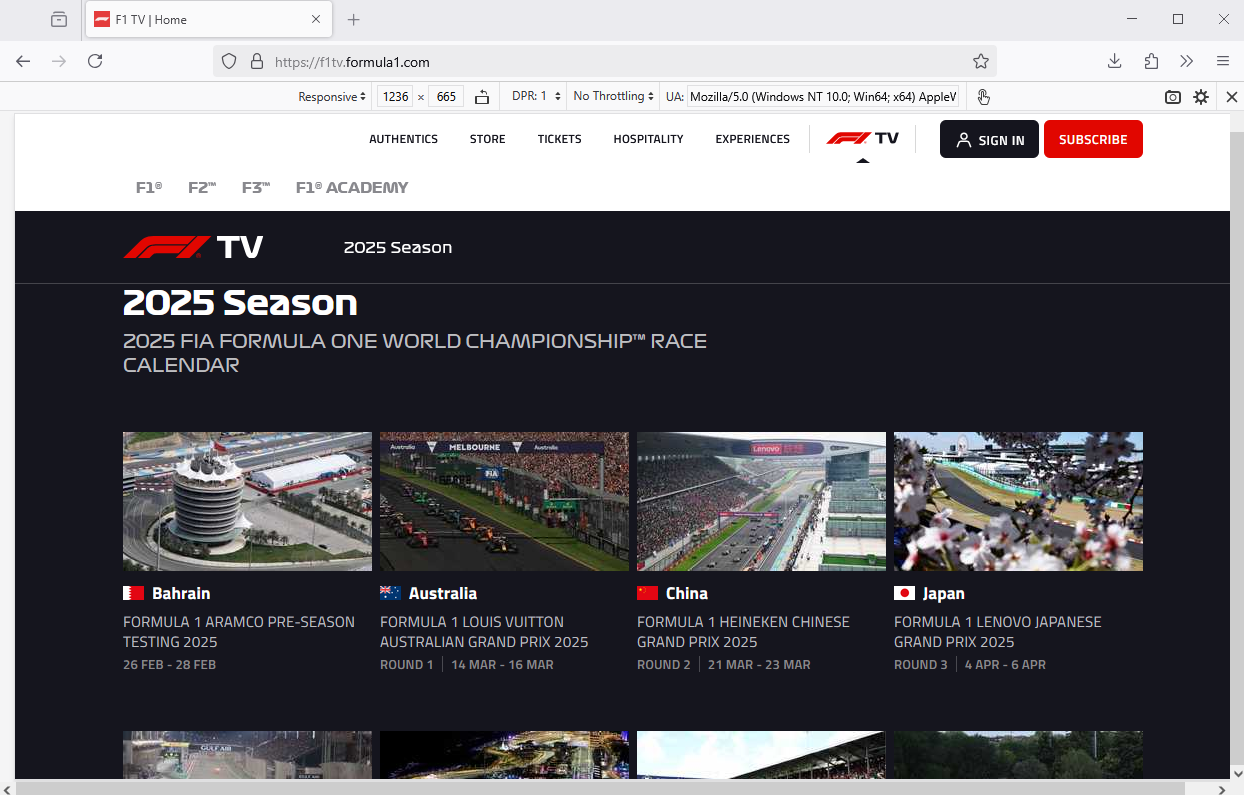
Maybe? with the help of Responsive Design Mode https://firefox-source-docs.mozilla.org/devtools-user/responsive_design_mode/index.html Try custom User Agent (e.g.) Mozilla/5.0 (Windows NT 10.0; Win64; x64) AppleWebKit/537.36 (KHTML, like Gecko) Chrome/133.0.0.0 Safari/537.36 Edg/131.0.2903.86
Second screenshot
I was wondering if there might be a privacy setting or something that I applied in Firefox that F1 TV doesn't like. Nowadays everybody wants to know everything of everybody else before you can use their services....
They said that it's because Ch***e is sponsoring F1 and Firefox no. But don't worry, we're going to fix it.
For now you can use the Chrome mask extension for that website.
由 TyDraniu 於 修改