


Add-Ons and Open Tabs synchronization is broken in firefox for linux desktops
I've synced all my data (including add-ons, passwords, bookmarks, etc) to my firefox binded account on fedora linux then change my linux distro and re-setup firefox on Manjaro KDE, login and etc
found out that everything synced but my previous add-ons and open tabs are gone for good I've so many opened tabs are my custom add-ons settings on so many add-ons for personal preferences are gone
I've faced this many times but I thought somehow these days firefox might have fixed these issues but i'm so sad that all my important data are gone :(
I'm using firefox only just for sync+privacy for hassle free setup again and again over many devices otherwise i prefer tor for much anonymity and privacy
PLEASE, YOU GUYS CONSIDER WORKING ON SYNCHRONIZATION FEATURES SPECIFICALLY <ADD-ONS> AND <OPEN TABS>
thanks for reading and pl igonre my english errors
所有回覆 (3)
Hmm, I don't know why those are not coming over. For open tabs, I think you should be able to see the last set even if one of the Firefox installations is offline, but possibly you can only see them while that installation is still connected (real-time tab exchange).
Anyway, could you check what data is in the Sync cloud for your Mozilla Account using the About Sync add-on:
https://addons.mozilla.org/firefox/addon/about-sync/
After you install the add-on, you can type or paste about:sync in the address bar and press Enter/Return to load it. The page shows each category of data currently found in the Sync cloud.
Does it show a set of add-ons or tabs from any of your Firefox installations?
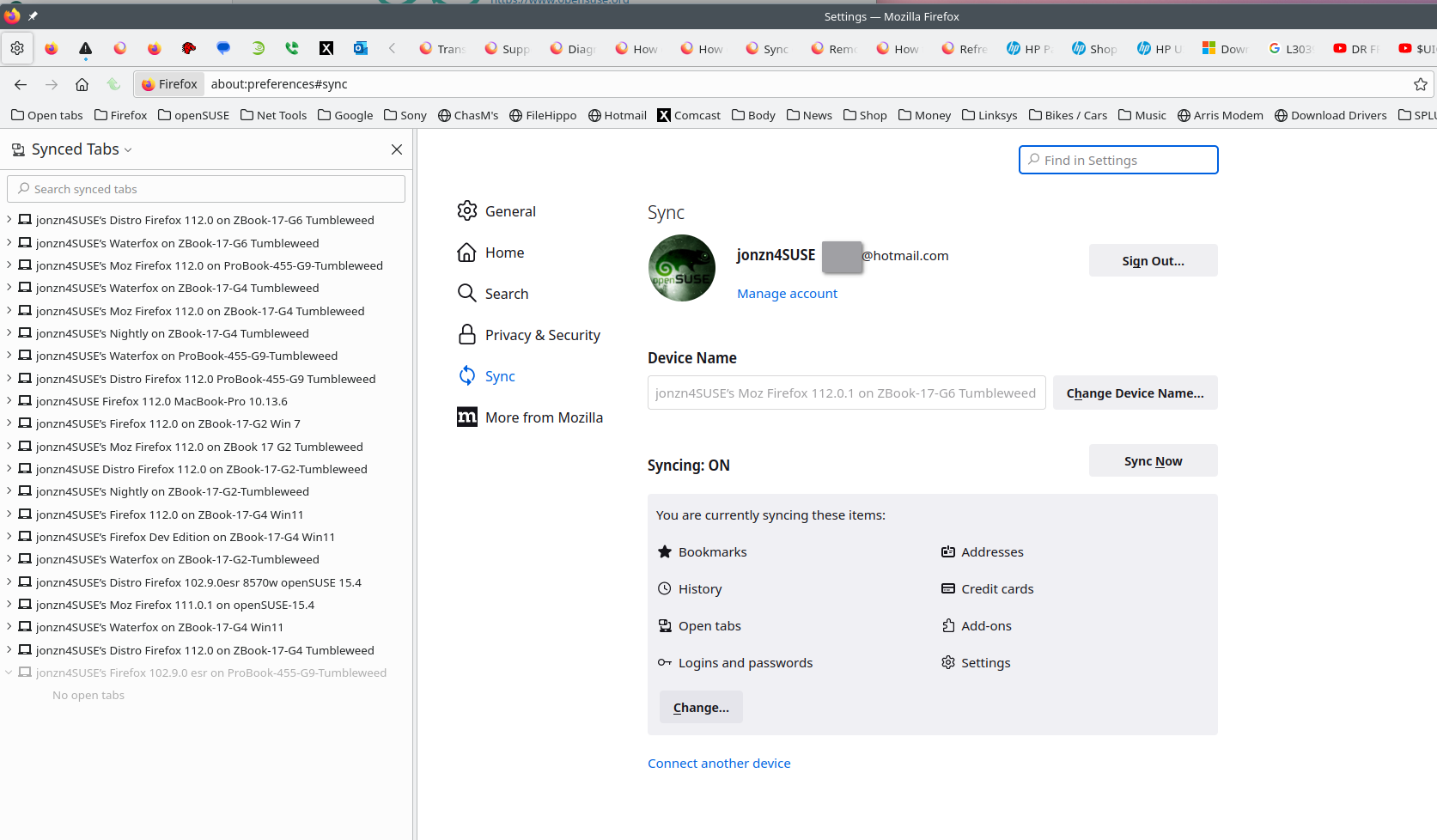
If not, could you double-check that Sync wasn't turned off for those categories: How do I choose what information to sync on Firefox?

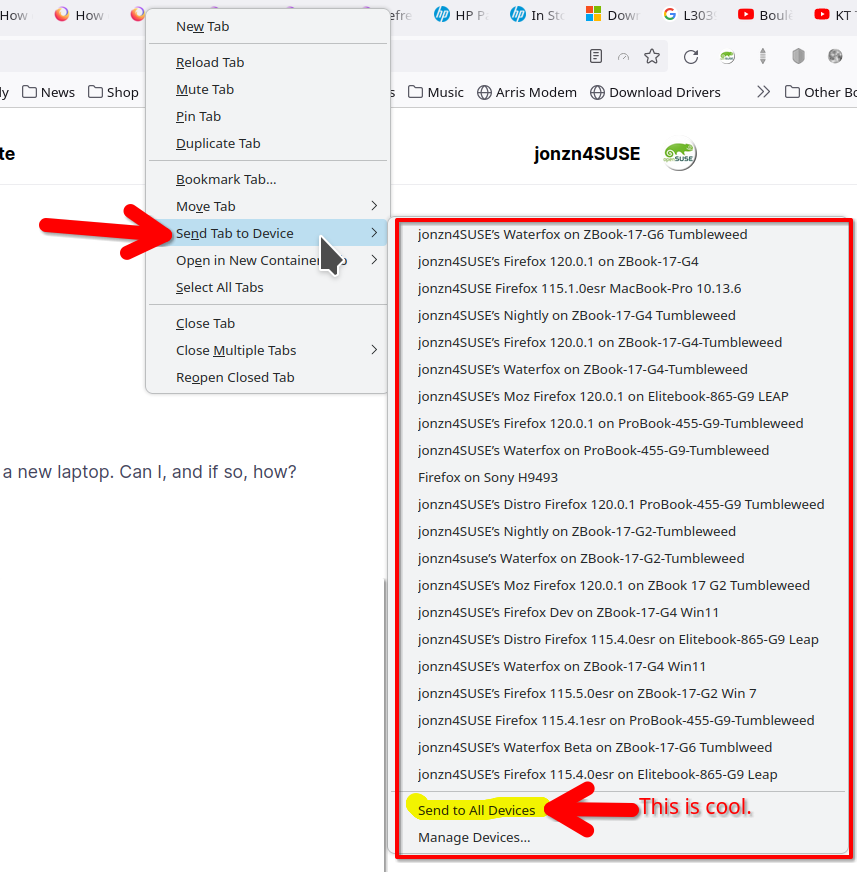
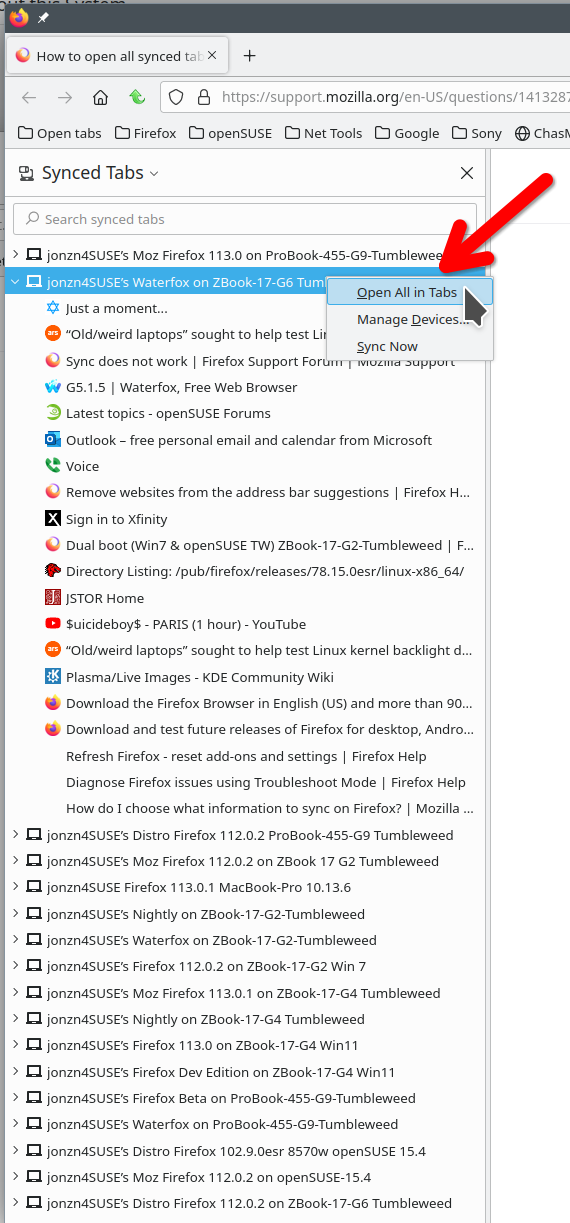
Tabs don't come over, you can see and send, but they don't come over. Post screenshot of what files are in your session-backups folder. You may be able to go back in time or maybe Firefox created a new profile. From your current profile folder, go up one and see what's there.
jscher2000 - Support Volunteer said
Hmm, I don't know why those are not coming over. For open tabs, I think you should be able to see the last set even if one of the Firefox installations is offline, but possibly you can only see them while that installation is still connected (real-time tab exchange). Anyway, could you check what data is in the Sync cloud for your Mozilla Account using the About Sync add-on: https://addons.mozilla.org/firefox/addon/about-sync/ After you install the add-on, you can type or paste about:sync in the address bar and press Enter/Return to load it. The page shows each category of data currently found in the Sync cloud. Does it show a set of add-ons or tabs from any of your Firefox installations? If not, could you double-check that Sync wasn't turned off for those categories: How do I choose what information to sync on Firefox?
I somehow managed to sync my extensions by logging out and loggin in today all my extension are synced but not their configurations (don't care much about that cause i backed up their configs file to the local) but still open tabs are gone, thankfully I noted down everythign on paper so that i can revisit them