此討論串已被封存。
如果您有需要幫助,請新增一個新問題

封存
YouTube video zoom
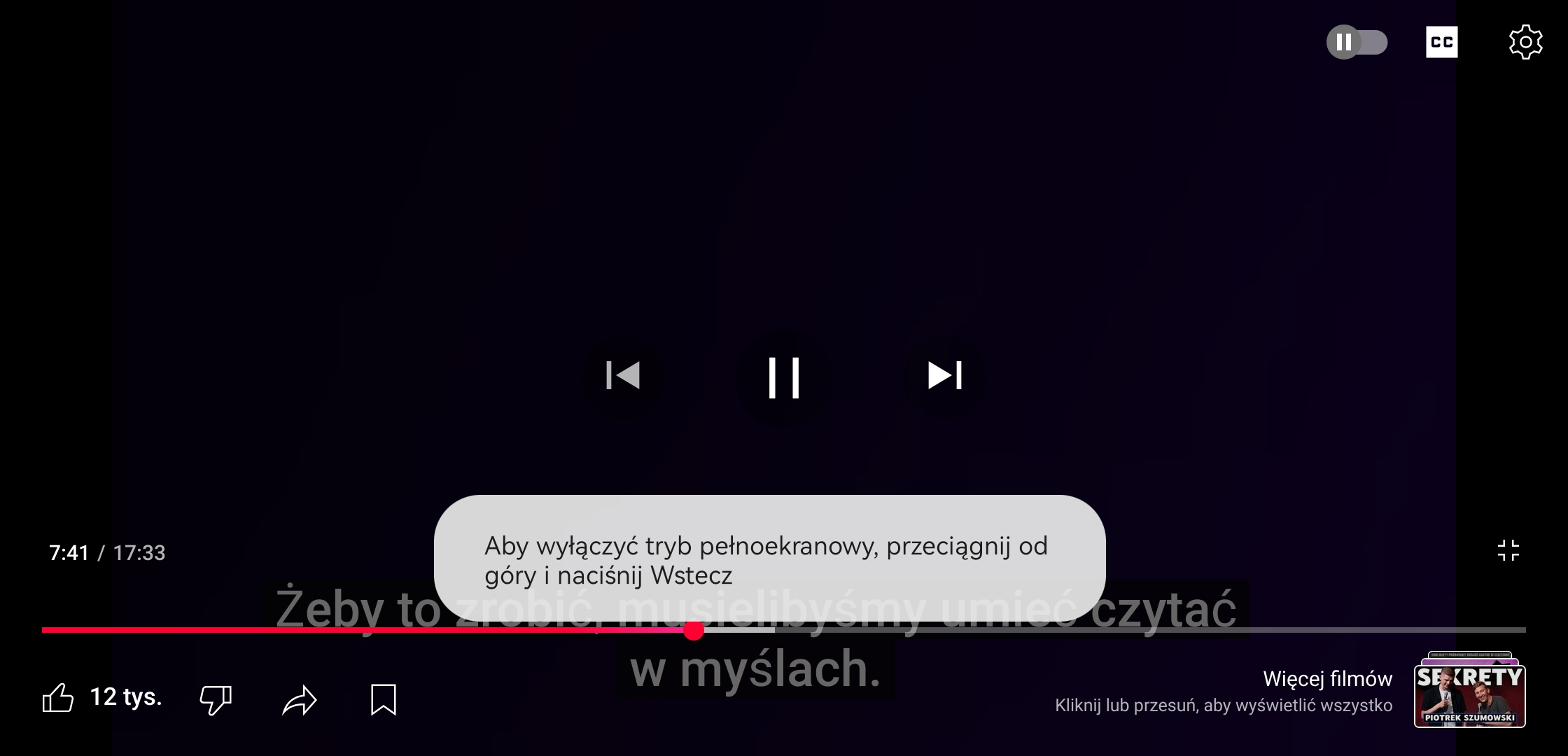
When I try to watch anything on YouTube on mobile Firefox, my videos are zoomed to the top left corner. And there is nothing I can do about it. Even shots.
When I try to watch anything on YouTube on mobile Firefox, my videos are zoomed to the top left corner.
And there is nothing I can do about it.
Even shots.

所有回覆 (2)

Hi there,
If you're experiencing the issue of zoomed-in YouTube videos on Firefox, you can try pressing Ctrl + 0 to reset the screen. Alternatively, you can try on full-screen, on some mobile phones this could be useful, you just need to go to your settings, display then go to the advanced options and turn on the full-screen on Firefox. Hopefully, you will resolve this issue.
Thank You, Mike Taku.
How do i click ctrl on phone? I don't have full screen option on shorts. And in full screen video it's still the same...