


Facebook.com Hacked my system?

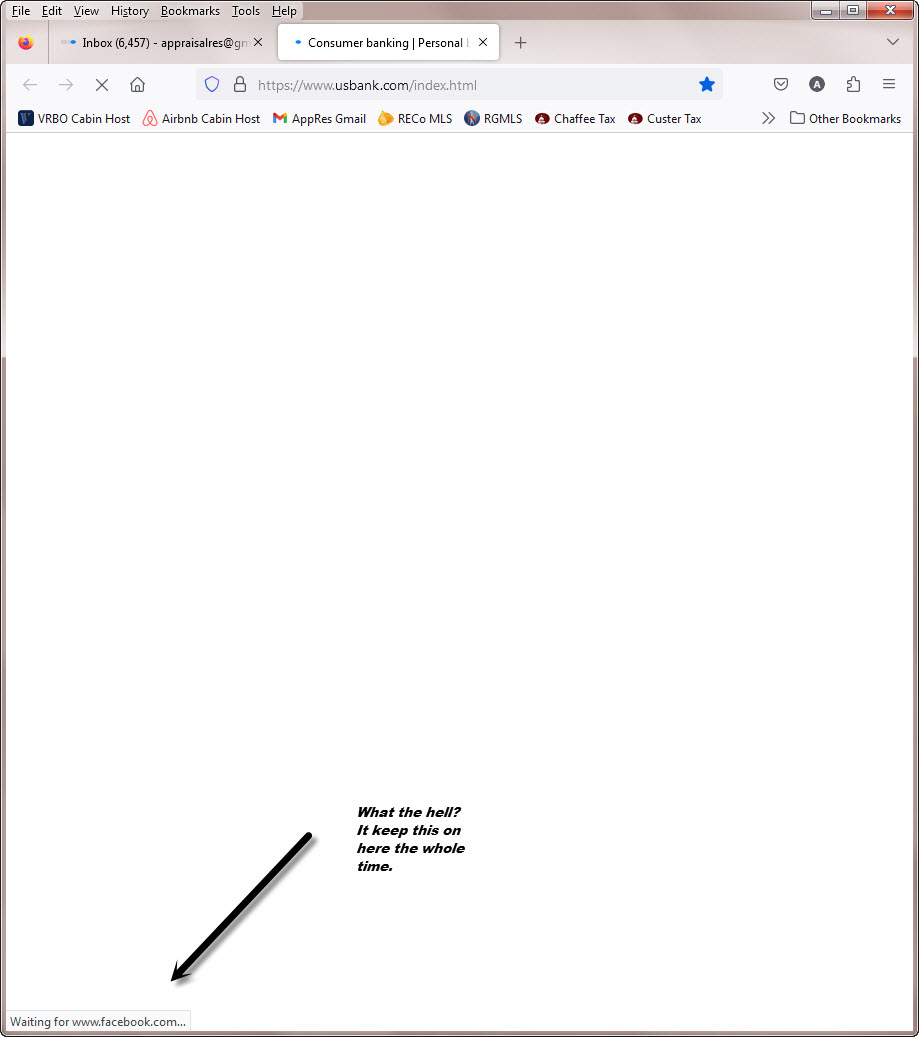
While waiting on my Bank website to load (was very slow) why did Waiting on www.facebook.com show at the bottom the whole time? I did a screen shot.
How can I completely block Facebook from accessing my system through firefox?
所有回覆 (3)

Excellent observation, but this is common on most sites with 3rd party links and ads. Let try that bank site?
由 jonzn4SUSE 於 修改
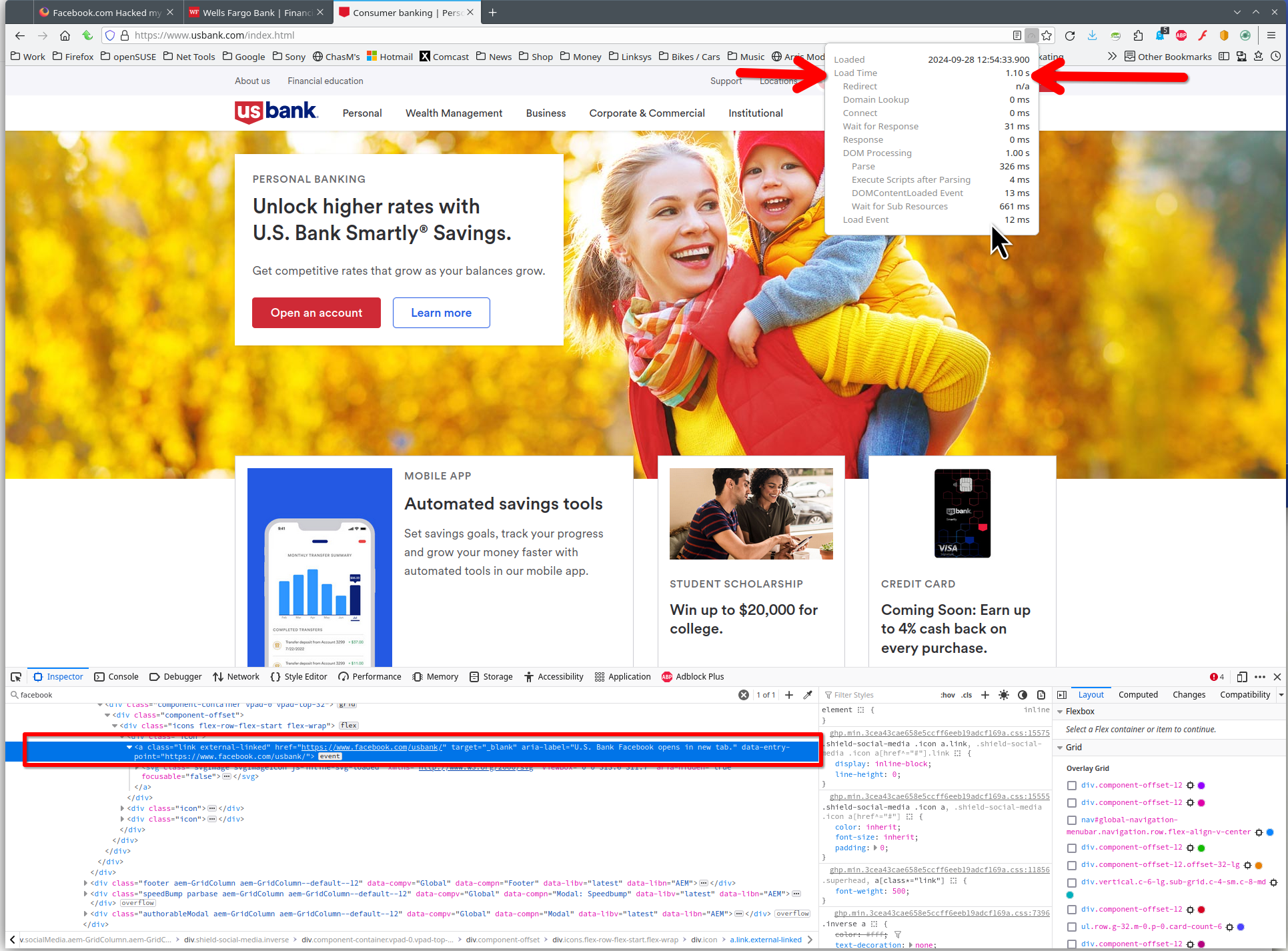
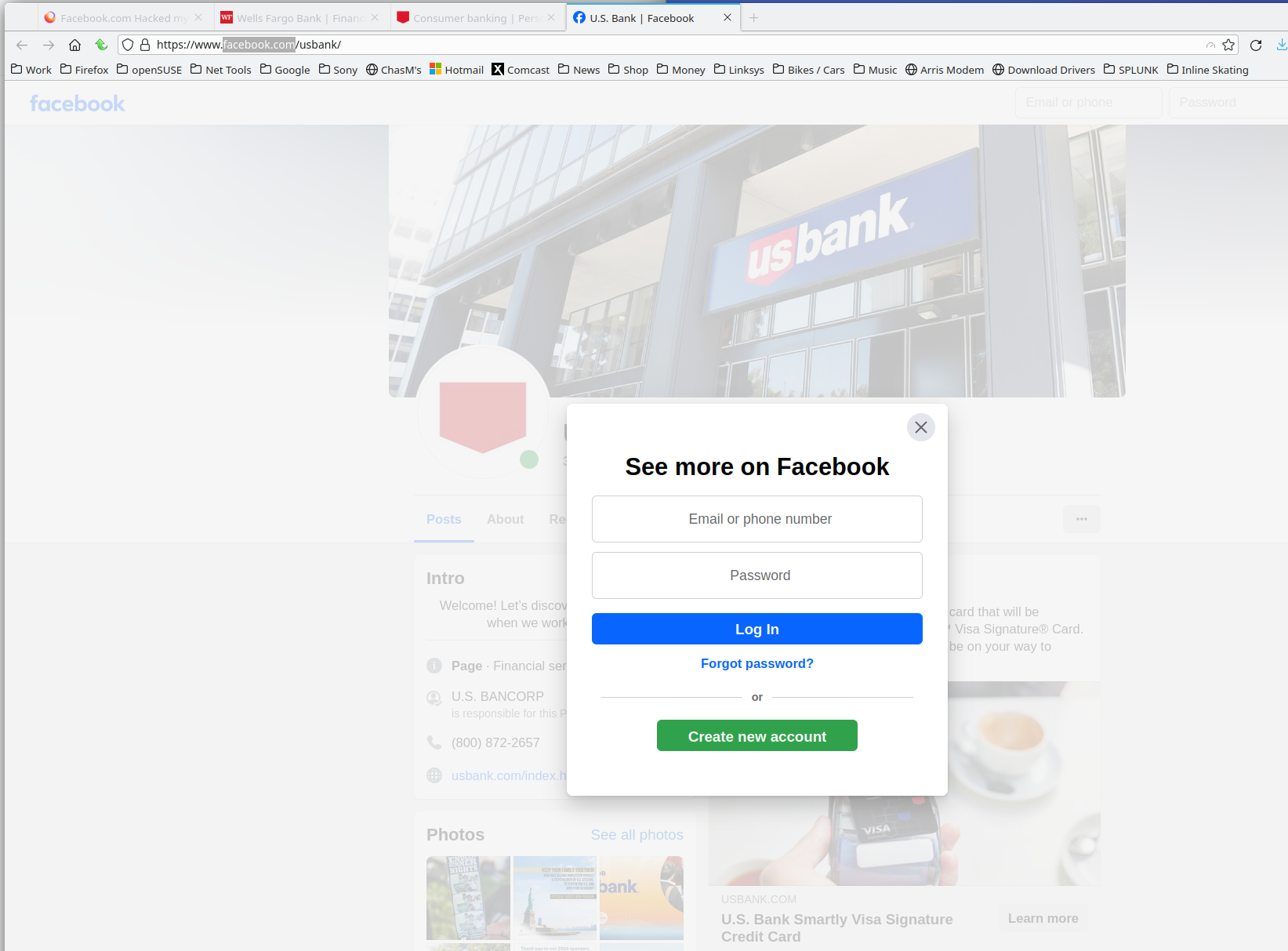
Are you blocking facebook.com in any way? Site loads really fast, but it just looks like the bank's facebook link on the site. see screenshots
I answer your question at to how to completely block FaceBook you MAY be able to do it in your router as SOME have the ability to block/blacklist/filter/restrict (the exact term varies) certain sites. It may be under Parental Controls or similar.
On the router itself will be an IP address, username and admin password so you can get at these settings via a browser.
The best thing is do a search for your make and model of router, something like "D-Link DIR-615 block site," and see what turns up.