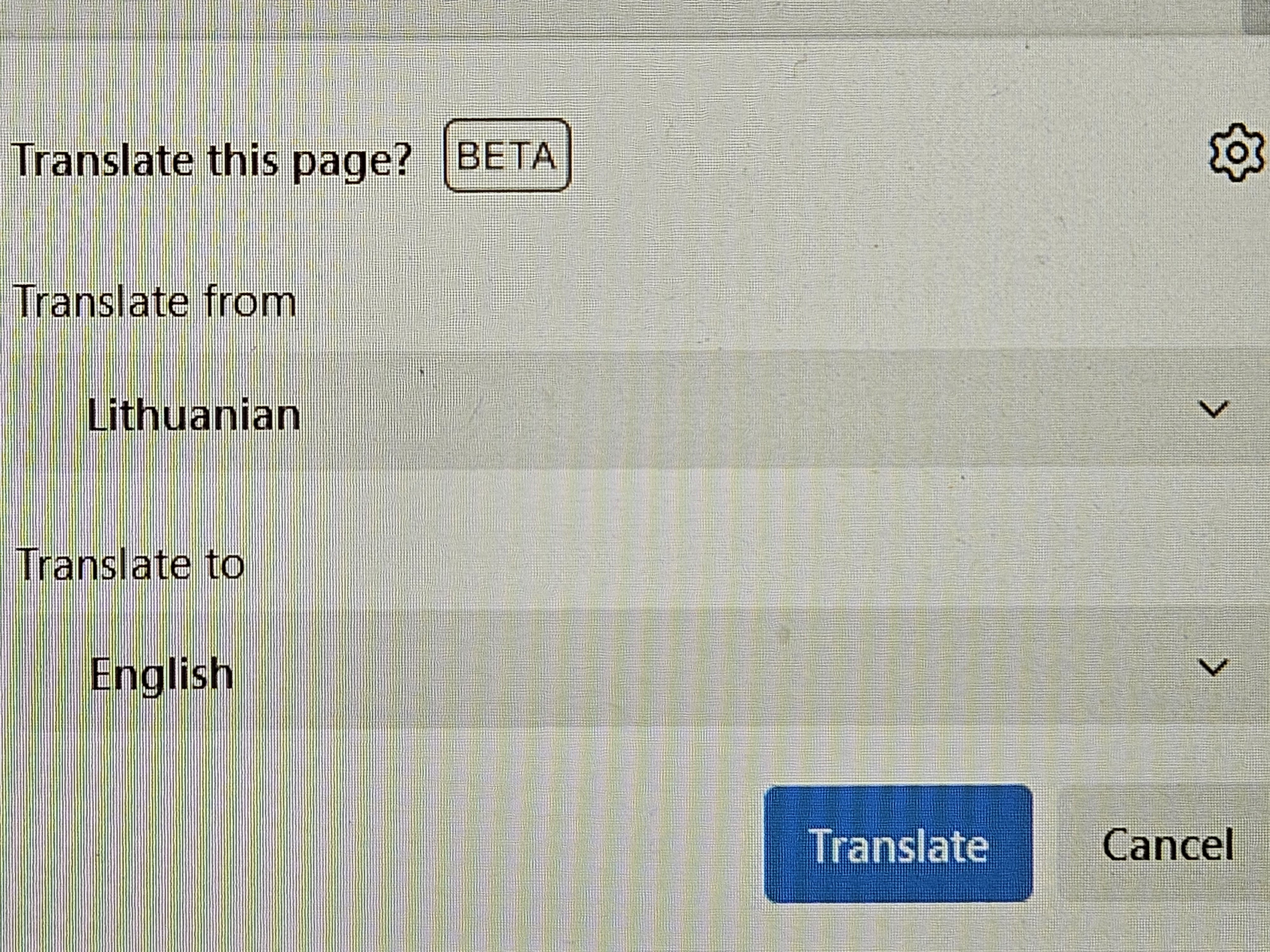
turn off translator

This new feature in android and pc piss me off. In any aingle site i must turn off this scam window. I want to completely remove transltor feature. I cant found there i can do.
This new feature in android and pc piss me off. In any aingle site i must turn off this scam window. I want to completely remove transltor feature. I cant found there i can do.
所有回覆 (6)
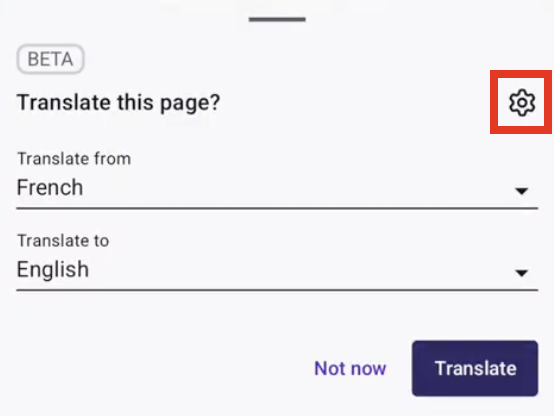
- Tap the translation icon in the toolbar.
- Tap the cog icon located on the top right side of the translation panel.
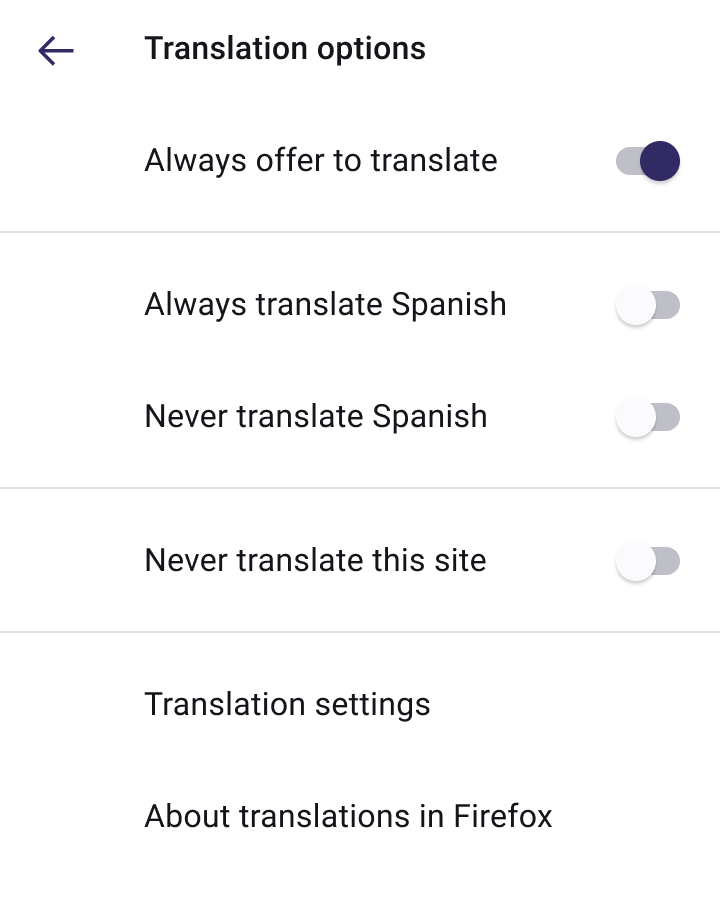
- Switch the toggle for the Always offer to translate setting.

I am not talking about separate website. I am talking about all. Every new site i am opening, this shit appears. Sorry for my language, but it piss me off so much !
Yes, this Always offer to translate is about all websites.
Nope. It is like a loop. New page-this shit again...
This is strange. Do you have this option gray?
Main box white. Boxes with shoosing options-grey