


Pages are displayed at 60 Hz, not 120 Hz
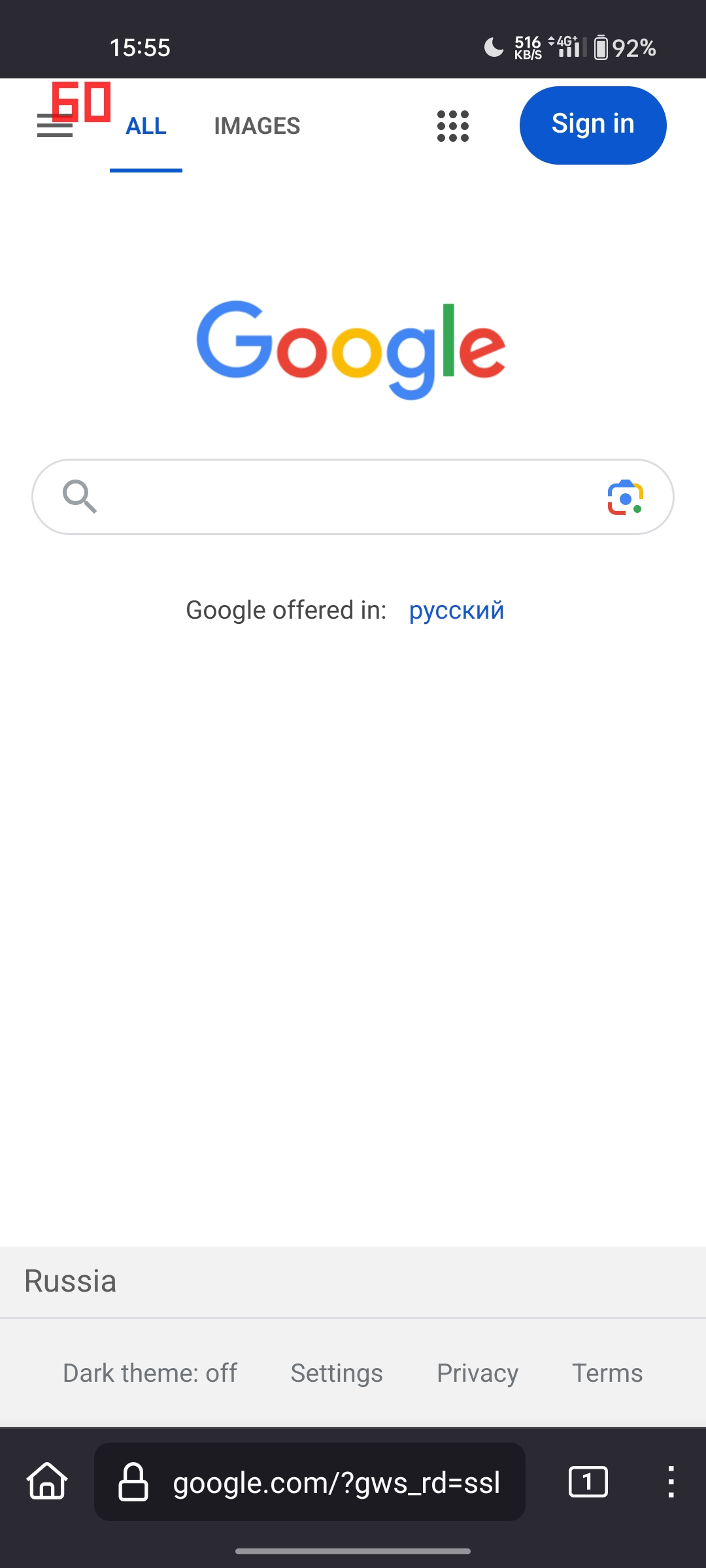
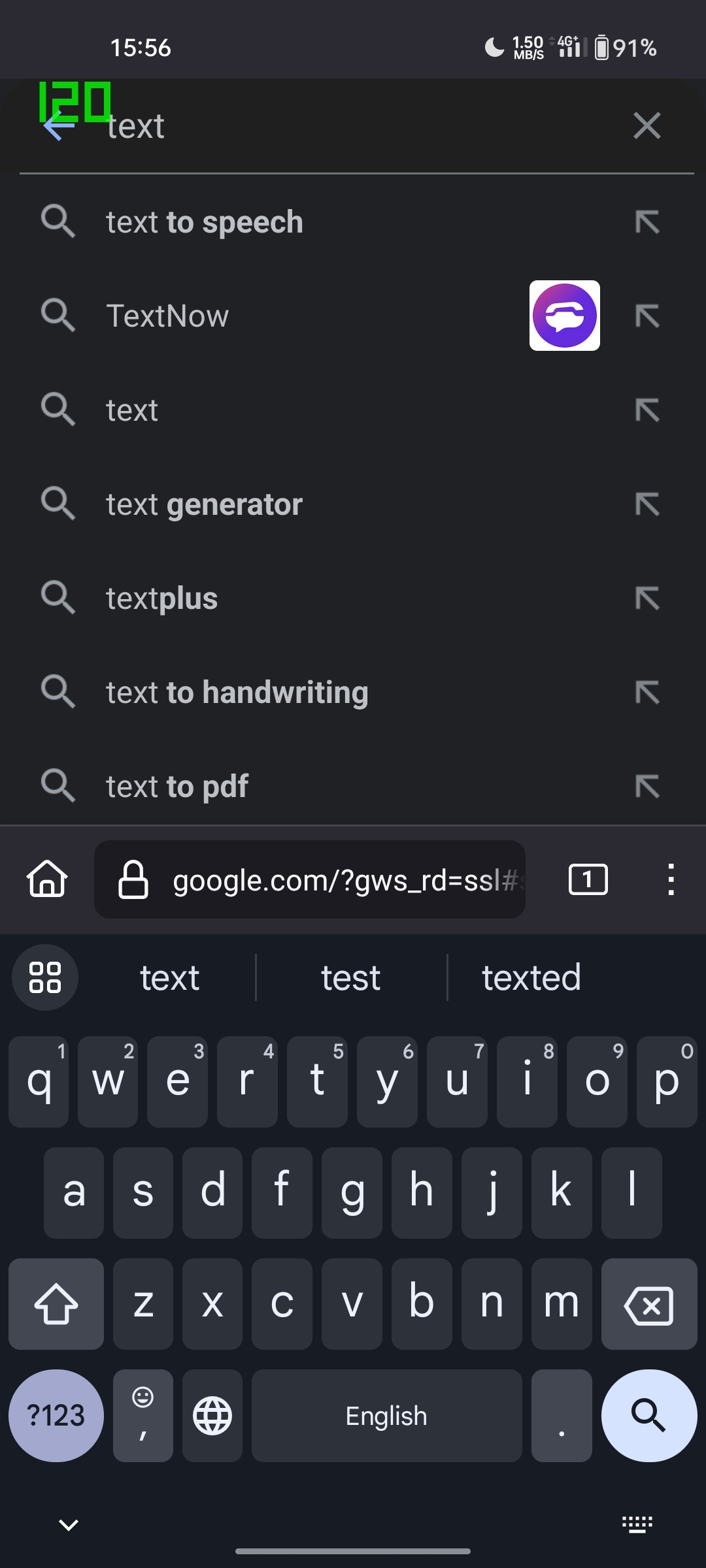
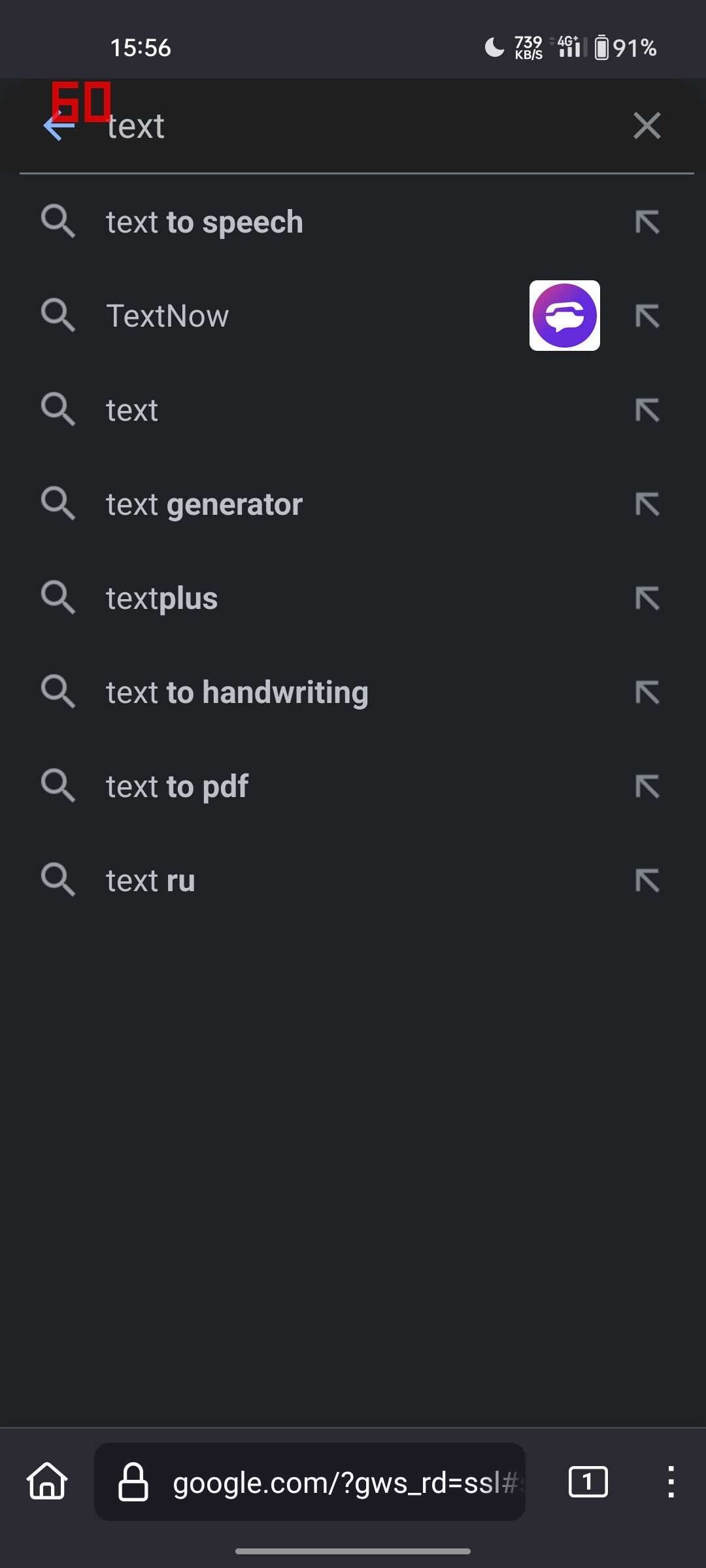
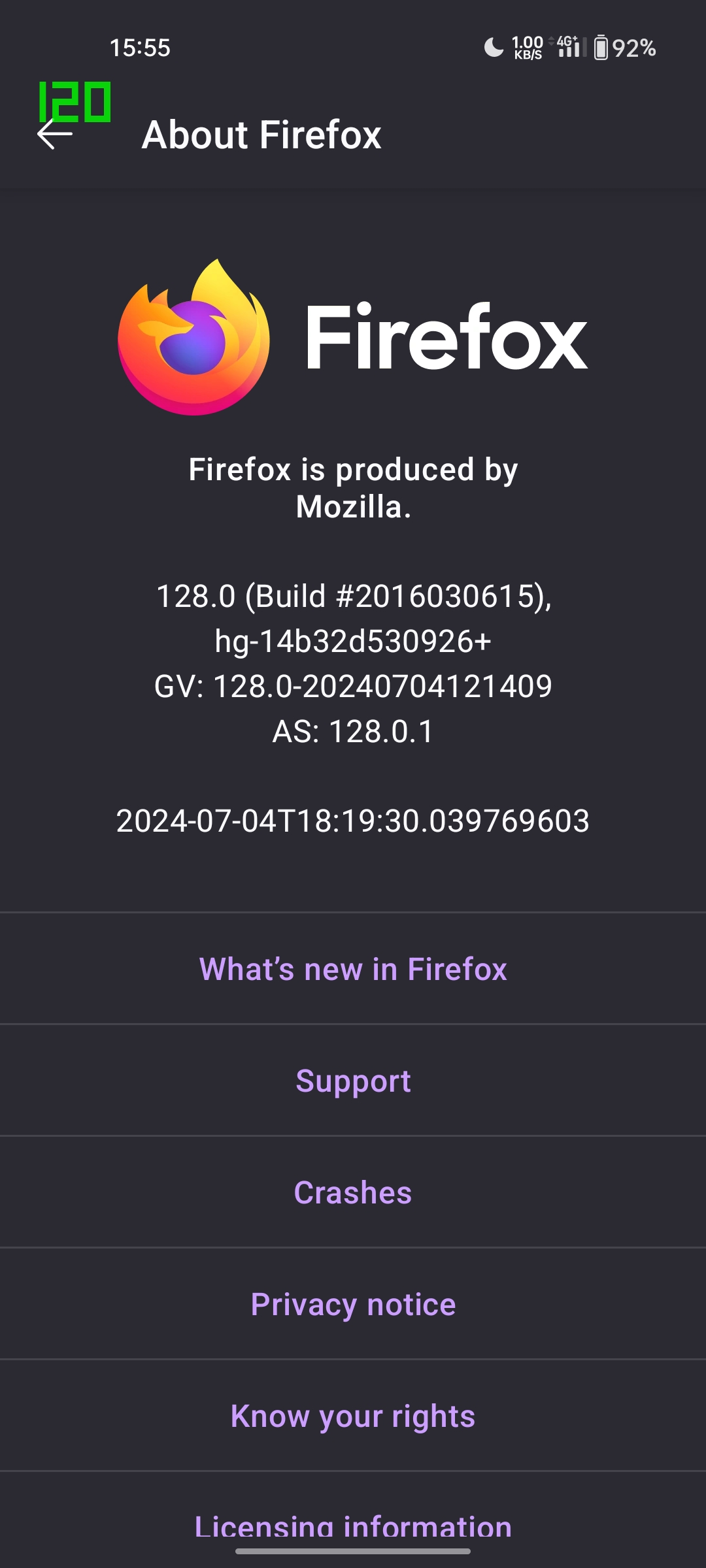
The browser itself works in 120 Hz, but if you open any page, the phone switches to 60 hz. However, if you open, for example, the keyboard, 120 Hz is enabled again. This makes using Firefox uncomfortable. I have attached screenshots that show my problem.
The browser itself works in 120 Hz, but if you open any page, the phone switches to 60 hz. However, if you open, for example, the keyboard, 120 Hz is enabled again. This makes using Firefox uncomfortable. I have attached screenshots that show my problem.
被選擇的解決方法
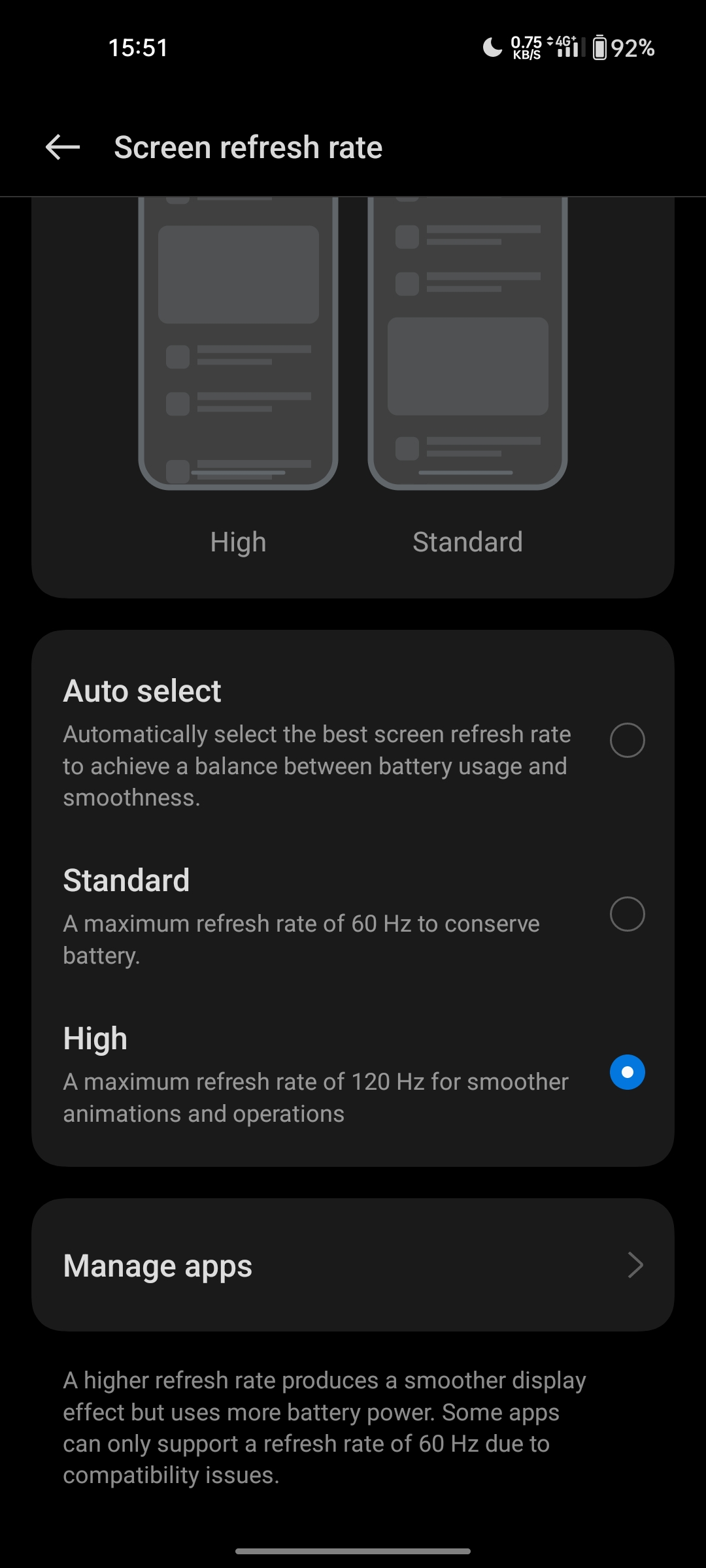
This seems to be a problem with my device. I tried forcing 60 hertz for Firefox and then set it back to 120 hertz. That helped, it works properly now. I haven't had this happen with other browsers.
從原來的回覆中察看解決方案 👍 0所有回覆 (1)
選擇的解決方法
This seems to be a problem with my device. I tried forcing 60 hertz for Firefox and then set it back to 120 hertz. That helped, it works properly now. I haven't had this happen with other browsers.