


Disabled most visited websites automatically added in homepage ?

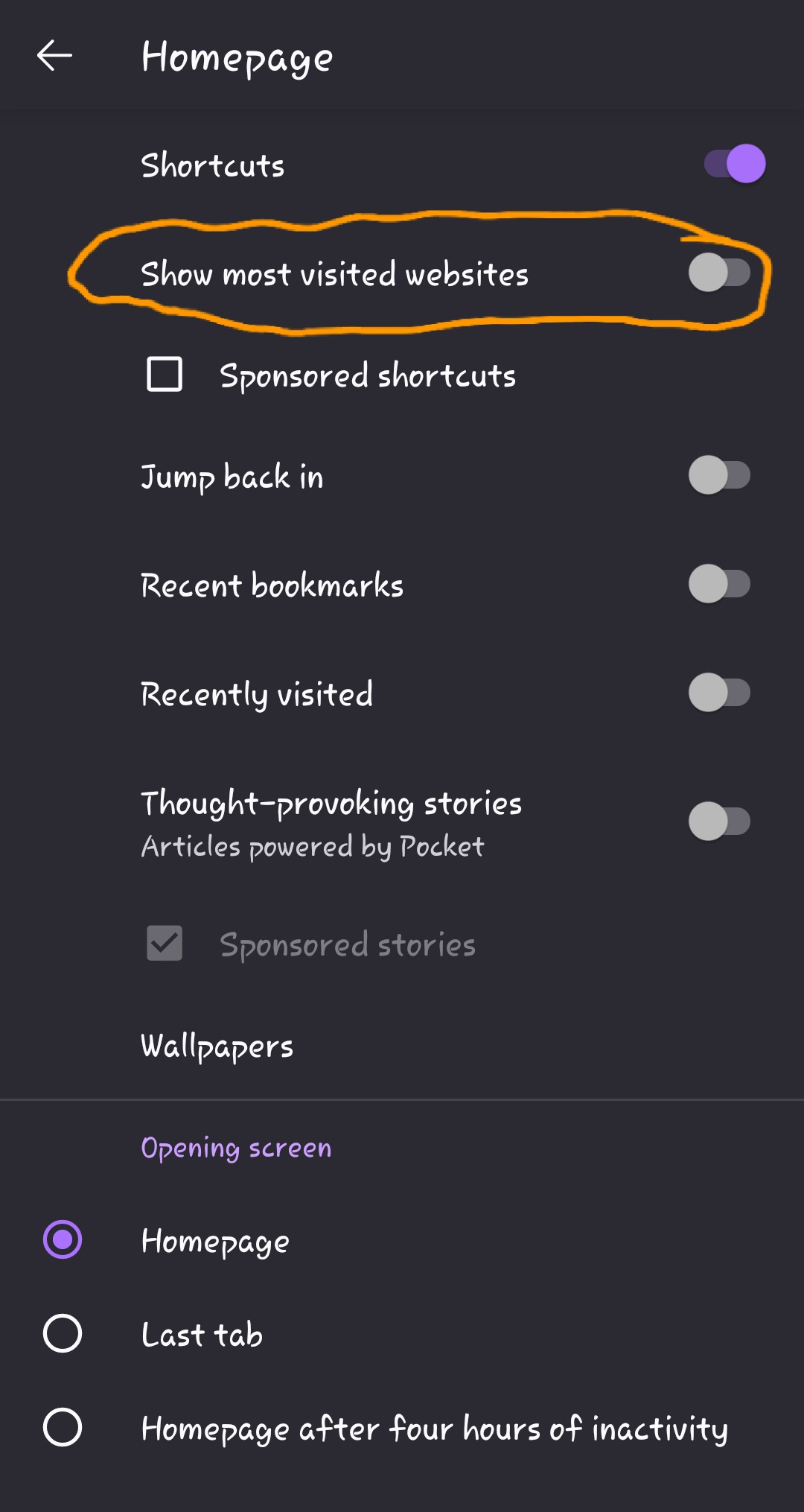
How to disbale most visited websites get automatically added in homepage of Firefox android browser ?
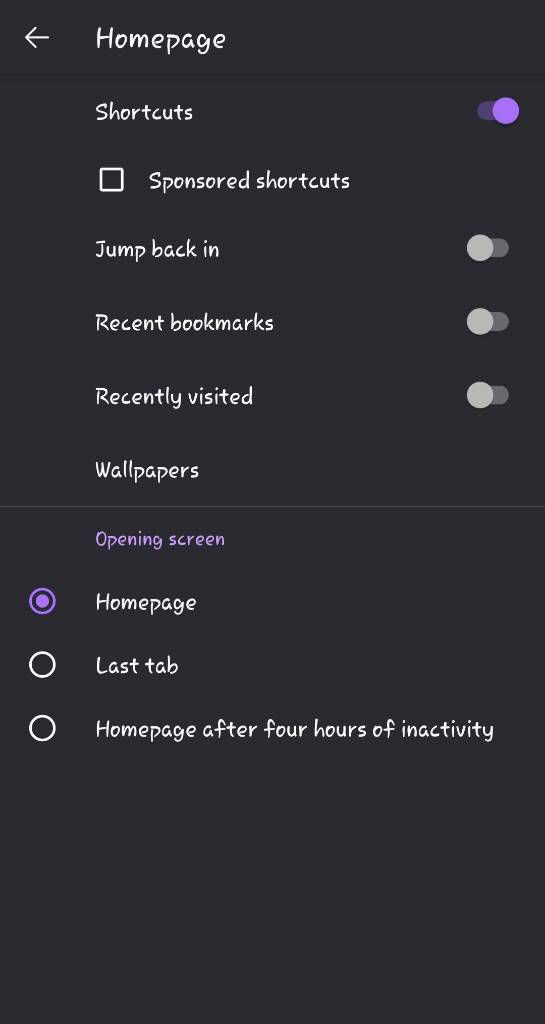
I kept shortcuts option enabled to add shortcut manually as per user choice. I don't want browser to add most recently visited websites to get add as shortcuts in tile form in homepage of firebox browser.
Is there any config to disabled for this issue ? Please help
所有回覆 (5)

Hi, sorry I don't have a solution but I have the same problem, I posted it here a week ago and got no answer so far : https://support.mozilla.org/en-US/questions/1444669
Waiting for solution yet 🤔 ? Hope someone can solve it
由 dilal35221 於 修改
Hi
This is currently unavailable in Firefox for Android but is something that our developers are aware of and are looking into to be included in a future update.
Paul said
Hi This is currently unavailable in Firefox for Android but is something that our developers are aware of and are looking into to be included in a future update.
由 dilal35221 於 修改
Hi,
The people who answer questions here, for the most part, are other users volunteering their time (like me), not Mozilla employees or developers. If you want to leave feedback for developers, you can go to the Firefox Help menu and select Share ideas and feedback…. Alternatively, you can use this link. Your feedback gets collected by a team of people who read it and gather data about the most common issues.
You can also file a bug report or feature request. See File a bug report or feature request for Mozilla products for details.