


The Ping Website Pull downs don't work

When I go to the url https://ping.com/en-us/clubs and hit the pull down for clubs it does nothing. I have enhanced tracking off. It also says protections dashboard 28 blocked. I am unable to use clubs, bags pld putters pull downs. I am using custom setting cookies, tracking, cryptominers, fingerprinters. It must be a setting and I am unable to solve my problem. If I use Brave browser my pull downs for the clubs etc works fine. I am also using the duck duck go extension in my firefox 112.0.1. Do you have any ideas? Thank you
所有回覆 (9)
Did you try with Firefox in Safe Mode? https://support.mozilla.org/en-US/kb/diagnose-firefox-issues-using-troubleshoot-mode#w_how-to-start-firefox-in-4troubleshoot-modesf5safe-modesf The options work for me. see screenshots
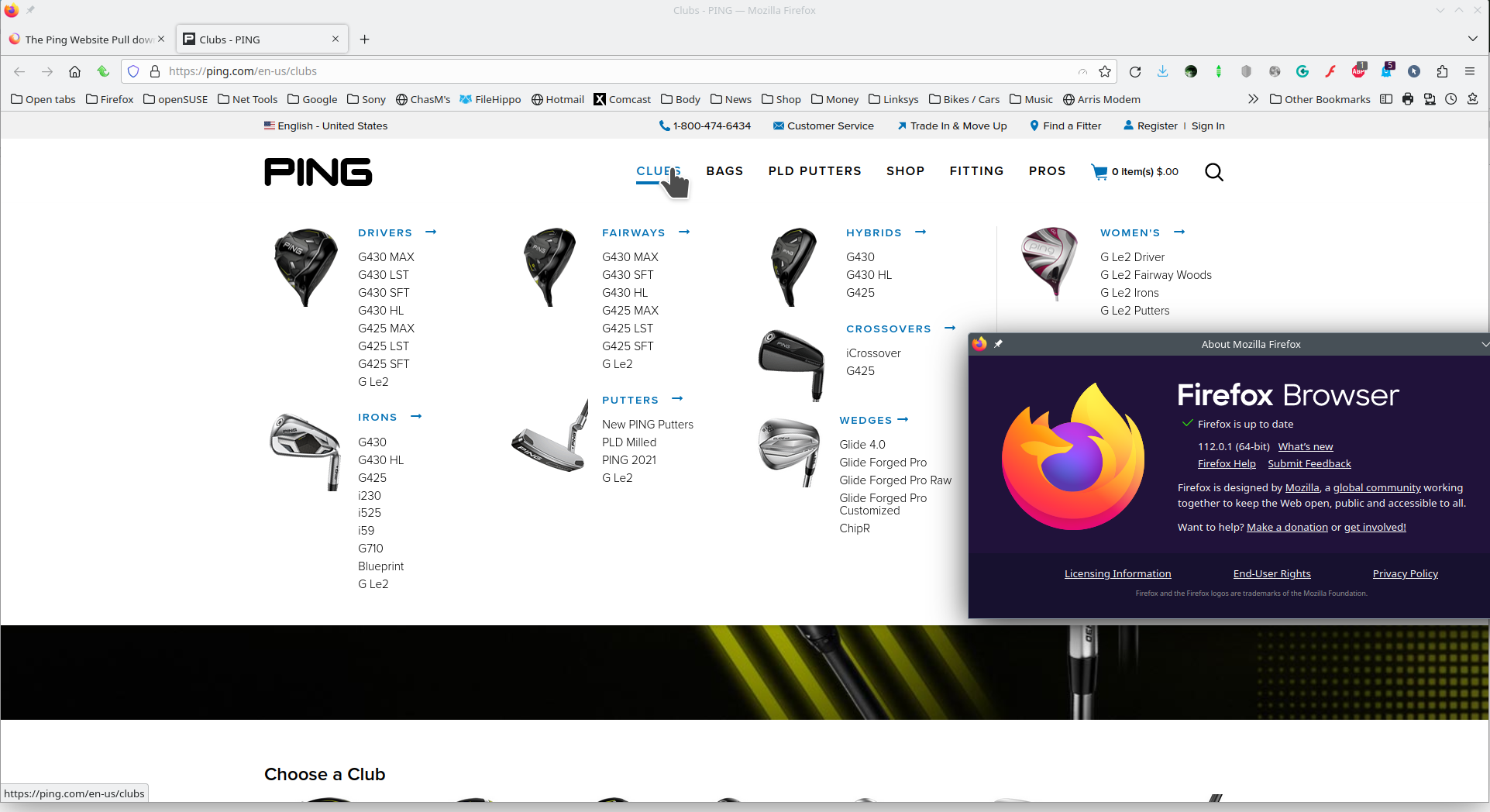
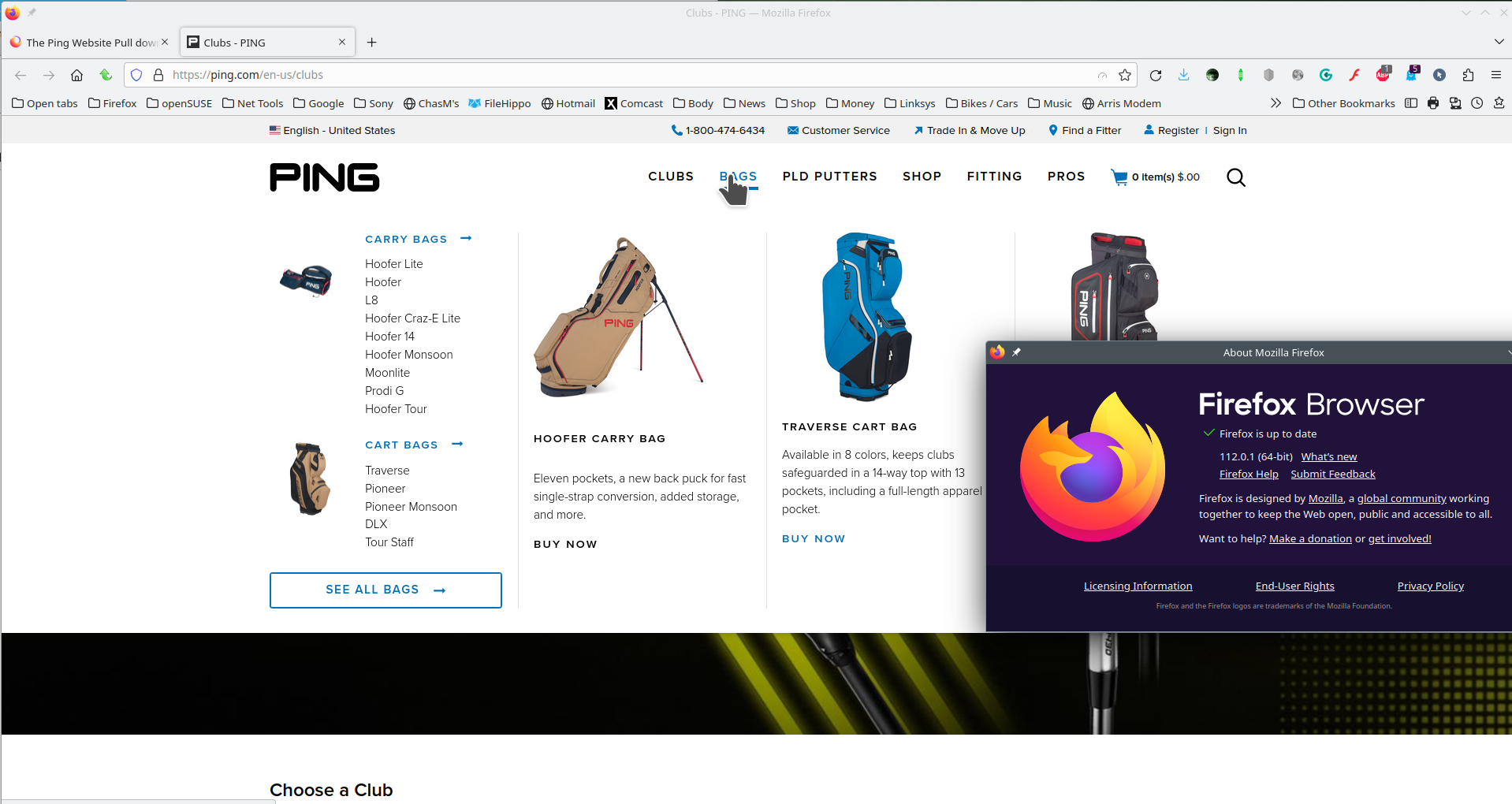
Looks like you need to tweak DDgo extension.
I tried safe-mode and it didn't work. I also tried playing with duck duck go options and was unsuccessful. I was also unsuccessful with my android phone but changed an option and it worked. I even contacted ping and they have no suggestions. It is some setting, I even tried about:config and was not successful. Any more suggestions? Thank You I am using custom security and switched to standard security and no success.
If you're running Window Pro version try this option and see if it works. https://www.howtogeek.com/399290/how-to-use-windows-10s-new-sandbox-to-safely-test-apps/ What security software are you running?
I am running windows 10 home edition. I believe it is a setting in Firefox that has been causing the problem. I tried changing settings in Duck duck Go and have been unsuccessful. I even contacted Ping Golf IT and they are baffled. Thank You.
Hi
Have you tried updating to the latest version of Firefox?
I have the latest version of fox. Ping tech support can't figure it out.
What level of enhanced tracking protection do you have set?
Does it still happen in a new profile? An easy way to test a new profile is to install Developer Edition and see if it happens there or refresh your existing profile.