


Loading failed for the <script> with source “https://helpdesk.lunarmania.com/assets/application.js”

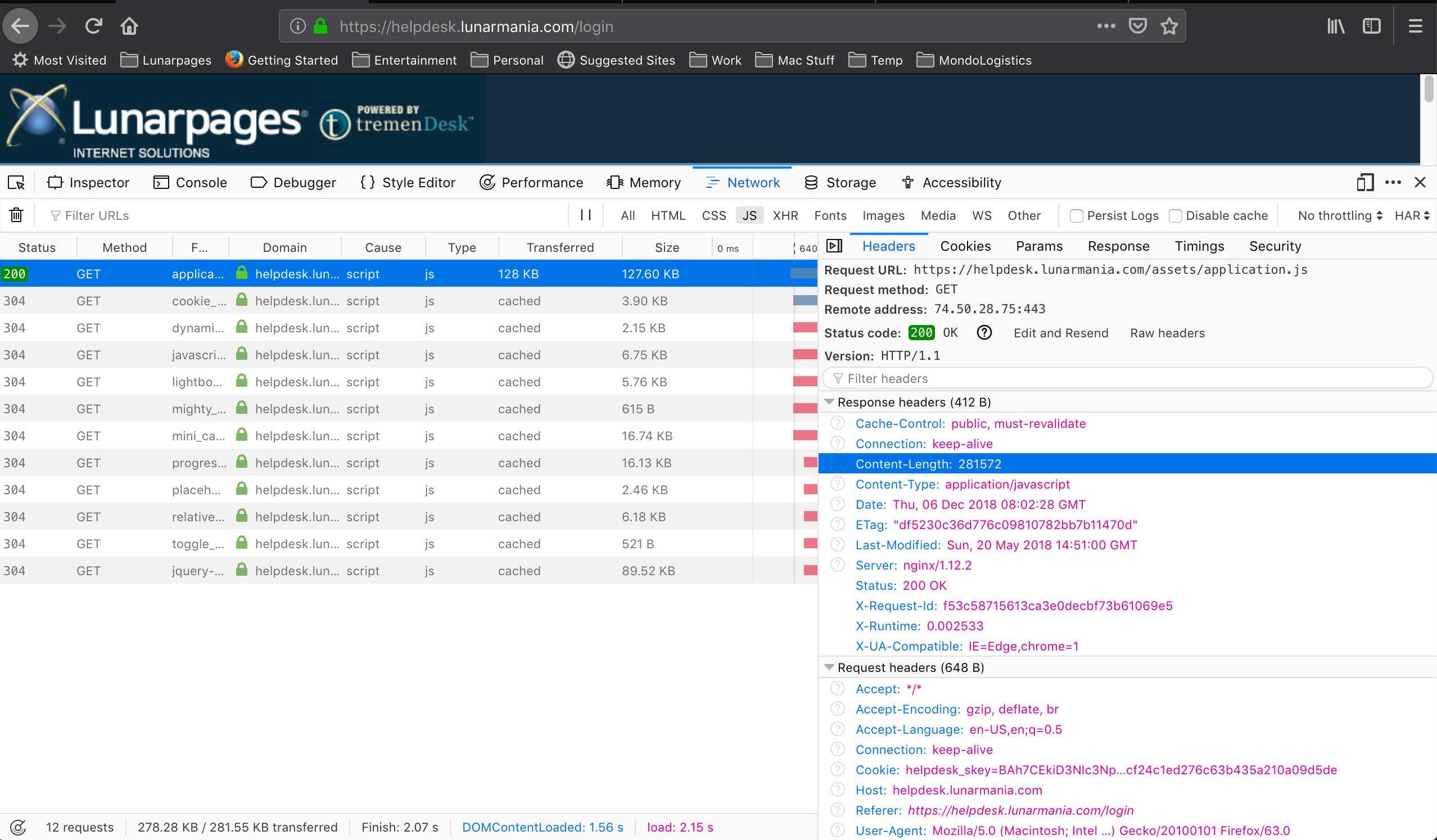
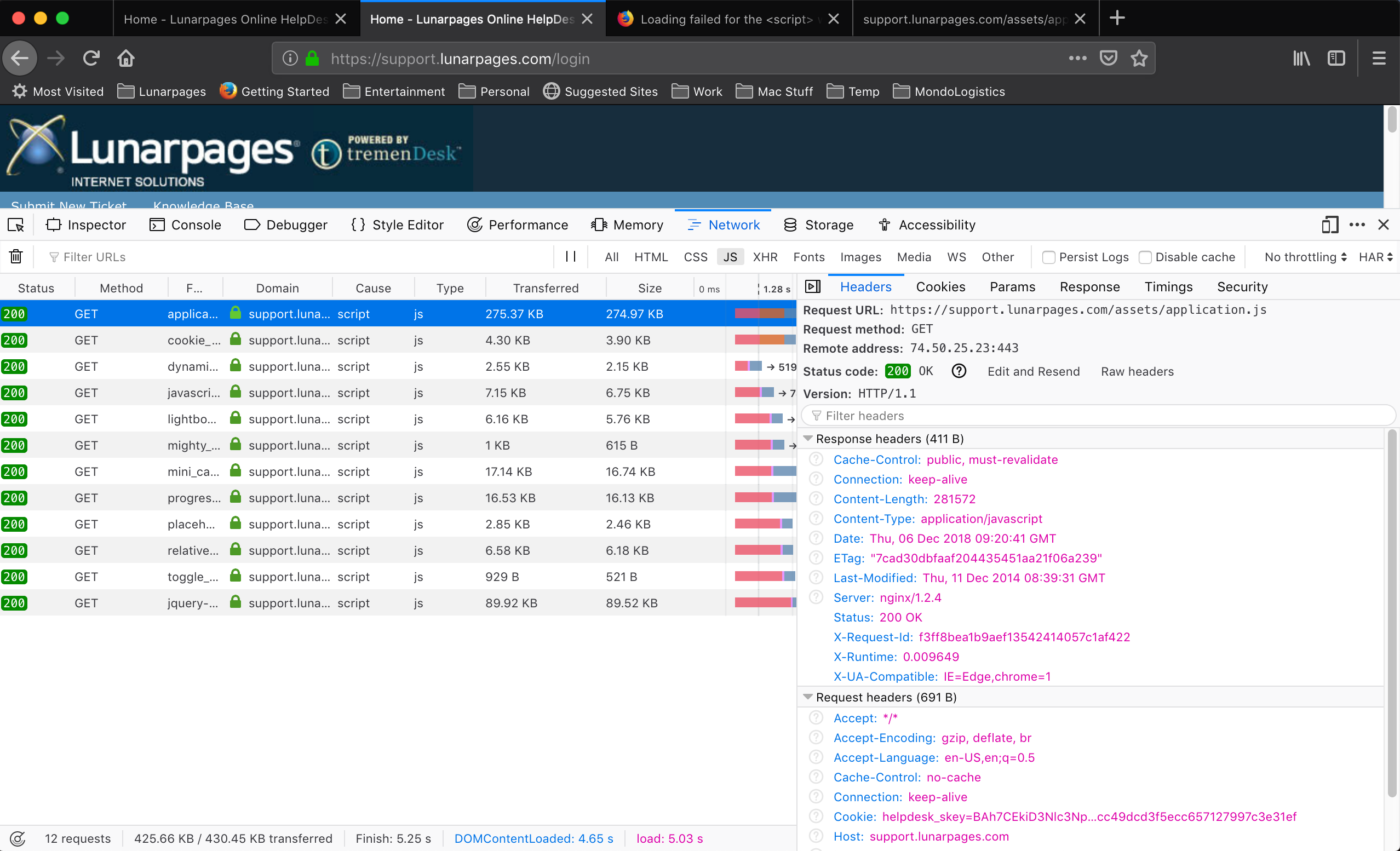
The same script exists on two different machines, different domains https://support.lunarpages.com/login and https://helpdesk.lunarmania.com/login On the first one, everything works. On the second one I got this error.
The nginx version is different: nginx/1.2.4 (where it works) vs nginx/1.12.2(where it doesn't) I don't know if this makes a difference.
I tried disabling firewall, there are no browser add-ons that would stop this script (I tried with FF in safe mode), I tried moving mime.types in nginx from location to server config. These were things I found on the internet that worked for other people. None of these things fixed it in my situation.
How can I fix it?
Thank you in advance
由 dan.diac 於 修改
所有回覆 (7)
I updated the main question
由 dan.diac 於 修改
選擇的解決方法
There's not the same scripts. The file https://helpdesk.lunarmania.com/assets/application.js looks cut off, comparing to https://support.lunarpages.com/assets/application.js
Hi TyDraniu,
Thank you for the quick answer. That's a nice catch. I missed that by checking Content-Length on the response (and seeing they're the same). Any idea why they have the same length?
I'm checking nginx again to see if it truncates the file and why.
Thank you!
We fixed it. It was from nginx. It was trying to create some temporary folders where it didn't have access.
Hello dan.diac,
You inadvertently marked your own post as Chosen Solution instead of TyDraniu's ....
You can rectify it by clicking on the 'Undo' button to the right of that post and then mark TyDraniu's post as Chosen Solution.
Thank you in advance !
Sorry. Done.