


Firefox hanging when i click dropdown menu in website

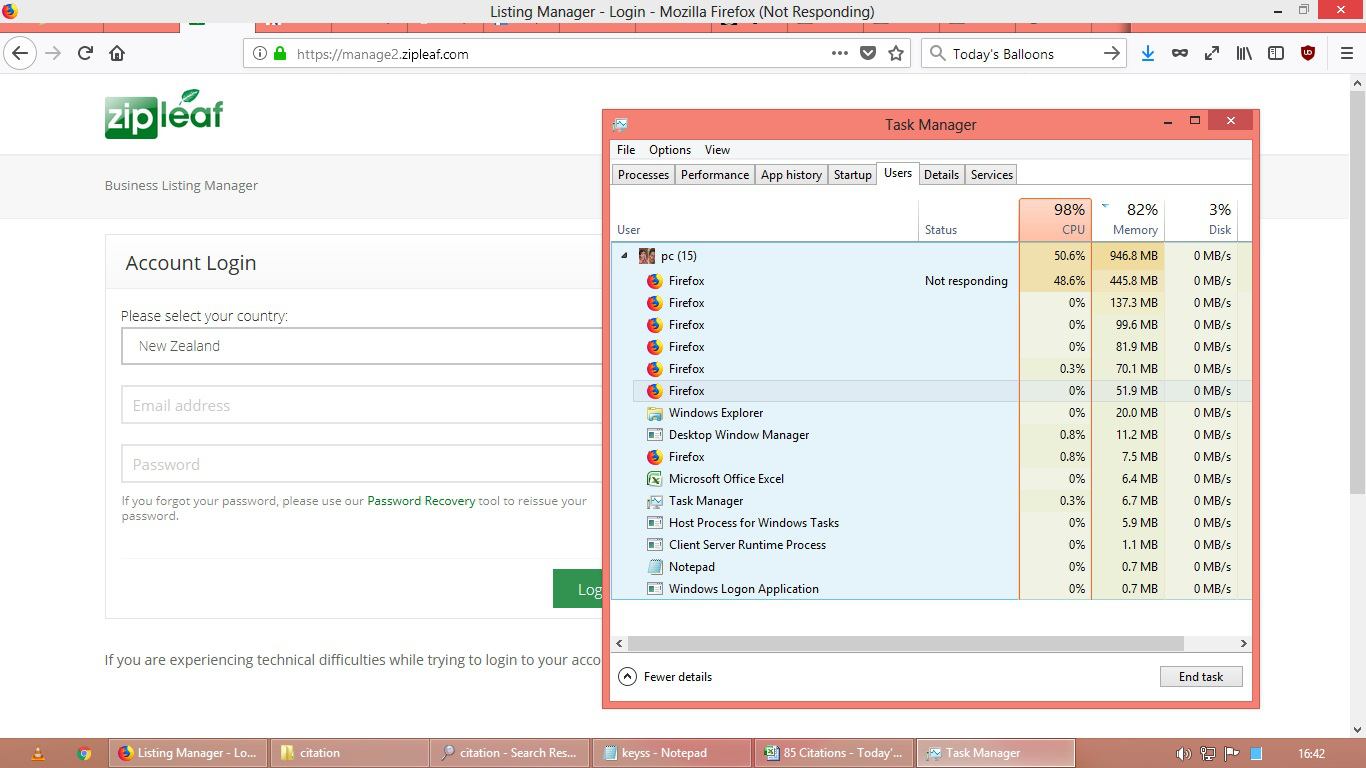
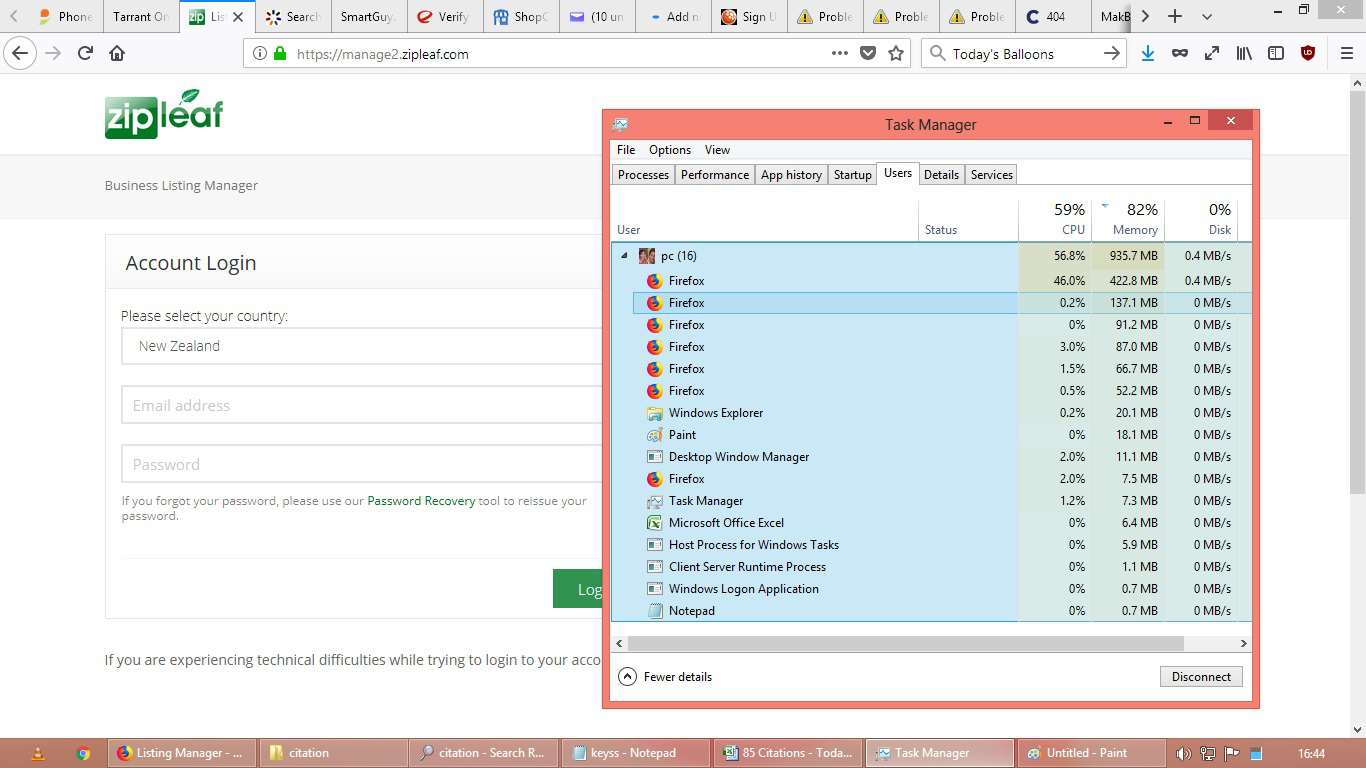
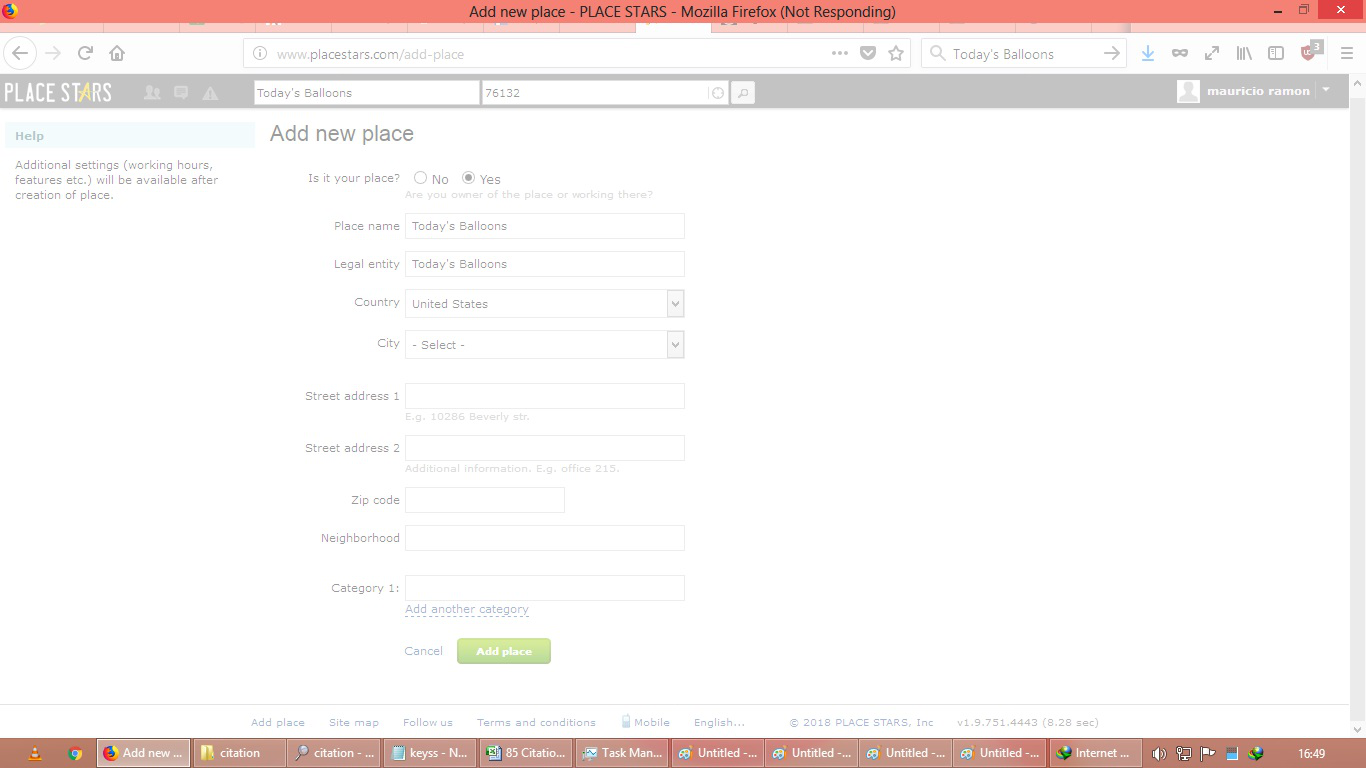
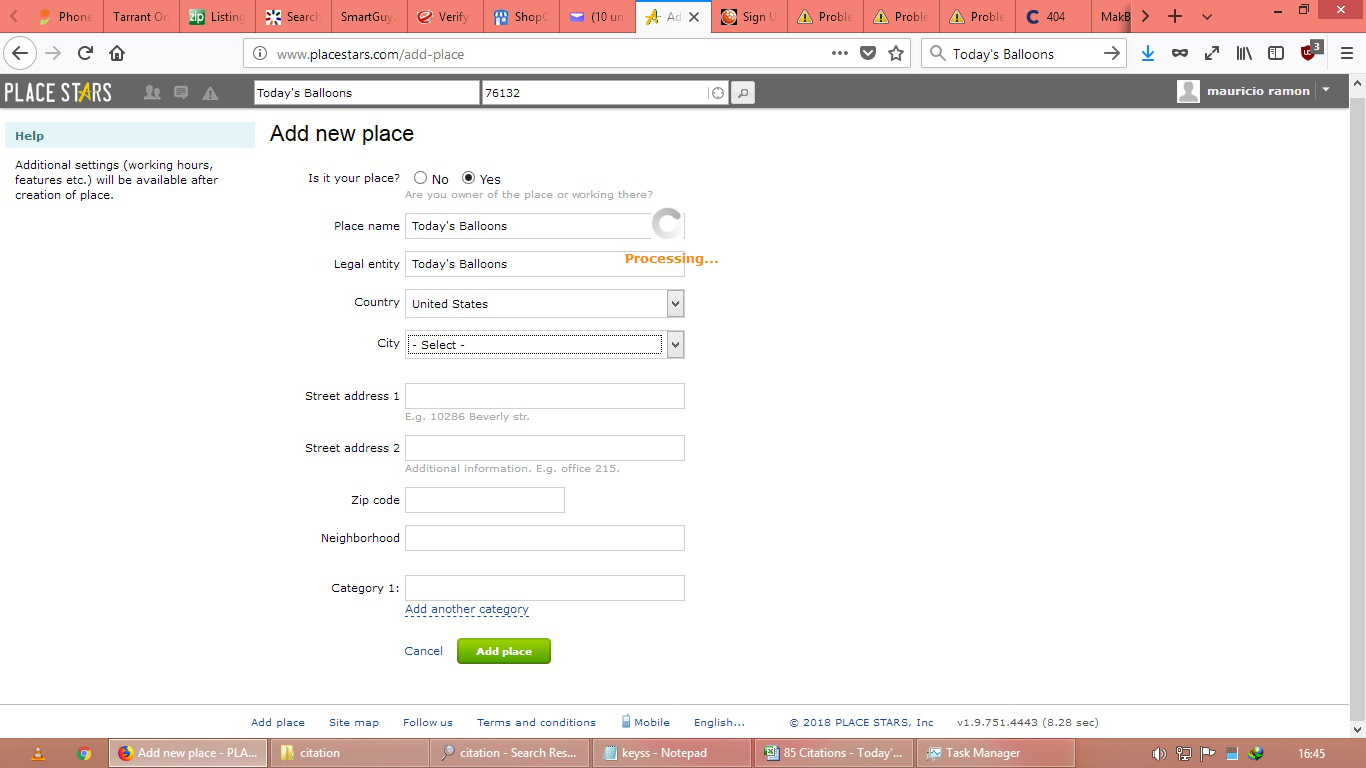
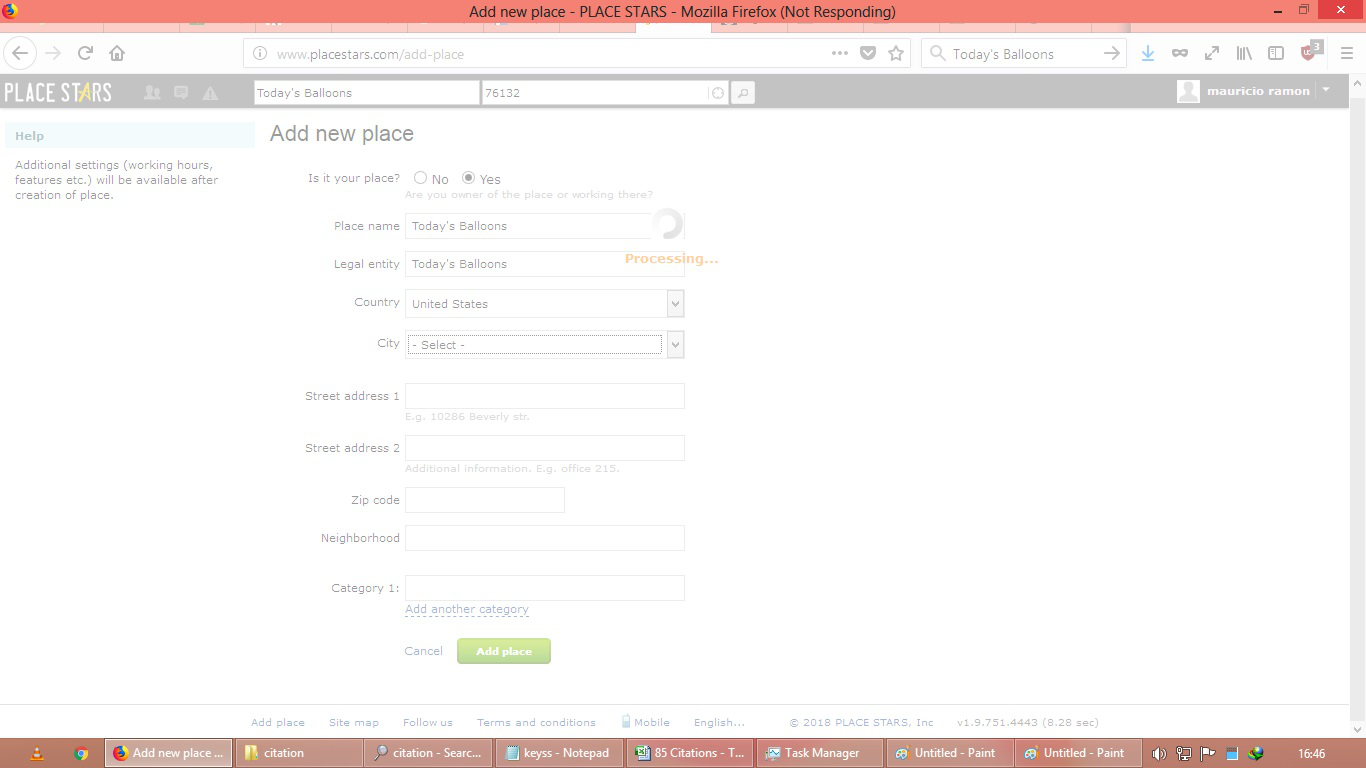
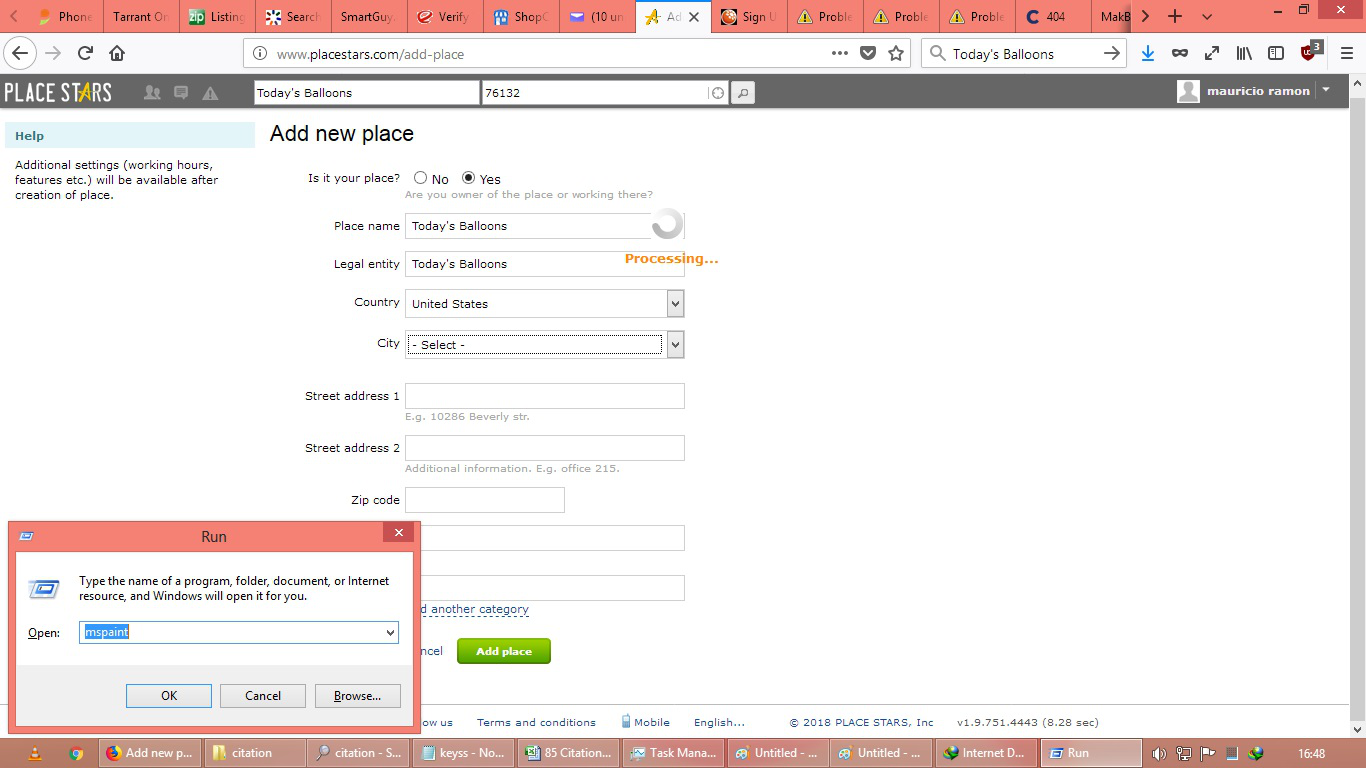
particularly some website http://www.placestars.com/add-place if you try to add city drop-down menu box Firefox hangs long time it takes more time to open drop-down menu box items it works fine in chrome i tired
所有回复 (3)
Unfortunately since that is a login site unless some else has the login access to test what your asking this can't be helped.

Many site issues can be caused by corrupt cookies or cache.
- Clear the Cache and
- Remove Cookies
Warning ! ! This will log you out of sites you're logged in to. You may also lose any settings for that website.
- Cookies; Delete cookies to remove the information websites have stored on your computer {web link}
- Cache; How to clear the Firefox cache {web link}
If there is still a problem, Start Firefox in Safe Mode {web link} by holding down the <Shift> (Mac=Options) key, and then starting Firefox.
A small dialog should appear. Click Start In Safe Mode (not Refresh). Did this help?
While you are in safe mode;
Try disabling graphics hardware acceleration in Firefox. Since this feature was added to Firefox it has gradually improved but there are still a few glitches.
How to disable Hardware Acceleration {web link}
Ok i will try other site if i face issue like this i will post it here if you want login details i will send you to check
i think it has a lot of items in it if i click it firefox never return it back even it back to work again the not responding window appear again
sorry for the delay
由valasudurai于修改