


Google has added some AI 'ads' to their title page? How do I remove it, block it?

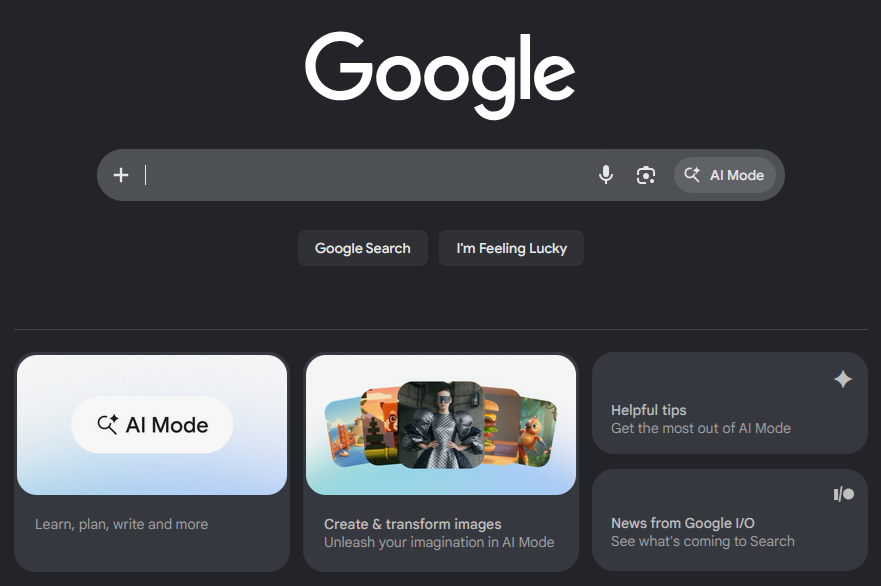
Google has added some AI 'ads' to their title page? This just appeared a day or so ago on my system. How did I remove it, block it? Attached is an image of what I am asking about. What is interesting is in Chrome I can explicitly turn this junk off. But when using the Google search title page with Firefox, there appears to absolutely no way to disable it... very nasty way of forcing you to use Chrome?
Moderator note: Edited per OP's request.
Ti ṣàtúnṣe nípa Denys

Ọ̀nà àbáyọ Tí a Yàn
Oh I'm so sorry, I meant element picker, not element zapper. The element picker saves the element to your filter list so it will continue blocking elements after a session ends. (I just tried this with a new profile to make sure that it worked, following your steps)
All Replies (7)
Should say "How DO I remove it, block it?"
Shows up in Opera, LibreWolf (no surprise), as well as FireFox, but not Chrome or Chromium.
You can use uBlock Origin's element zapper feature to remove it.
No... uBlock does not work... Have tried it twice now. The second I close the Firefox session and reopen it, the same 'ads' return as if never blocked. The uBlock works ONLY for the current page until the next REFRESH of the page.
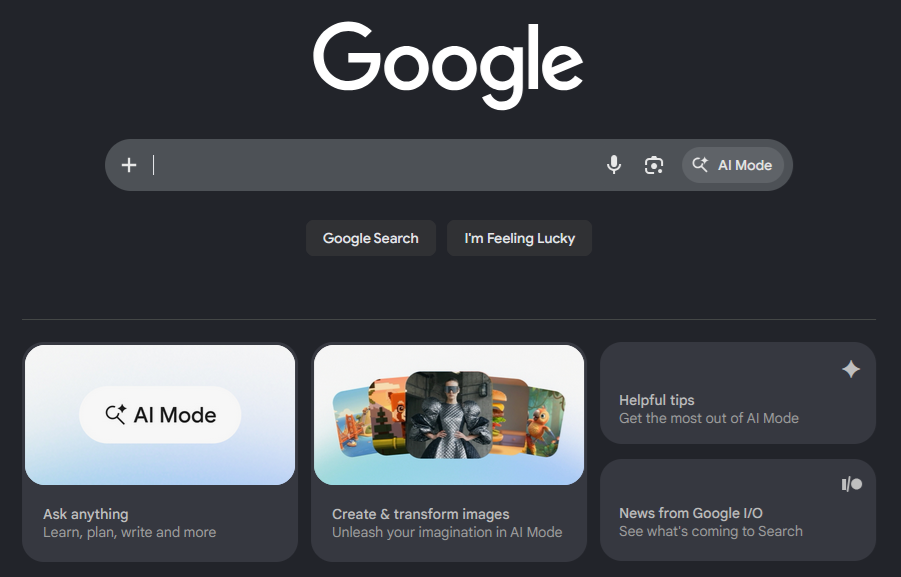
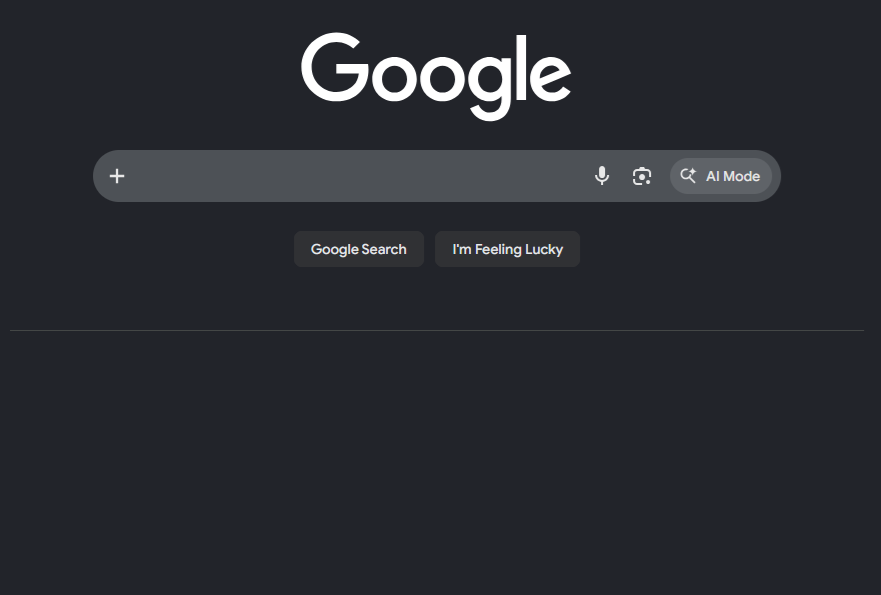
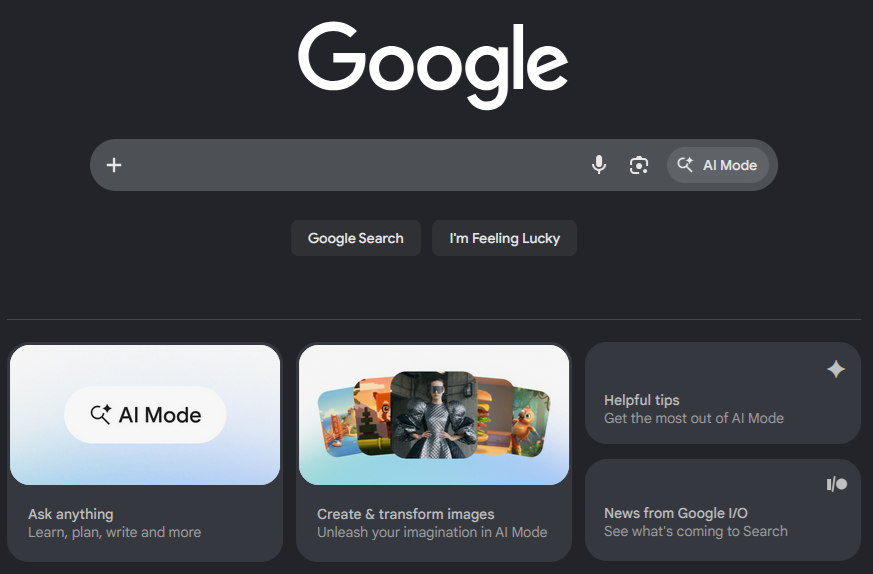
First graphic below... initial start of FireFox Second graphic below... attempted zapping via uBlock Third graphic below... Reopen FireFox, Ctrl-R, click reload icon, etc. Google 'ads' return again.
Ọ̀nà àbáyọ Tí a Yàn
Oh I'm so sorry, I meant element picker, not element zapper. The element picker saves the element to your filter list so it will continue blocking elements after a session ends. (I just tried this with a new profile to make sure that it worked, following your steps)
Yes, picker seems to be working. The ads appear very briefly, flicker, then are masked. What is interesting is the LibreWolf, I don't see the flicker? Maybe it is a bit faster? The zapper seemed to work on LibreWolf, where only the picker appears to working with FireFox.
Update I closed and opened FireFox from scratch, the flickering seems to be gone.
Ti ṣàtúnṣe nípa Jibun no Kage