


How do I turn off web translation in Firefox 118.0.1??

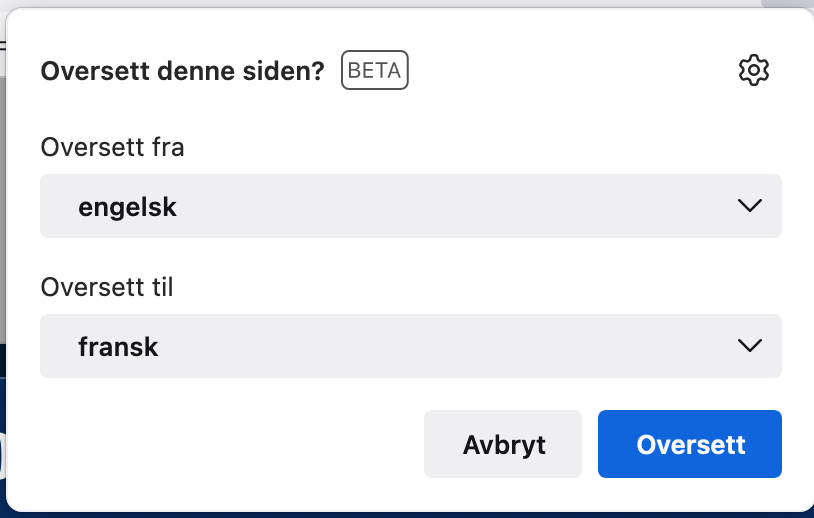
How do I turn off web translation permanently for ALL pages in Firefox 118.0.1?? It´s the most annoying feature so far from Firefox. Even if I delete all languages in preferences, it shows up on every page I visit.
How do I turn off web translation permanently for ALL pages in Firefox 118.0.1?? It´s the most annoying feature so far from Firefox. Even if I delete all languages in preferences, it shows up on every page I visit.
Ọ̀nà àbáyọ tí a yàn
Enter about:config in the address bar and set browser.translations.automaticallyPopup = false.
Ka ìdáhùn ni ìṣètò kíkà 👍 14All Replies (3)
Ọ̀nà àbáyọ Tí a Yàn
Enter about:config in the address bar and set browser.translations.automaticallyPopup = false.
Thanks! What a relief to get rid of this.

To deactivate the feature completely, enter about:config in the address bar and set browser.translations.enable = false.