


Firefox autofills all of my information, but I have no saved addresses/cards

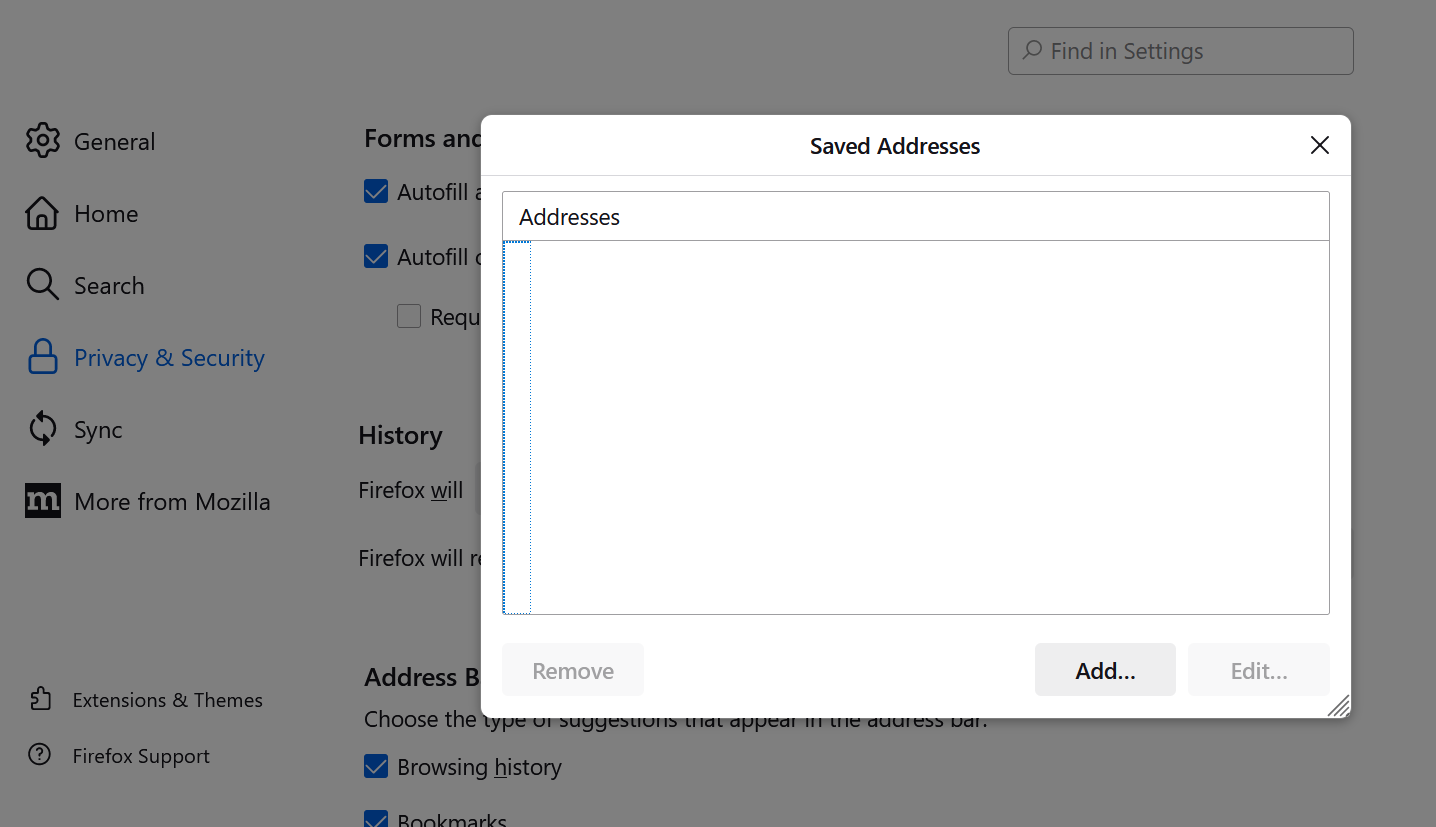
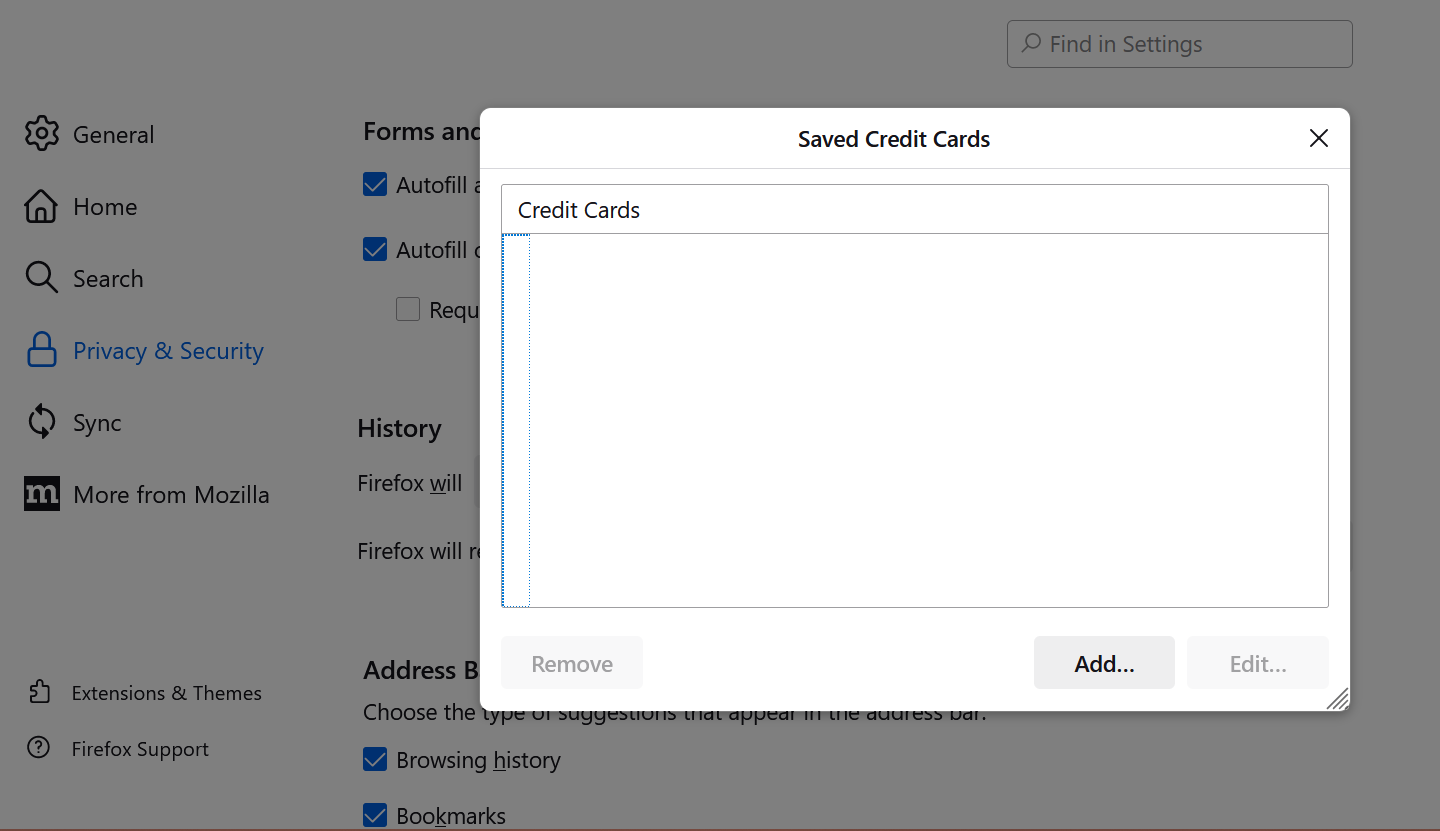
When filling out forms in Firefox, it offers to autofill everything - first, middle, and last name, home address, credit card info, just now it even showed it has my social security number. When I go into Settings/Privacy & Security/Forms and Autofill, and click to view Saved Addresses/Saved Credit Cards, there are no entries to edit or remove. Why does Firefox have this info saved, and how can I remove it?
When filling out forms in Firefox, it offers to autofill everything - first, middle, and last name, home address, credit card info, just now it even showed it has my social security number. When I go into Settings/Privacy & Security/Forms and Autofill, and click to view Saved Addresses/Saved Credit Cards, there are no entries to edit or remove. Why does Firefox have this info saved, and how can I remove it?
All Replies (1)
You can use these steps to remove saved items from an autocomplete drop-down list.
- click the (empty) input field on the webpage to open the drop-down list
- highlight an entry in the drop-down list with cursor Down key
do not click the mouse or press the Enter key - press "Delete" or "Shift+Delete" to delete the highlighted entry
Note that hovering with the mouse doesn't work.
- https://support.mozilla.org/en-US/kb/remove-websites-address-bar-suggestions
- https://support.mozilla.org/en-US/kb/firefox-suggest
See also:
- Settings -> Privacy & Security
Firefox will: "Use custom settings for history": "Remember search and form history" - https://support.mozilla.org/en-US/kb/control-whether-firefox-automatically-fills-forms