


memory leak?

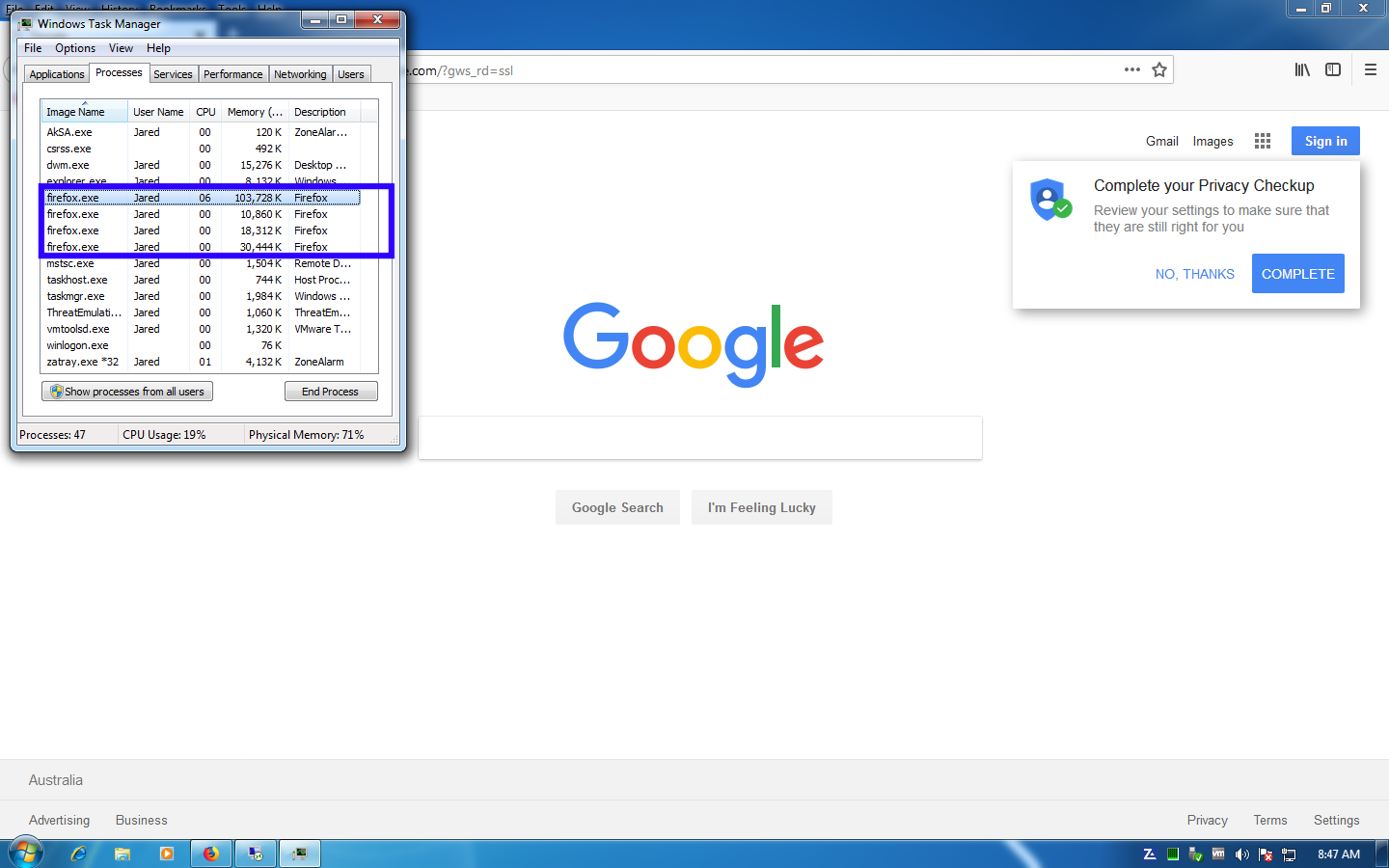
Using FF 64.02 , every time i open browser, I see "four" processes in Task Manager... One instance of the browser running though..
Is this a issue?
Ti ṣàtúnṣe nípa TECH192
All Replies (4)

More than one process is normal for the current Firefox. http://www.ghacks.net/2016/07/22/multi-process-firefox/
Multi-process Firefox is codenamed "e10s". https://wiki.mozilla.org/Firefox/multiprocess

TECH192 said
Using FF 64.02 , every time i open browser, I see "four" processes in Task Manager... One instance of the browser running though.. Is this a issue?
No issue. Normal for the Quantum Engine. It can be more or less depending on the computer and its processor(s) and how FF detects and sets the value and how many browser windows are open.
I have '5' running now.
~Pj
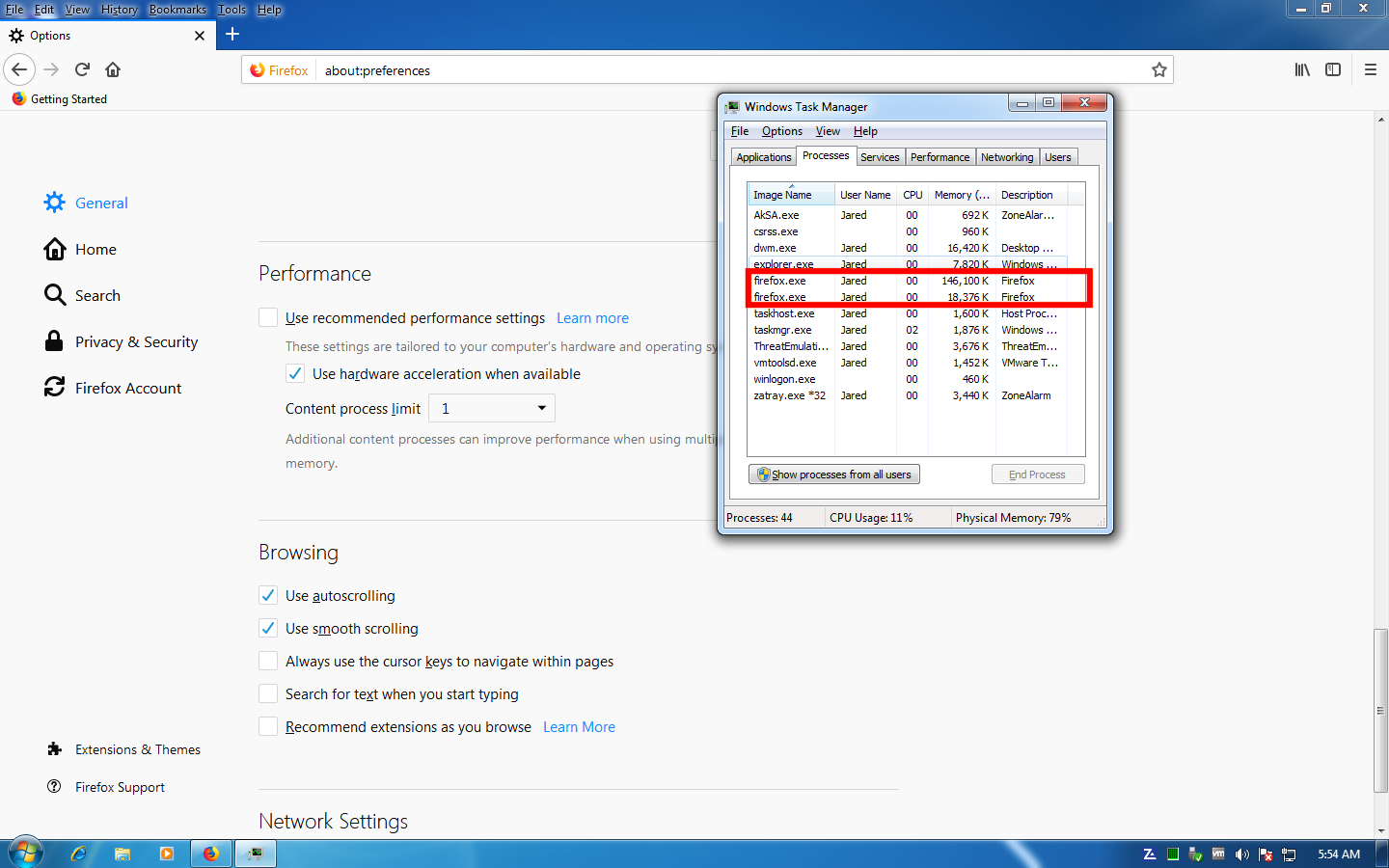
It doesn't fix the issue by adjusting "Content Process limit" to 1
It seems by lowering this from the default, it just gives off arbitrary number of running processors. even after browser restart.. (Attached)
In actual fact the only performance gain by restricting it to 1 is the browser starts up faster.
Ti ṣàtúnṣe nípa TECH192