


typo in saved email address in pre-fill

Sometime ago I must have made a typo when entering my email address into a pop-up window in Firefox. Firefox continues to find and use this wrong address in pre-fills but I can't find anyway to correct it. I've worked through Settings/Privacy & Security with no luck. Can someone help please? (Windows 10 Firefox 145.02)
Saafara biñ tànn
Click on "Manage addresses and more" and you should see the same.
Jàng tontu lii ci fi mu bokk 👍 0All Replies (11)
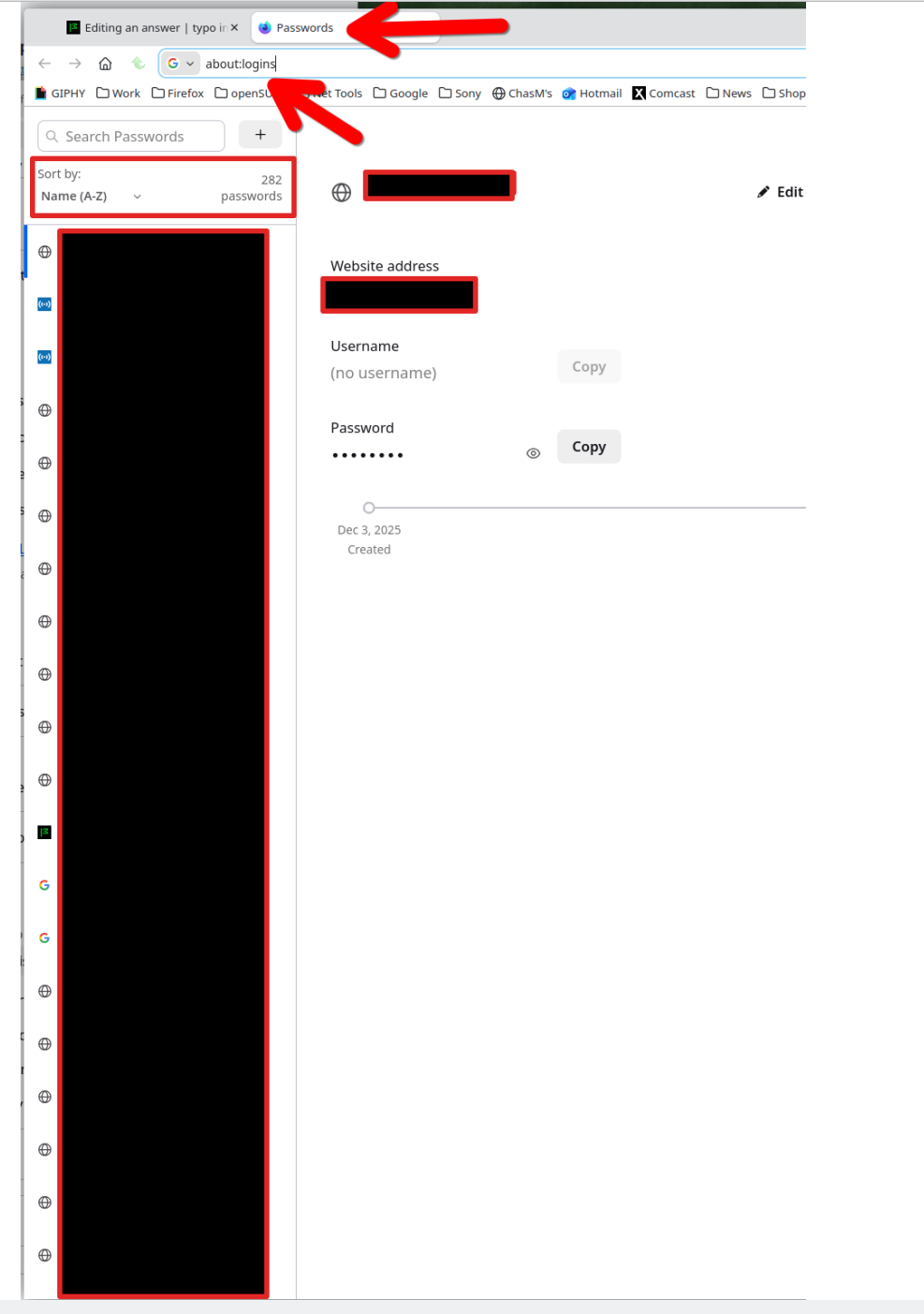
In the browser, go here ---> about:logins Or click on the menu and go to passwords.
jonzn4SUSE moo ko soppali ci
sorry, but could you be a bit more explicit please? Whereabouts is, about:logins? Doesn't appear in Settings or Tools, and Passwords in Settings refers to logins to external web-sites, and how does it relate to Firefox prefilling online forms with the wrong email address for me? thanks
I think I may have found the solution but only time will tell if it's right. Go to : Settings / Privacy & Security - Addresses & More, click on right arrow and it brings up a list of what looks to be post addresses (but is truncated). Select each address in turn and Edit, This brings up a list that includes organisation, full postal address, and an email address. I found one of the email addresses contained the typo so by correcting it I hope to have resolved the problem, but it'll need time to cover all the functions that pre-fill the email address.
mike741 said
I think I may have found the solution but only time will tell if it's right. Go to : Settings / Privacy & Security - Addresses & More
That's not for login information. Here's your login info. see screenshot
jonzn4SUSE moo ko soppali ci
thank you but my question was never about logins. It was for pre-fills, ie when purchasing online and postal address/phone number/email address are requested.
mike741 said
typo in saved email address in pre-fill
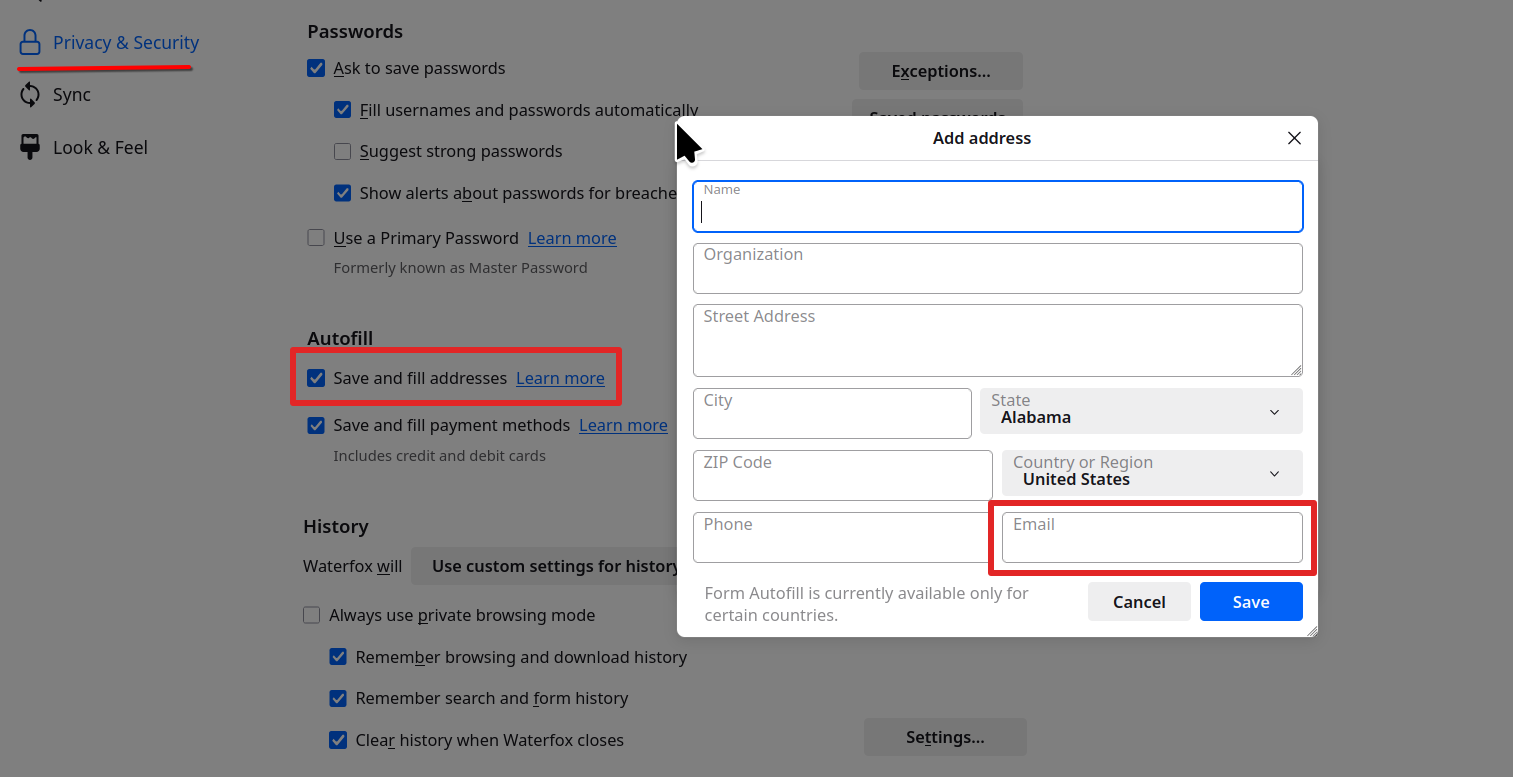
That's where email addresses are saved to autofill.
So the autofill in a form is wrong. see screenshot Gotcha. Issue resolved???
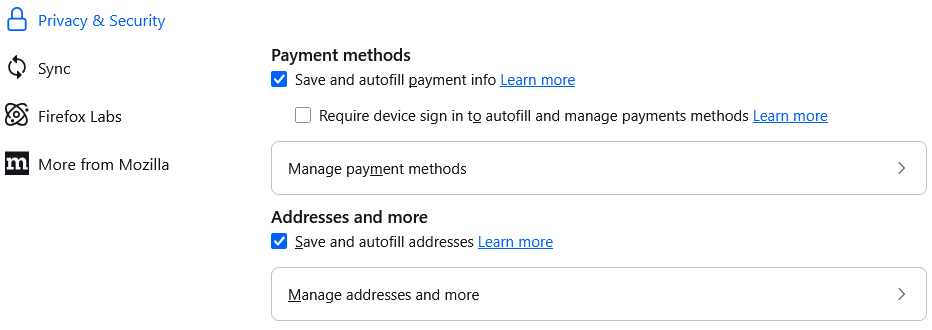
looks like we have differences in Firefox as mine doesn't have a Prefill option - my email addresses for prefill are as I described above, in Addresses and More - looks like this:-
Saafara yiñ Tànn
Click on "Manage addresses and more" and you should see the same.