


Flash Player zoomed in and can't adjust
Every time I try and use a flash player be it http://mirrors.arcadecontrols.com/Move360/Launch.htm
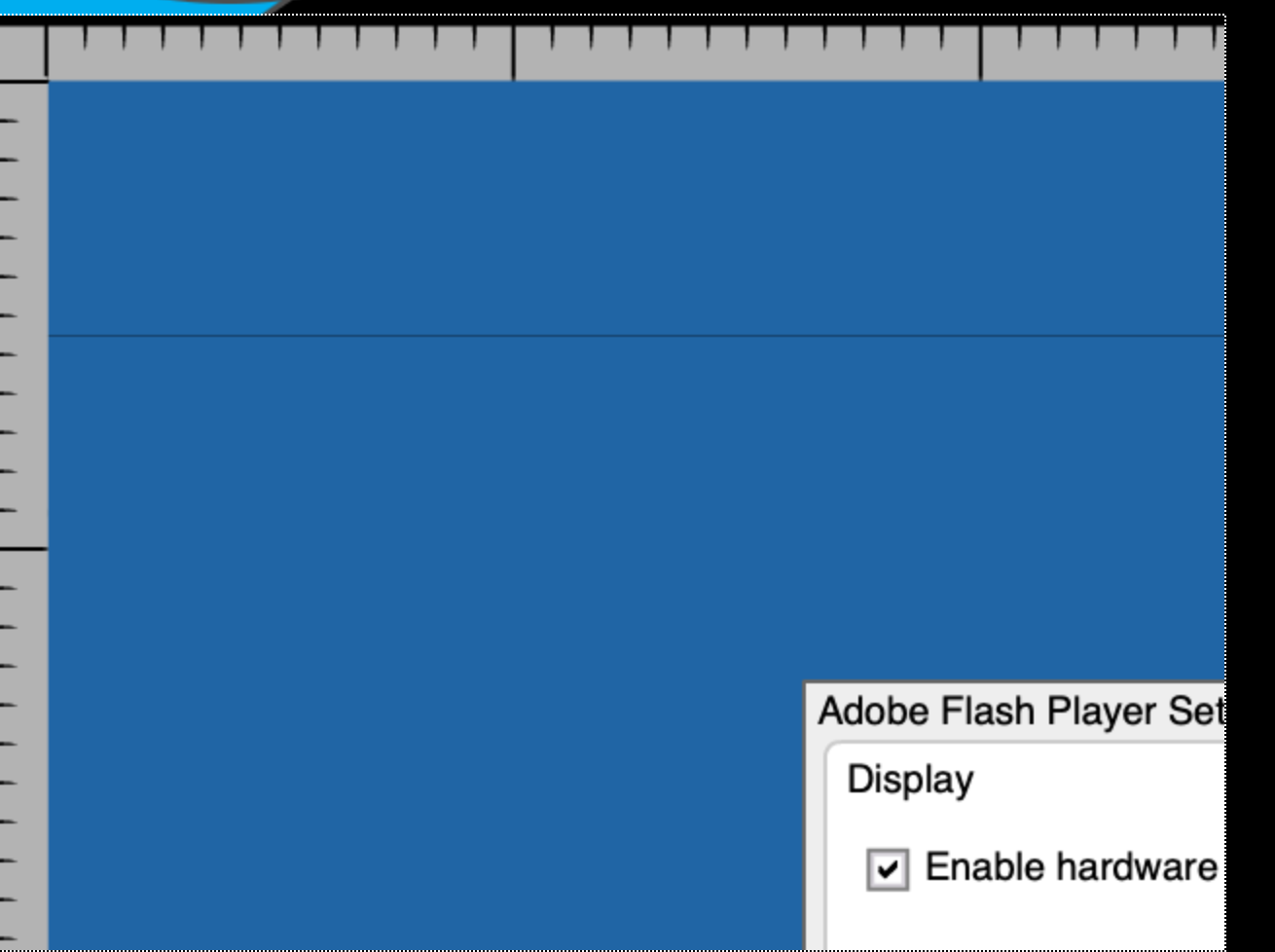
or others when I click on the flash player logo it gives me a zoomed in screen on the flash player section. I can't adjust the size or the settings of flashplayer. This is only happening in Firefox. I have clear cookies and history. I have shutdown my system. I have made sure both firefox and adobe were up to date. What am I doing wrong?
Saafara biñ tànn
Hi, according to another thread, this should be fixed in an update that was released earlier today:
- https://support.mozilla.org/questions/1305895
- https://www.mozilla.org/en-US/firefox/81.0.1/releasenotes/
All Replies (2)
Saafara yiñ Tànn
Hi, according to another thread, this should be fixed in an update that was released earlier today:
Jscher2000,
Thanks! Your Google Fu is way better than mine. I kept searching and couldn't find any info that seemed to explain. Much appreciated.
Cheers