


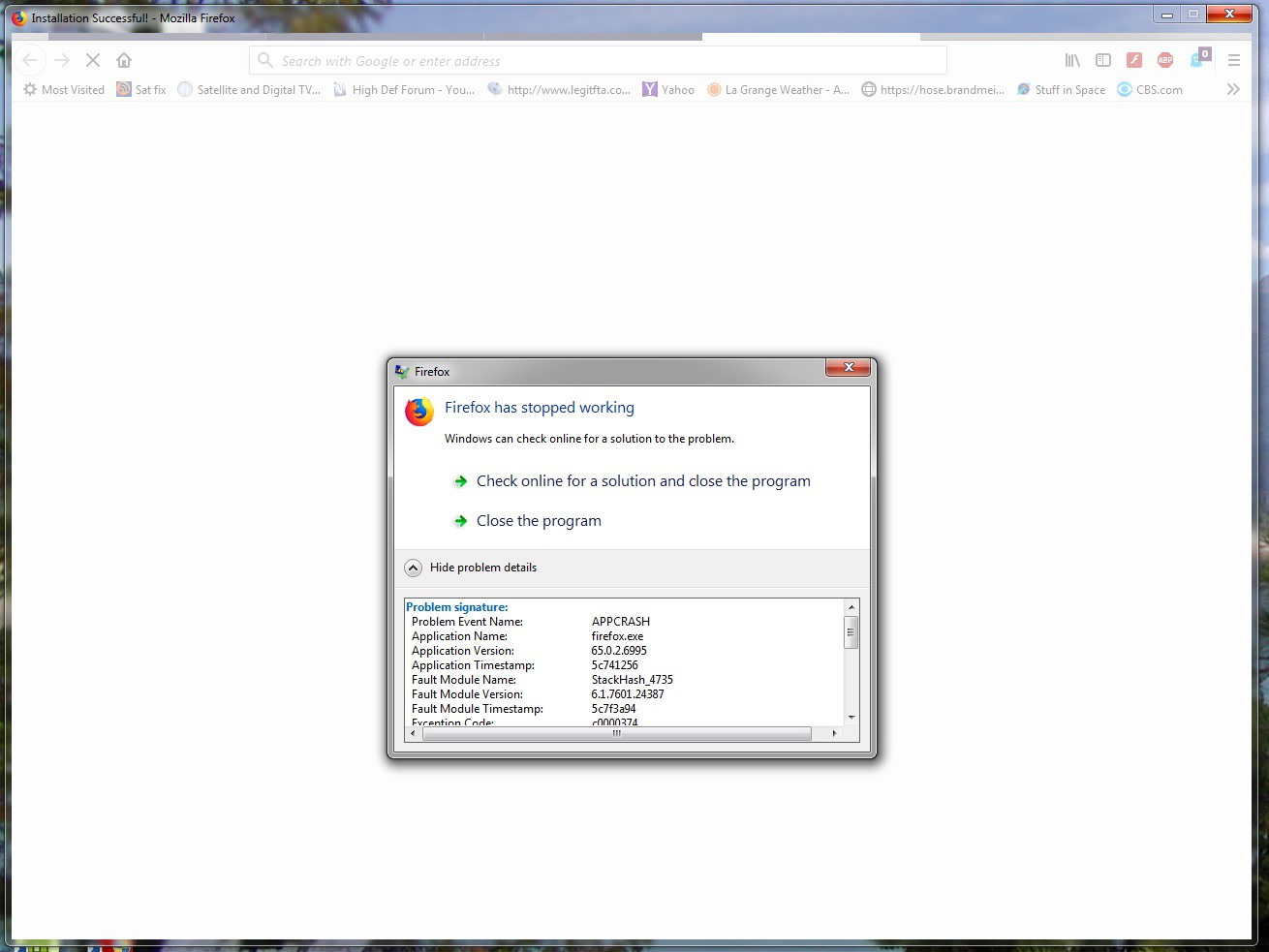
Firefox is crashing on startup, all I get when it loads is my home page then a whitewashed screen, then just sits there

I have done all troubleshooting info and guides, it does start in safe mode, all add ons work in safe mode, but it does not generate a crash report, I have deleted FF and downloaded several times, ran CCleaner after each deletion.
All re-installs have the same problem.
Saafara biñ tànn
hi, that appears to be a problem for users with the ghostery addon and an avast signature update that got released today unfortunately: https://bugzilla.mozilla.org/show_bug.cgi?id=1535589
Jàng tontu lii ci fi mu bokk 👍 1All Replies (3)
Here is a screen shot of the problem.
Saafara yiñ Tànn
hi, that appears to be a problem for users with the ghostery addon and an avast signature update that got released today unfortunately: https://bugzilla.mozilla.org/show_bug.cgi?id=1535589
OK I found a way to disable the Ghostery add on, and restarted FireFox, looks to be OK for now, working OK with Avast.
Will report back with any problems, Thanks for the info.