


Text is too big now and can't be fixed
So, I don't know if this has anything to do with it but I recently tried setting up XEMU and that had some display UI issues for me. I don't know if that has anything to do with it but after I tried setting it up all the text on Firefox is too big. The toolbars, menus, settings etc. look okay but on webpages the text is way too big. I've tried about:config settings, changing my Windows resolution, and other things, but nothing has fixed my issue.
تمام جوابات (5)
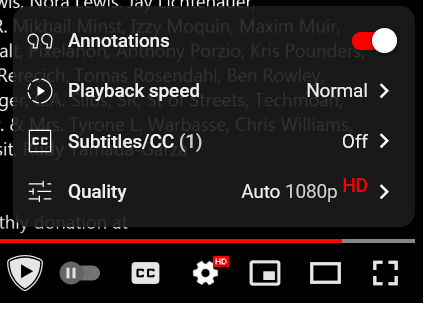
Image examples: YouTube (standard mode) YouTube (fullscreen) Reddit


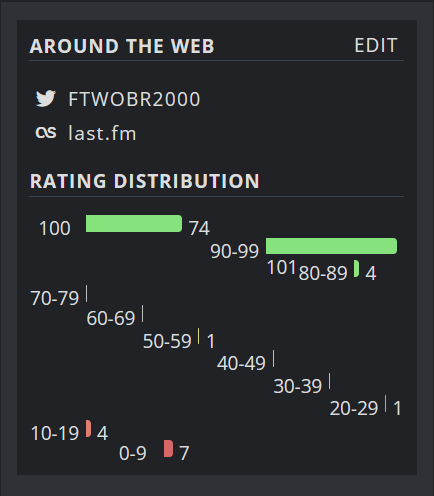
Another example of this breaking formats

If the problem is only on web pages, try resetting zoom with ctl+0. You could also look at Zoom on the General page of Settings.
I have tried CTRL+0 multiple times and it doesn't work. The zoom is also at the standard 100%.
Since no one else has replied, you could try troubleshooting but you may save time by trying a new profile. You can create a new profile with Firefox open or closed.
https://support.mozilla.org/en-US/kb/troubleshoot-and-diagnose-firefox-problems https://support.mozilla.org/en-US/kb/diagnose-firefox-issues-using-troubleshoot-mode https://support.mozilla.org/en-US/kb/troubleshoot-extensions-themes-to-fix-problems (also deals with hardware acceleration)
https://support.mozilla.org/en-US/kb/profile-manager-create-remove-switch-firefox-profiles https://support.mozilla.org/en-US/kb/profile-manager-create-remove-switch-firefox-profiles#w_start-the-profile-manager-when-firefox-is-closed https://support.mozilla.org/en-US/kb/profiles-where-firefox-stores-user-data#w_what-information-is-stored-in-my-profile https://support.mozilla.org/en-US/kb/recovering-important-data-from-an-old-profile