اس تھریڈ کو آرکائیوکیا گیا تھا۔
اگر آپ کو مدد کی ضرورت ہو تو براہ مہربانی نیا سوال پوچھیں۔

Solved
آرکائیو شدہ
How can I remove device from the synced devices?
Title say it all: How can I remove a device from the synced device?
Title say it all: How can I remove a device from the synced device?
تمام جوابات (1)
منتخب شدہ حل
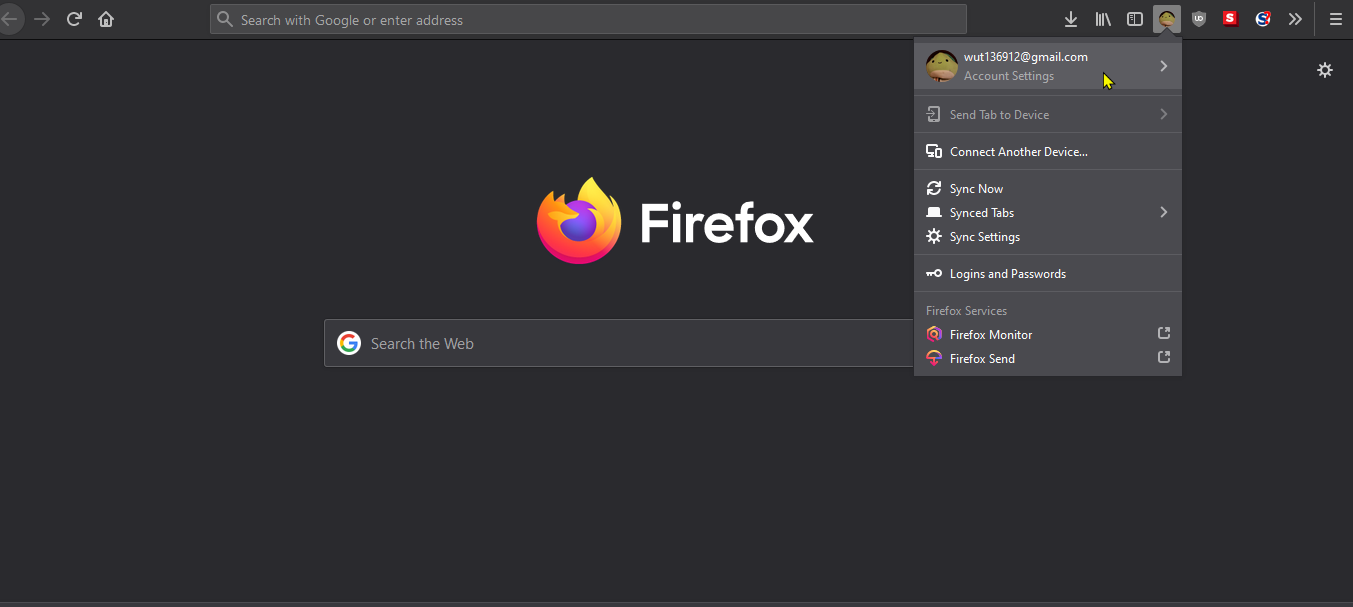
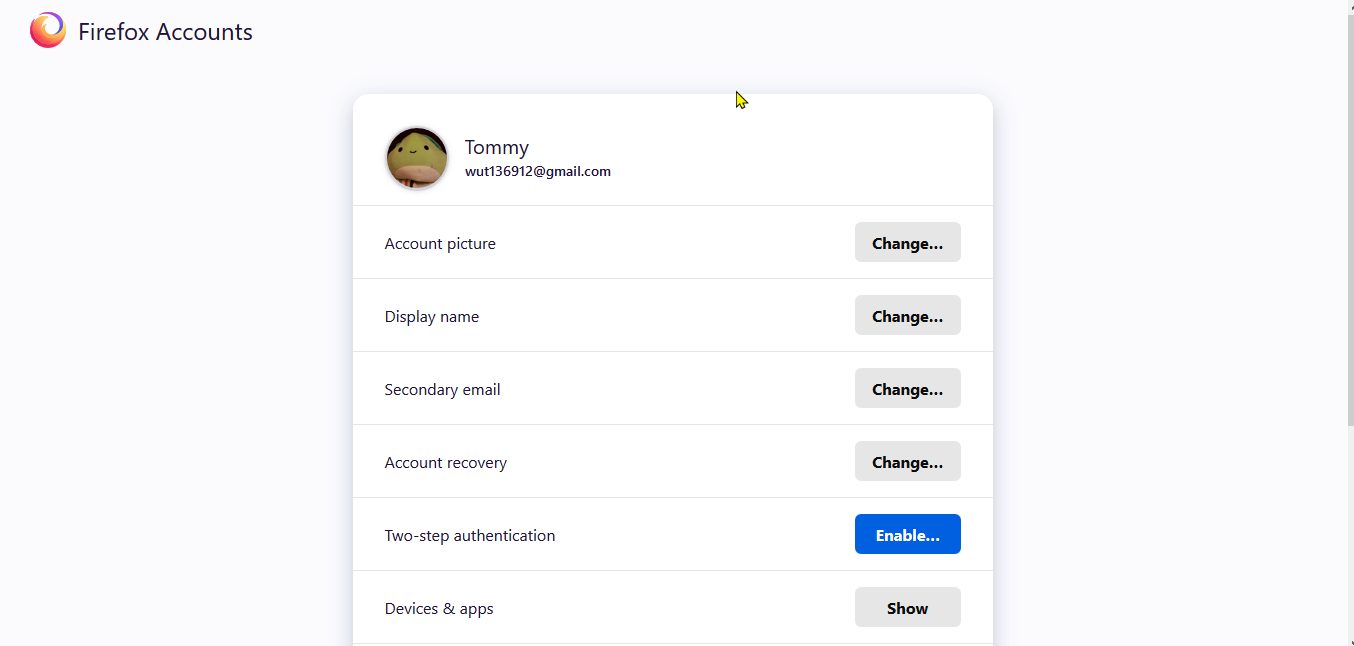
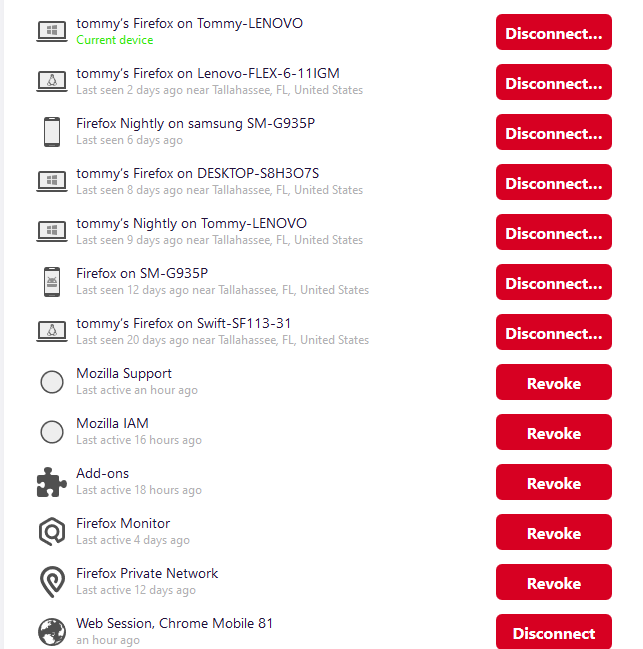
Hello vinidalvino, Let's help you remove a device from sync! Below are the steps (I also added some Screen shots: respective to the steps)
1. Click on your FIrefox Account icon, then click "Account Settings"(right under your Firefox account's email)
2. After you did that, click "Manage account". It should bring you to a page titled "FIrefox Accounts"
3. Last Step! Click on Show, from the section, "Devices and apps"
Do what you want and your done!!
If I helped, I'd love if you'd Vouch(confirm) me here: https://mozillians.org/en-US/u/Tommy/
Thanks!