QR Code Doesn't Show up for Google Messages for Web

I've used Google Messages for web for years through Chrome, and have stopped using the browser. Instead, I'm trying out Floorp.
In order to pair messages, you must scan a QR code from the web with your phone.
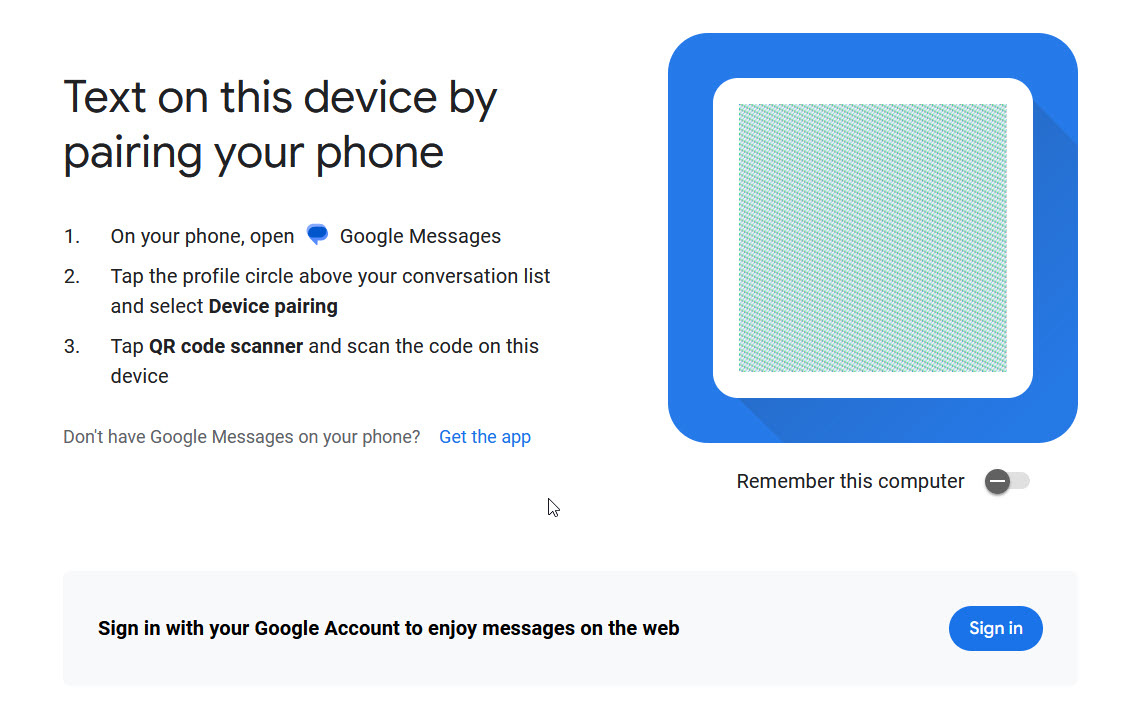
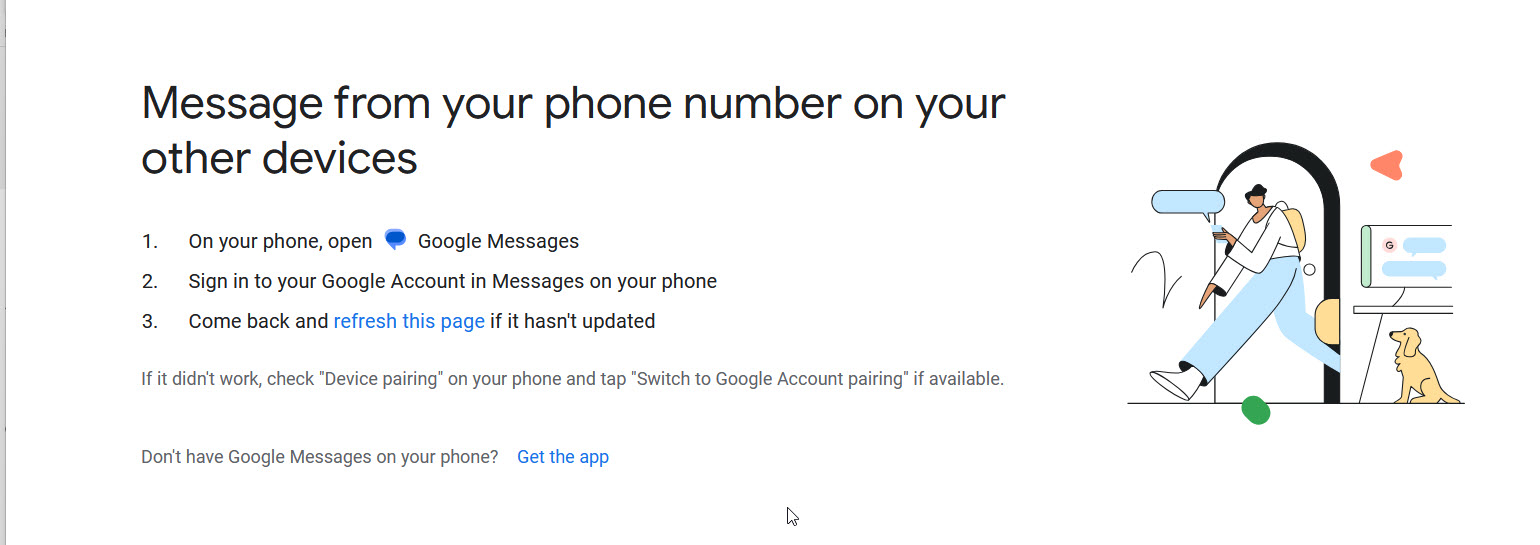
When I try to do so, no QR code shows up in the box (see pic). If I try to sign in with my gmail account, I don't get anywhere (pic 2).
I've used Google Messages for web for years through Chrome, and have stopped using the browser. Instead, I'm trying out '''''Floorp'''.''
In order to pair messages, you must scan a QR code from the web with your phone.
When I try to do so, no QR code shows up in the box (see pic). If I try to sign in with my gmail account, I don't get anywhere (pic 2).
Усі відповіді (1)
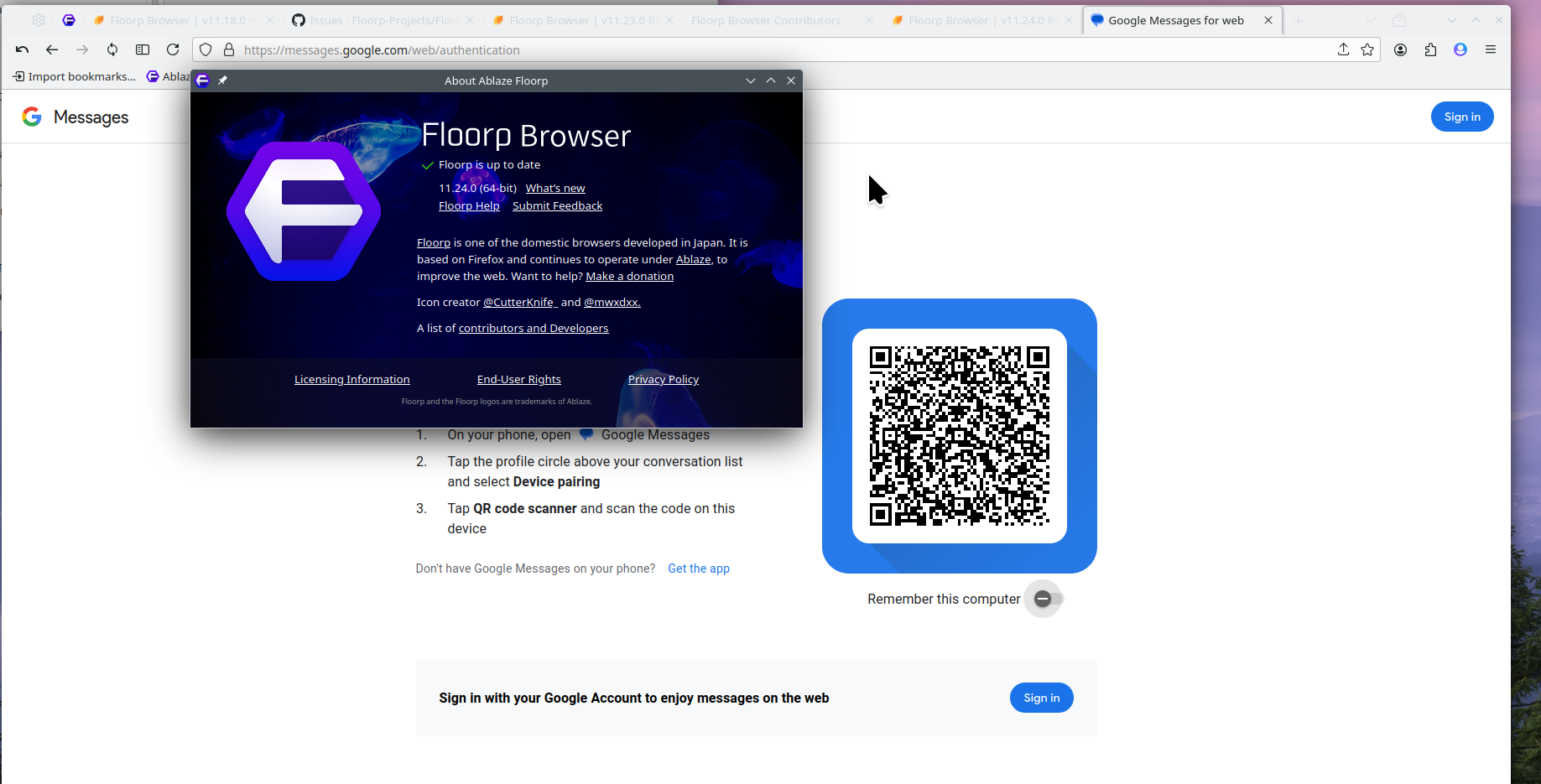
You said Floorp right? Their support site is here. https://github.com/Floorp-Projects/Floorp/issues I see a the QR code in Floorp. see screenshot What version are you running? What happens in Firefox?