


Windows 10 reached EOS (end of support) on October 14, 2025. If you are on Windows 10, see this article.

Avatar for Username

Шукати в статтях підтримки

Остерігайтеся нападів зловмисників. Mozilla ніколи не просить вас зателефонувати, надіслати номер телефону у повідомленні або поділитися з кимось особистими даними. Будь ласка, повідомте про підозрілі дії за допомогою меню “Повідомити про зловживання”

Докладніше
Ця тема перенесена в архів. Якщо вам потрібна допомога, запитайте.
Архівовано

Can t hide the video controls bar on Coursera website

ELCO11

As the title says when I am using the video player on Coursera website I am not able to hide the control bar while on fullscreen mode (even if I don t move my mouse for more than 15 seconds). I ve attached a screenshot with the control bar being displayed. (also the captions are overlapping with that control bar) I ve also tried different ways of opening the fullscreen mode (click on the "Full Screen" button or by pressing 'F'). I don t have this problem on websites like YouTube.
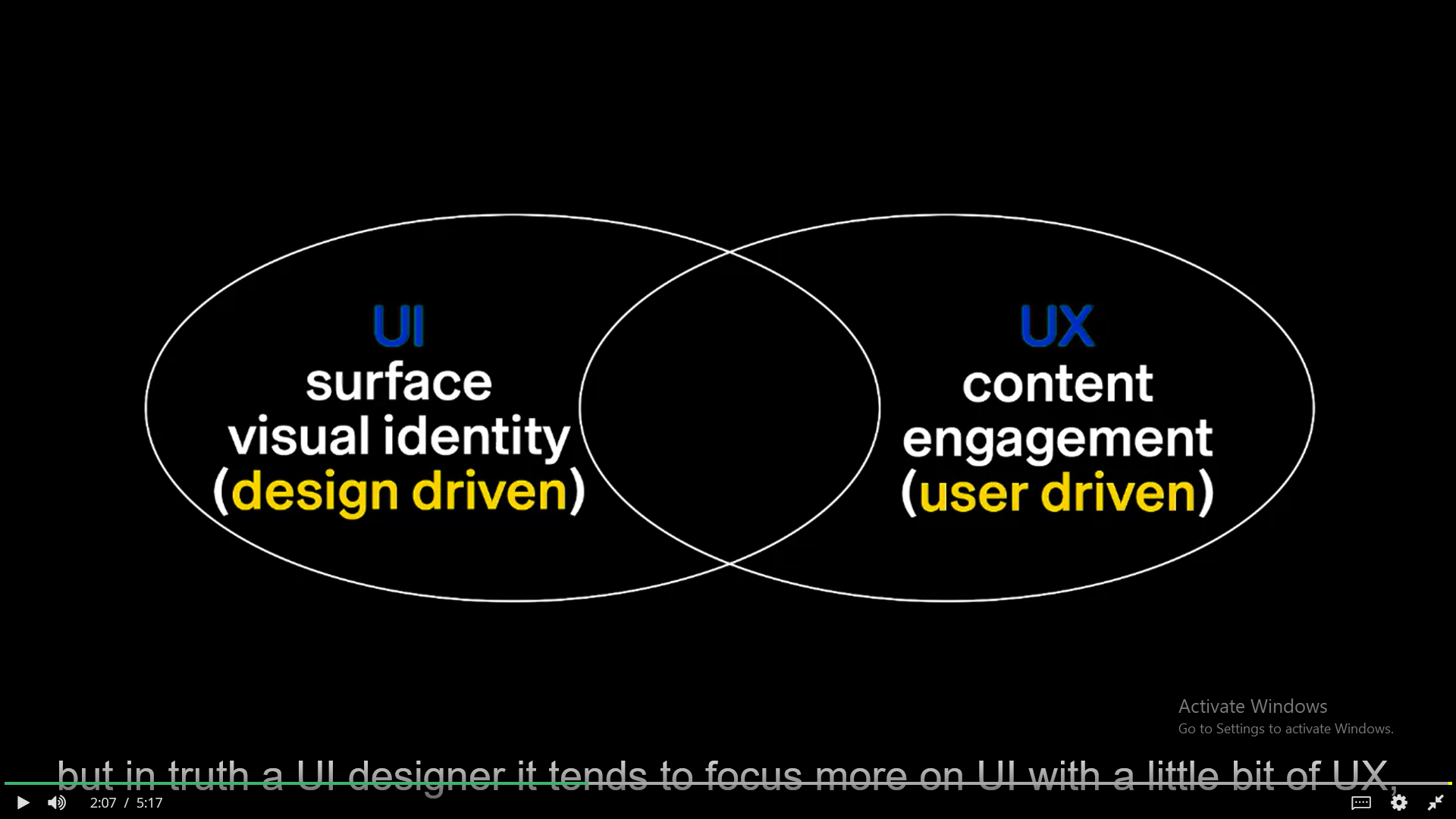
As the title says when I am using the video player on Coursera website I am not able to hide the control bar while on fullscreen mode (even if I don t move my mouse for more than 15 seconds). I ve attached a screenshot with the control bar being displayed. (also the captions are overlapping with that control bar) I ve also tried different ways of opening the fullscreen mode (click on the "Full Screen" button or by pressing 'F'). I don t have this problem on websites like YouTube.
Вкладені знімки екрана

Усі відповіді (3)

Does it still happen in Troubleshoot Mode?

zeroknight said

Does it still happen in Troubleshoot Mode?

Yes, the problem still persists even in troubleshoot mode (safe mode)

Does it still happen in a new profile? An easy way to test a new profile is to install Developer Edition and see if it happens there or refresh your existing profile. Make sure you stay signed out of your sync account when testing.