

Ця тема перенесена в архів.
Якщо вам потрібна допомога, запитайте.

Вирішено
Архівовано
youtube not working

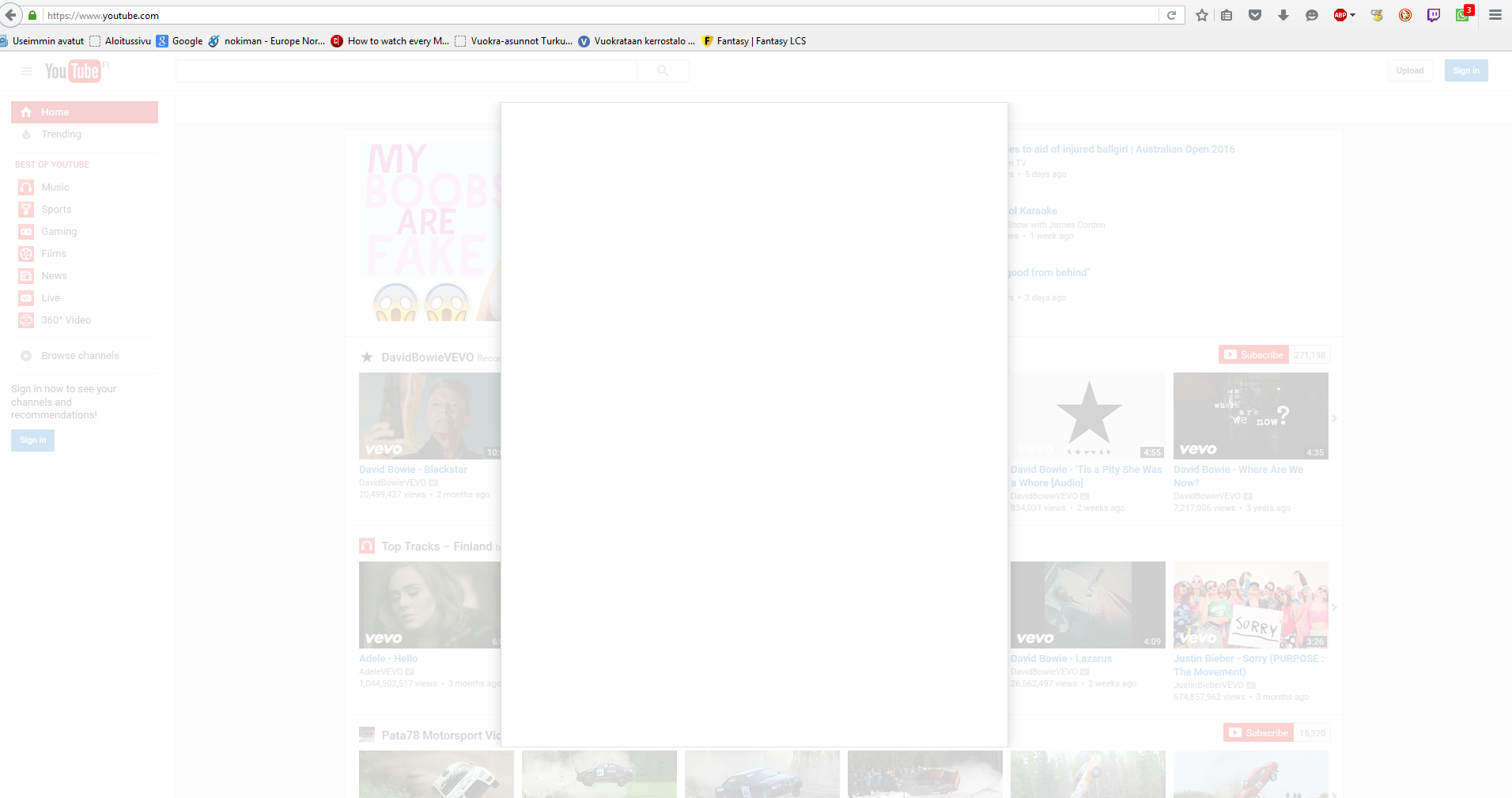
When i got to youtube.com it just show a white bar in front of the page and it blocks the page. I tried disabling my add-ons for youtube but it still didn't work. Youtube also works for other browsers.
When i got to youtube.com it just show a white bar in front of the page and it blocks the page. I tried disabling my add-ons for youtube but it still didn't work. Youtube also works for other browsers.
Усі відповіді (3)
Here is an image of it happening.
Вибране рішення
You can try these steps in case of issues with web pages:
You can reload web page(s) and bypass the cache to refresh possibly outdated or corrupted files.
- Hold down the Shift key and left-click the Reload button
- Press "Ctrl + F5" or press "Ctrl + Shift + R" (Windows,Linux)
- Press "Command + Shift + R" (Mac)
Clear the cache and remove cookies from websites that cause problems.
"Clear the Cache":
- Firefox/Tools > Options > Advanced > Network > Cached Web Content: "Clear Now"
"Remove Cookies" from websites that cause problems:
- Firefox/Tools > Options > Privacy > "Use custom settings for history" > Cookies: "Show Cookies"
Start Firefox in Safe Mode to check if one of the extensions ("3-bar" menu button/Tools > Add-ons > Extensions) or if hardware acceleration is causing the problem.
- Switch to the DEFAULT theme: "3-bar" menu button/Tools > Add-ons > Appearance
- Do NOT click the Reset button on the Safe Mode start window
Thanks! Removing cookies fixed it.