


Stop the "Secure Connection Failed" page that continues to not allow me into a website

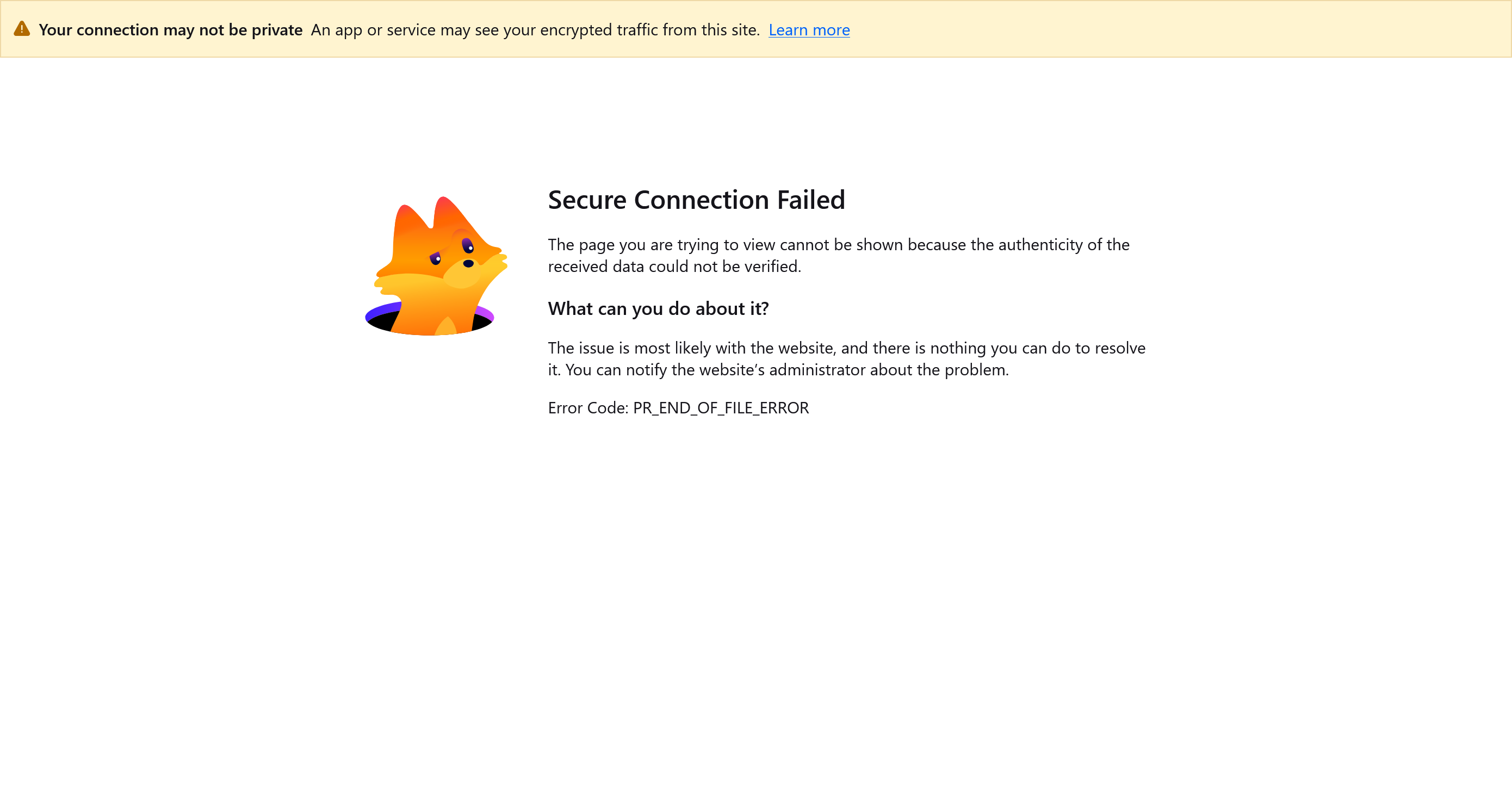
Over and over again when I try to open a website I get the notice that says "Secure Connection Failed". I have to restart my laptop and then I can open the website that I tried to access before. I've tried using the suggestions in the forum with no result in solving this problem. I've attached the page that comes up showing the problem.
All Replies (11)
What suggestions have you tried?
Sadly the image you showed does seem to say it is not a Fx problem.
Do you have the URL so I can try it?
I don't recall all of the suggestions I have tried. What URL do you need? The URL for a website that I've tried to access? Every time this "Secure Connection Failed" appears on my screen, I restart my laptop and it goes away so I know it's a Firefox problem.
And I know it's a TLS decryption appliance problem based on the "Your connection may not be private. An app or service may see your encrypted traffic from this site." banner visibly shown on that error page. Isn't your AVG, Eset or Kaspersky mucking up the secure connection by poking its nose into it by any chance?
I'm not a computer tech person so I have no idea what you mean by AVG, Eset or Kaspersky so I can't answer your question. If it is a TLS problem then why can I access the website that showed the "secure Connection Failed" after I restart my laptop?
Then please ask the person who set up you security. "Something" is listening, and it breaks your connections. This is the relevant document: Troubleshoot network errors when TLS key logging is enabled
AVG, Eset or Kaspersky
are virus and malware checkers that can interfere with connections.
I looked at Norton 360 and I couldn't find where to find the items you mentioned in the troubleshoot area. I did uninstall another antivirus or security software.
Norton 360 has something called "Safe Web" scanning if I remember correctly — that should do the trick.
Modified by jbr
I don't find any such scanning in Norton 360. It doesn't show me where I can find what Norton scans
I'm afraid nobody here knows their product lines to help any further, however from past experience as community.norton.com/t/possible-https-scanning-issue-with-cloudflare-protected-websites-wise-cloudflare-etc/524688/5 you should be able to look for advice over at their site; they will know their exact products better to assist you with that feature.