


I want to completely undo all threading

Good afternoon
I have been struggling to find some messages specific to specific dates and spend an awful amount of time tryomh yo access the correct one.
The solution proposed is a bit unclear to me, as it refers to "future folders". I need to unthread all my messages. Is this possible?
Thanks
PS The only version number i could find was for Firefox. There does not seem to be one for Thunderbird.
All Replies (7)
Chosen Solution
click to settings>appearance pane and you can reset all folders unthreaded in one click. :)
Hi David
Thanks for the 'fix'.
By the way, my wife says your pooch is adorable.
Cheers john
You're very welcome. I was glad to assist. That was the love of our lives for 12 years, but she passed 9 years ago. Still in our hearts. Give your wife a hug from me. :)
I know the feeling. 9 down a long road and the last a real heart breaker. But life is a limited commodity. Peanut and Molly attached for reference. Thoroughbred Staffie and a cross miniature Doberman with Boston. Inseperable.
By the way, you are obviously a woofie lover. Do yourselves a favour and tune in to Blondie and Frenchie on YouTube. AI, but done in a constructive way. Absolutely fabulous. They're shorts and plenty of them.
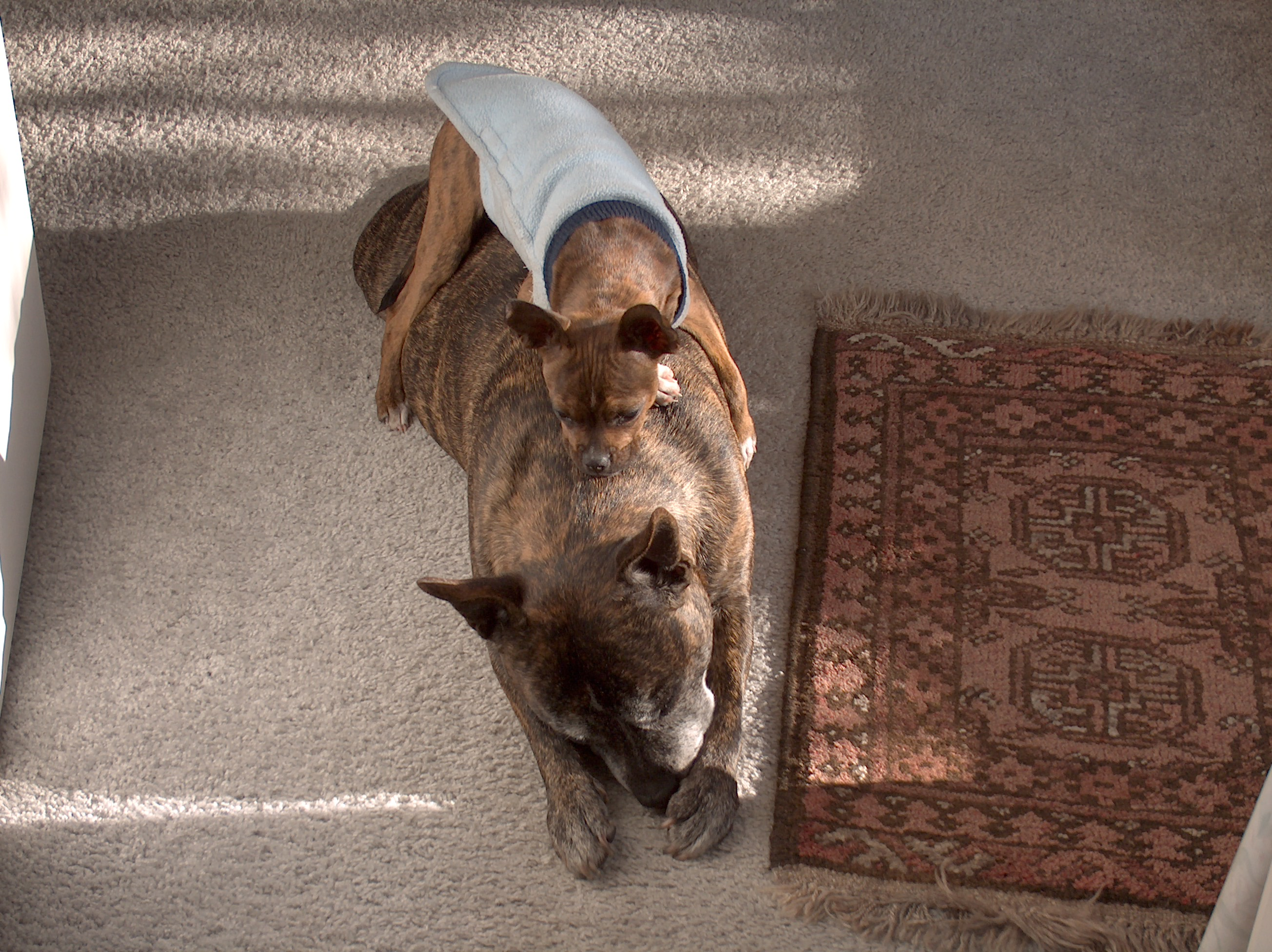
Thank you for the response. We are kindred spirits. Take care. :)
Hello again David. I have just checked this again and am a bit confused. I set the default threading to unthreaded. But the individual mails are still threading. I note that there is a comment that states : Define the default sorting and threading for newly created folders. Further down there is an option "Propagate threading and sorting settings to: the button says "all existing folders". Or second button "Choose" leads me to my 4 mail accounts. So, i am still unable to keep every mail separated. I must be doing something wrong. Further comments?
Cheers john
The first setting you mentioned is for new folders. The other one is for existing folders. The choose option is useful if you want some one way and some another.