


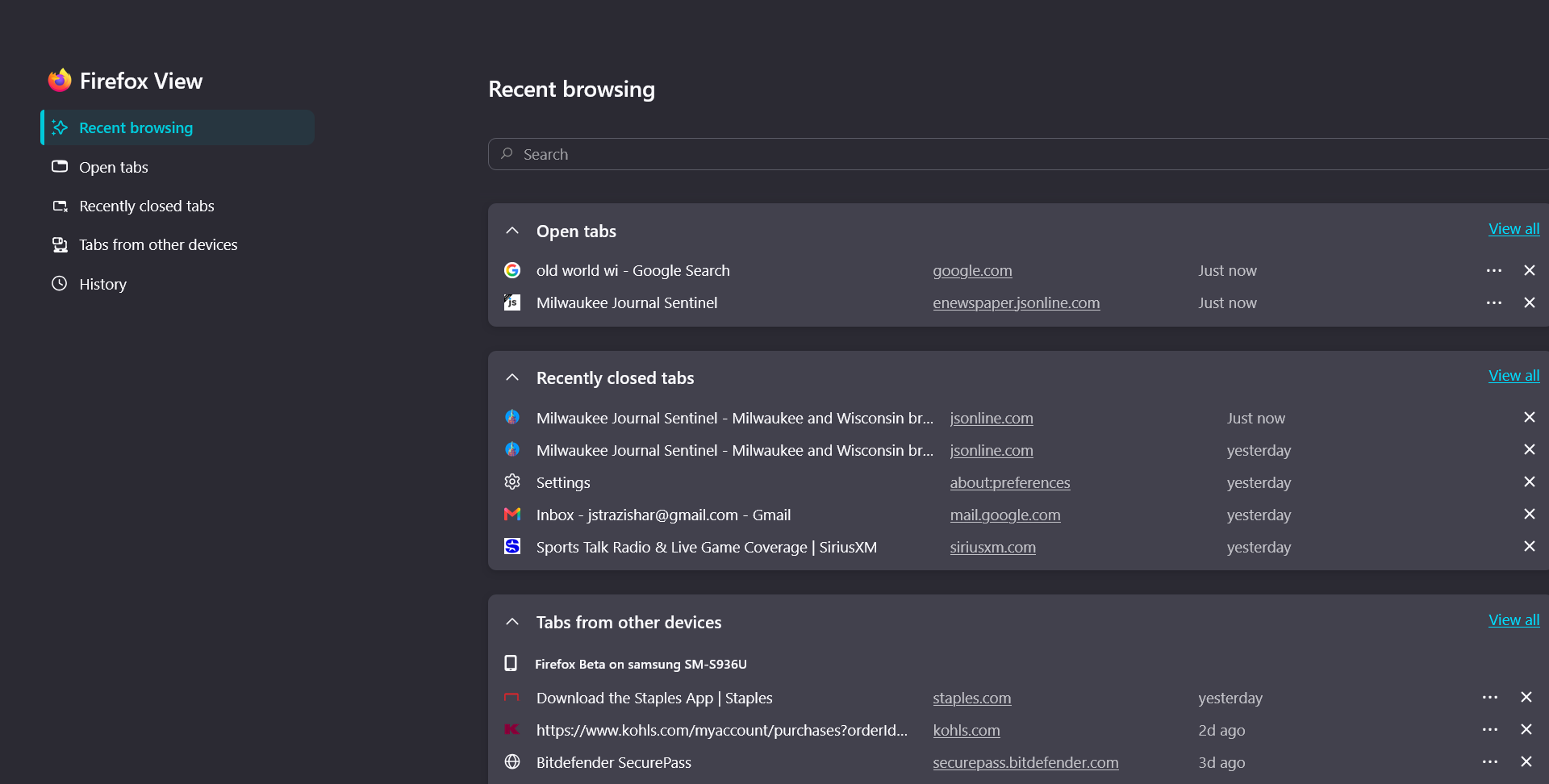
Lately when browsing, the desktop screen goes to the Firefox "Recent Browsing" page instead of the URL I asked for.
When searching for any type of URL or page on Firefox, unexpected things have been occurring. The most common action is that the Recent Browsing page opens up instead of the page I was seeking. I can get to that page by clicking the tab, but it obviously should not be happening. Sometimes, I only see a completely blank page in white or gray. Again, I can get to the page by clicking the tab. A momentary blink occurs regularly when going to a new page.
I have cleaned up any unused or unimportant extensions and add-ons, since that was suggested as one cause. So far I have not taken a suggestion to clear all cookies and cache because of all the beneficial browsing that deletes. I have also not totally deleted the Firefox app because I am not sure a reinstall of all of my bookmarks, the homescreen with my 32 preset URLs, etc. will come back.
So I am looking for advice on what steps I should take to resolve this, in order of first taking the least destructive and problematic actions. Thanks, Joe
All Replies (5)
So far I have not taken a suggestion to clear all cookies and cache because of all the beneficial browsing that deletes.
You can delete single site data and cookies, maybe for a relatively unimportant site etc.
Also have you tried the troubleshooting option?
It would be interesting to understand if the same happens if you restart into Troubleshoot Mode (from Help menu) as there have been a few similar reports but without any common cause — to see if that is perhaps some interaction from your addons?
Thanks guys for taking the time to give input. Based on your clearing explanation, I did decide to refresh all of Firefox which helped somewhat. I cleared Google data and cookies because Google maps continues to go black -- and it still does. Now occasionally in typing in a URL, Firefox defaults to the first and only website in the list which I program to start whenever I open Firefox.
I did try the Troubleshoot Mode and isolated each of the few extensions I have left, but without any success. Thanks again!
Joe, and did the Google Maps work for you in Troubleshoot Mode, or also not?
Some people reported success (after turning off hardware acceleration based on the troubleshooting steps), for some the Gmaps are still black:( It looks like an experiment from Google side served only to some users, so there's not much of a control about which variant people receive:/
No, it didn't work in Troubleshoot Mode either. Earlier, I shut off acceleration after AI gave me some ideas.
On the same desktop, Maps works just fine in the Edge browser. I'm not an Edge fan, but at least I have a backup.
Thanks