


Using windows 11 has ghost images in my taskbar

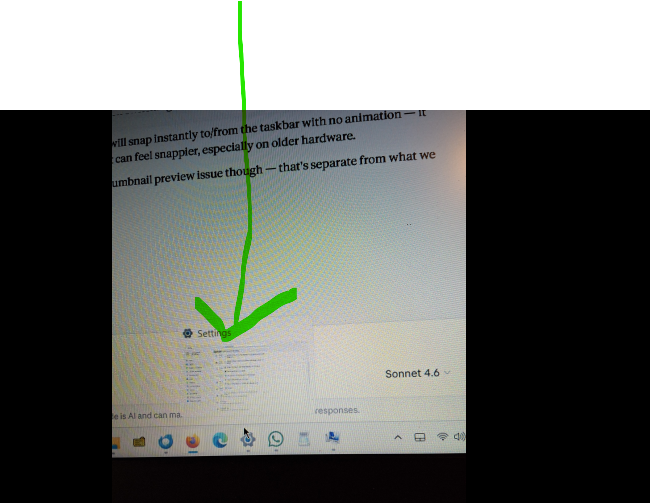
Have "ghost images when i have an app or several apps open. How do i turn them off. Here is a picture of what i mean attached
Moderator note: This question has been edited to specify the Windows version based on the info provided by the OP.
Have "ghost images when i have an app or several apps open. How do i turn them off.
Here is a picture of what i mean attached
''Moderator note: This question has been edited to specify the Windows version based on the info provided by the OP.''
Modified by Denys
All Replies (1)
Hi,
This forum is intended to help users with Mozilla products, such as Firefox. As a moderator, I'm going to mark this thread as off-topic and lock the thread since it is not a subject covered in the support forum. Please see Mozilla Support rules and guidelines.
Regarding your issue, these are app previews. I'm not sure you can disable them with built-in Windows settings.