


Message Filters Not Logging (win10)

Why suddenly has Thunderbird stopped logging my messages that I filter manually even though I have logging enabled? It used to work just fine. It no longer logs ANY message filtering. I have not changed any settings. I depend on it especially to confirm that new filters I set are working properly. How can i fix this?
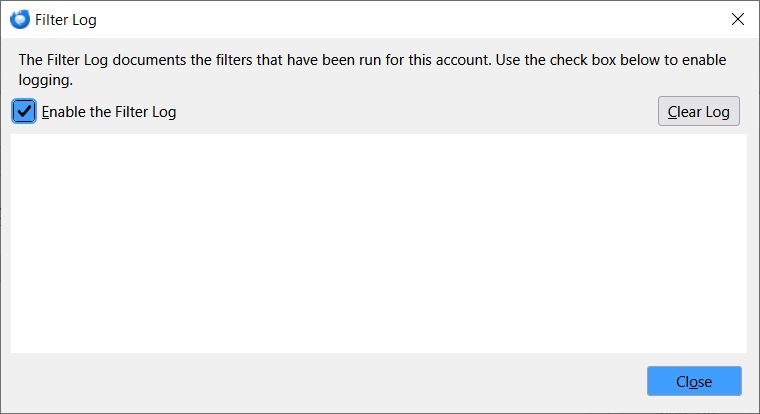
Modified by Wayne Mery
All Replies (8)
What version at the time you wrote this on Dec 11? Please find filterlog.html in your profile directory for that account, and check the file size.
I found the file "filterlog.html" and it is a minimal 1k size. It is only an html shell - no content. It was last updated 12/5/25. So, how do I fix Thunderbird not logging the filtering actions?
Thanks for the suggestion. Sorry to say that did not work. It just created a new file but is still not logging the filter actions. Is there anything else I should try?
https://bugzilla.mozilla.org/show_bug.cgi?id=2001009 reports this for version 145. Are you using version 145 or 146?
I am currently on v146.0.1. Updated a couple of days ago after problem started in hopes it would resolve it.
FYI I am in the U.S. using Windows 10 Pro. I can not find a "locale setting" in Thunderbird to verify, but it should not be "Japanese". Language is set to "U.S. English". So, I see I am not the only one with this problem. It appears to have possibly been introduced with the v145 update.