


What should I do to see the names of the unloaded tabs instead of URLs?

What should I do to see the names of the unloaded tabs instead of URLs?
All Replies (7)
The name (title) of a web page is part of the main HTML file and thus only available after the tab has been loaded. If you haven't visited a tab then this information isn't available and you only see the URL.
I'm curious about the context: when do you see addresses instead of titles on tabs?
jscher2000 said
I'm curious about the context: when do you see addresses instead of titles on tabs?
When I start the browser. 2-3 weeks ago everything was fine, but now I must click on each tab to see the title. When I just start firefox I can see all titles (pic 1), then it starts the connection (pic 2) to each tab and instead of titles appers URLs (pic 3)
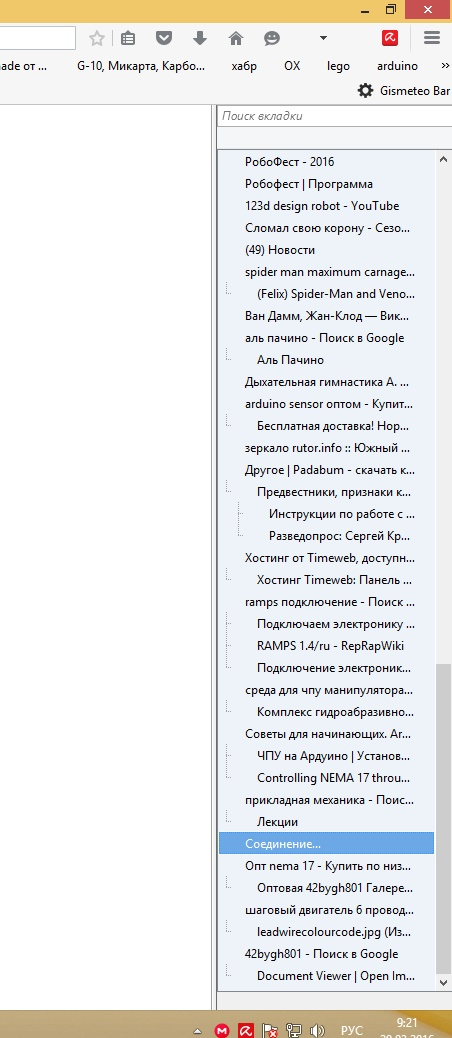
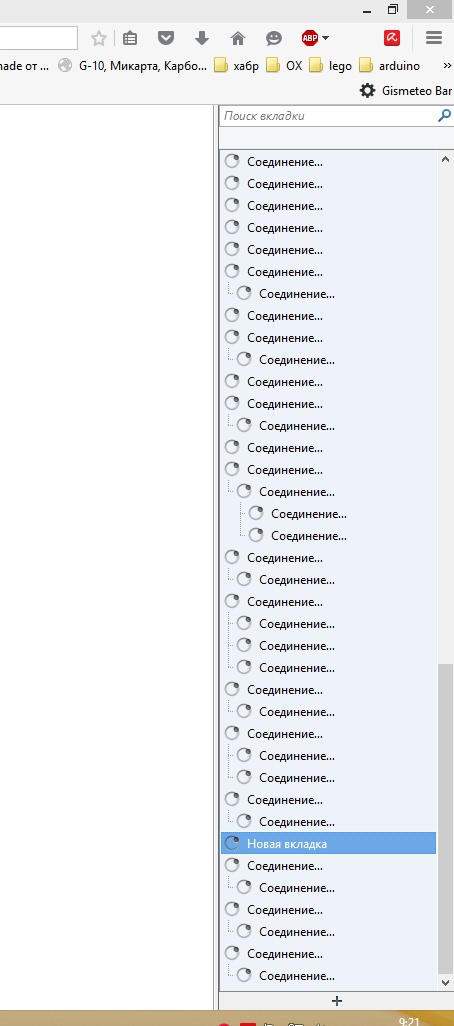
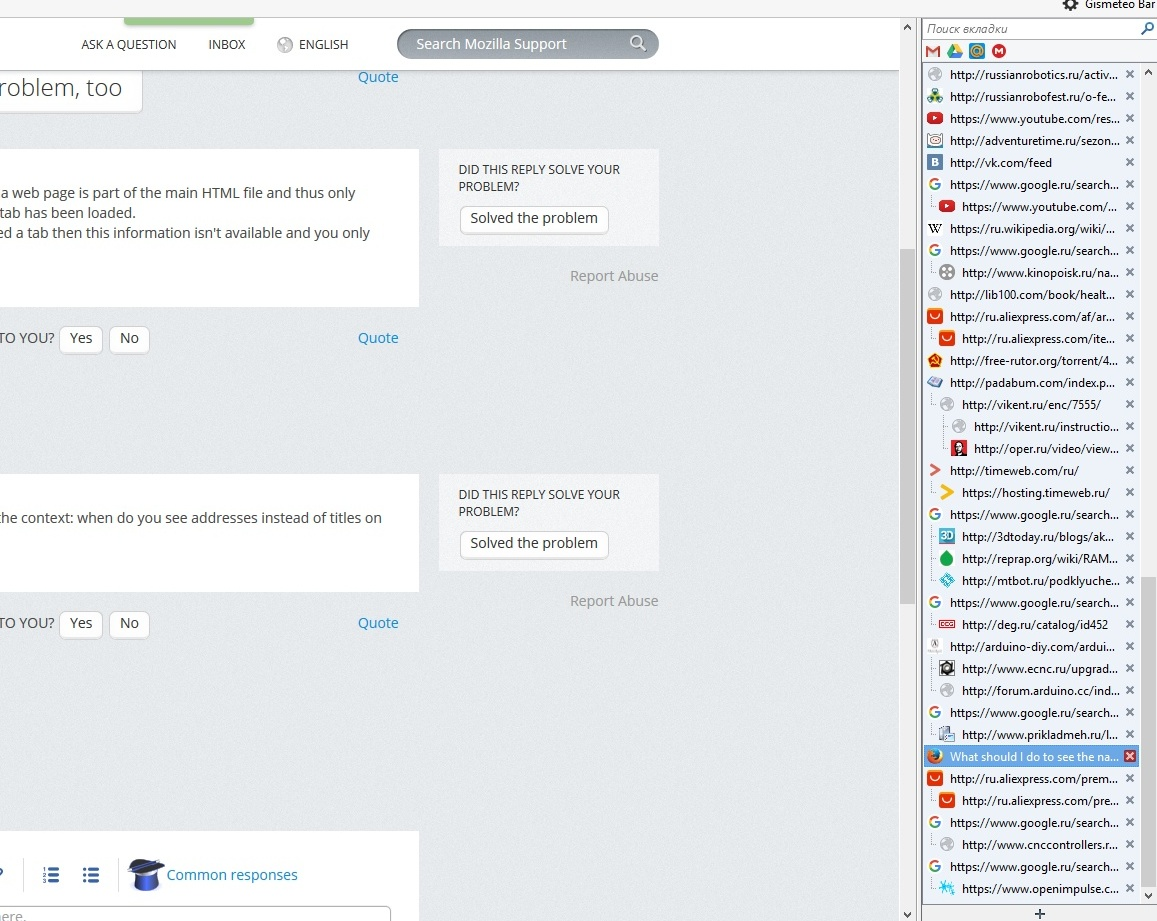
Hmm, I don't recognize that bar. I assume it's generated by an extension, but which one?
Meanwhile, do the actual tabs show the titles?
It's Tab Tree, but problem stays even without it. Actual tabs show the titles, I can click on tab, it loads and there is the title. But when I restart Firefox URLs are back.
Are you using "Clear history when Firefox closes" to clear personal data like the history or the disk cache?
cor-el said
Are you using "Clear history when Firefox closes" to clear personal data like the history or the disk cache?
No. It is Firefox will remember history in preferences.