


scroll bar

I would like to make the scroll bar bigger so that it is easier to move.
การตอบกลับทั้งหมด (5)
วิธีแก้ปัญหาที่เลือก
Bonsoir
Is it your question
If you want to try
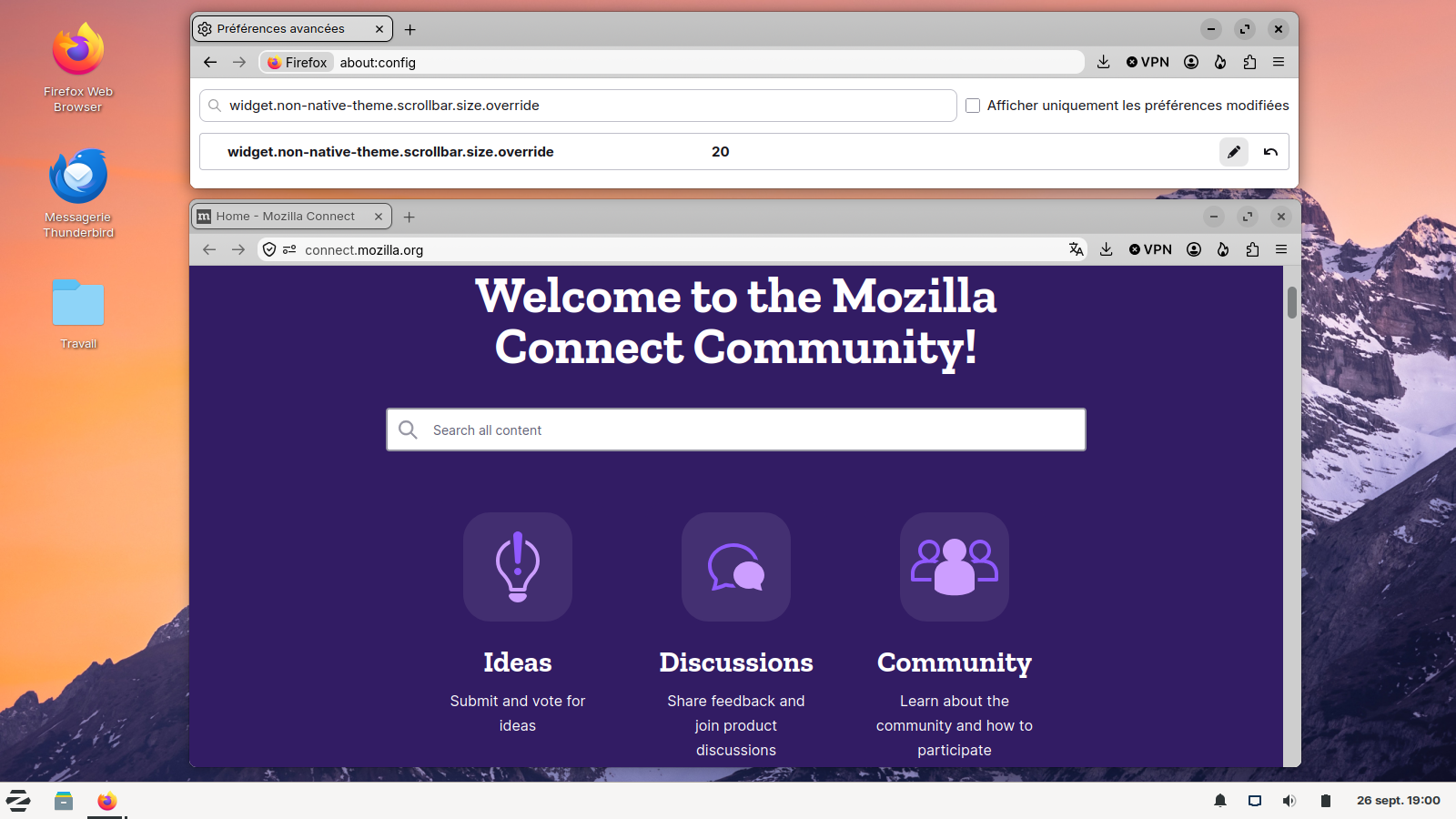
1 - Go to configuration editor https://support.mozilla.org/en-US/kb/about-config-editor-firefox 2 - Enter a search term widget.non-native-theme.scrollbar.size.override Double-click the preference, alternatively, you can click the Edit button Enter a new value and click the Save button to save the change
Below, Illustration, value 20
Bonjour
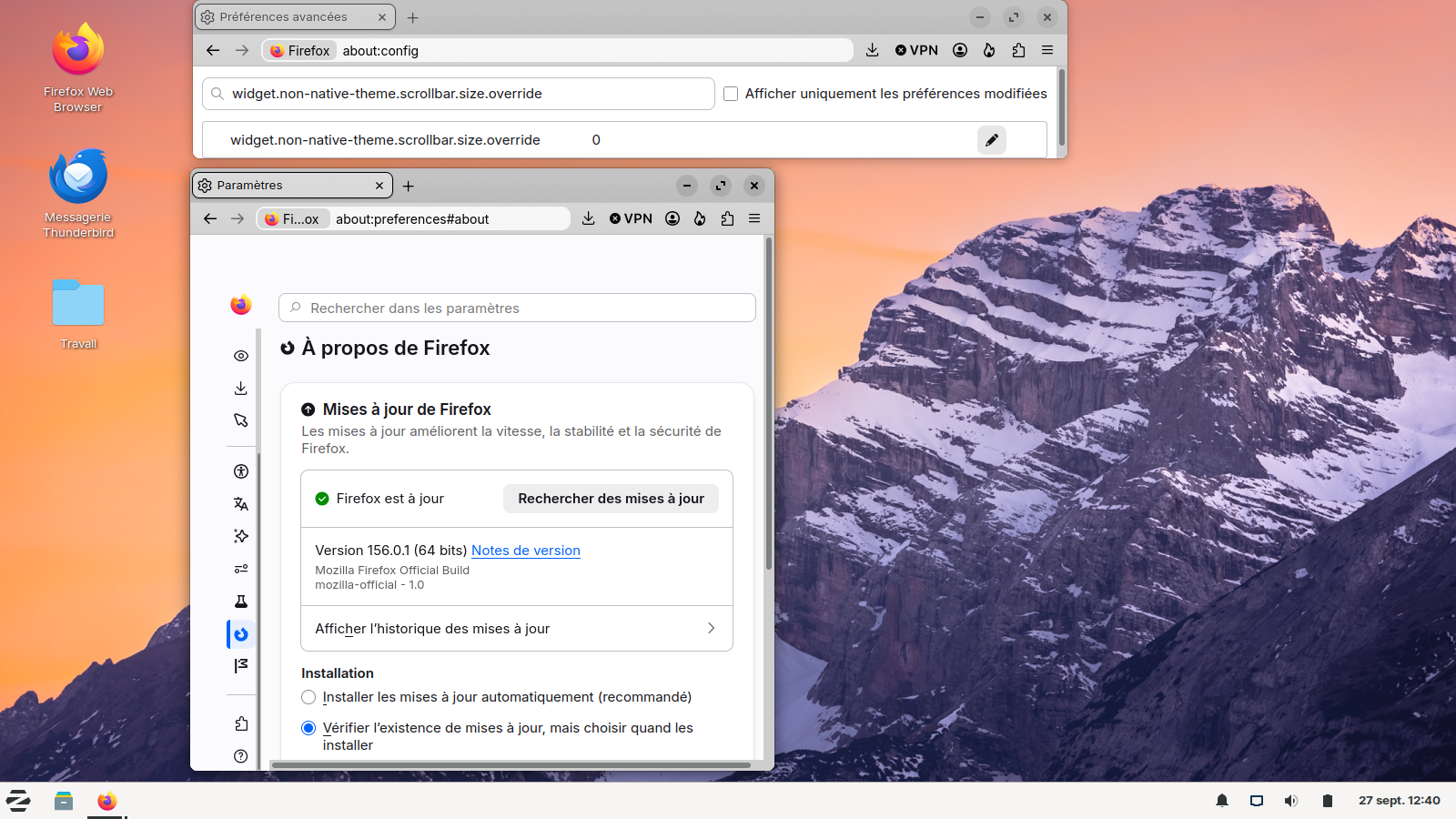
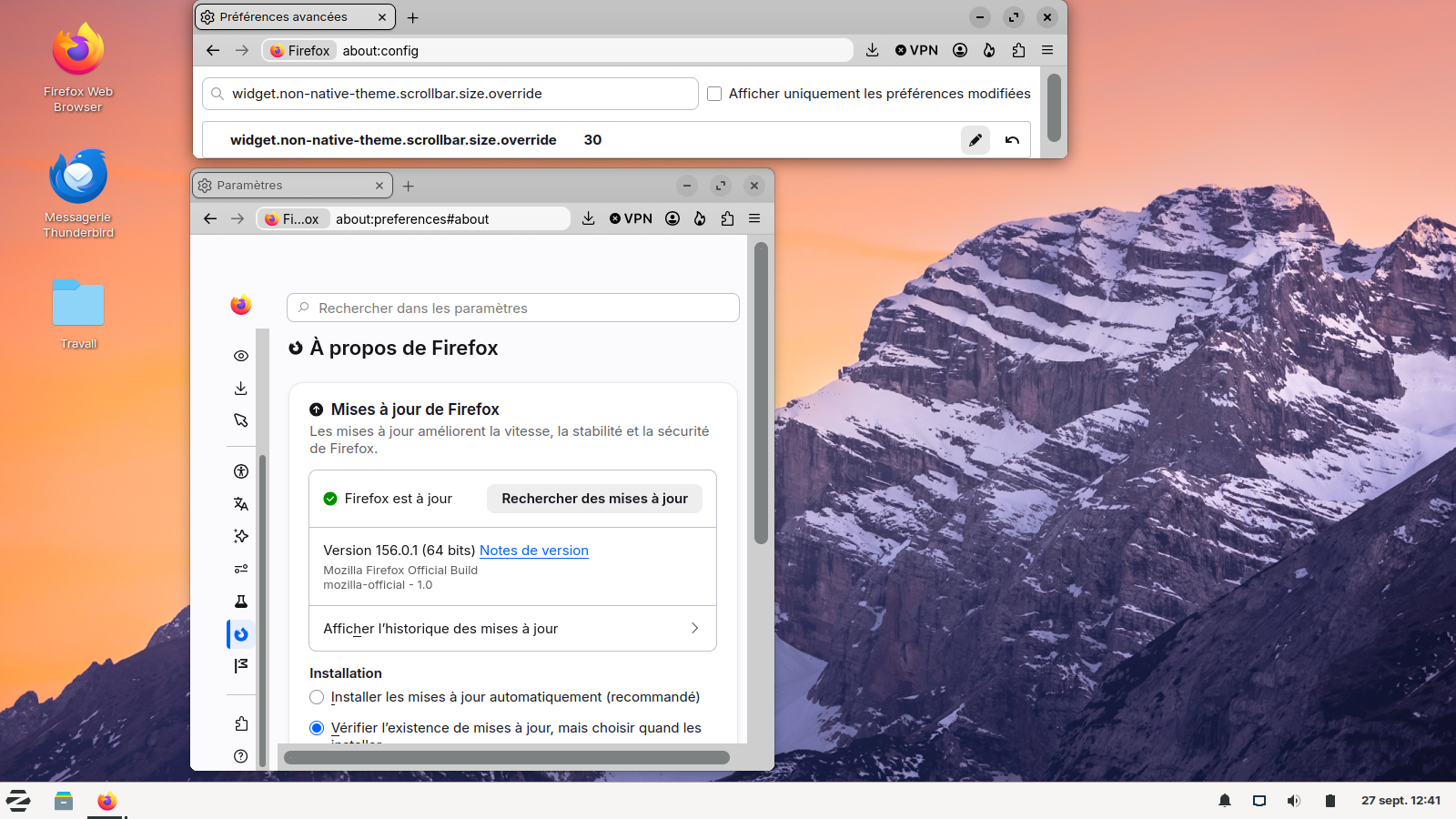
Below, illustrations, widget.non-native-theme.scrollbar.size.override, default value and value 30
thank you for the help, your suggestions worked and the scroll bar is easier to move now. Peace, Scotty

Hi I followed these directions and it didn't change the width.
Should it work with various themes?
I have a 'custom scrollbar' extension but made sure that was disabled before making the edit.
Bonjour
A discussion thread https://connect.mozilla.org/t5/discussions/how-to-increase-the-width-of-the-vertical-scroll-bar/m-p/48661/highlight/true#M17469, Windows10 widget.non-native-theme.win.scrollbar.use-system-size value to false widget.non-native-theme.scrollbar.size.override value 30 for example
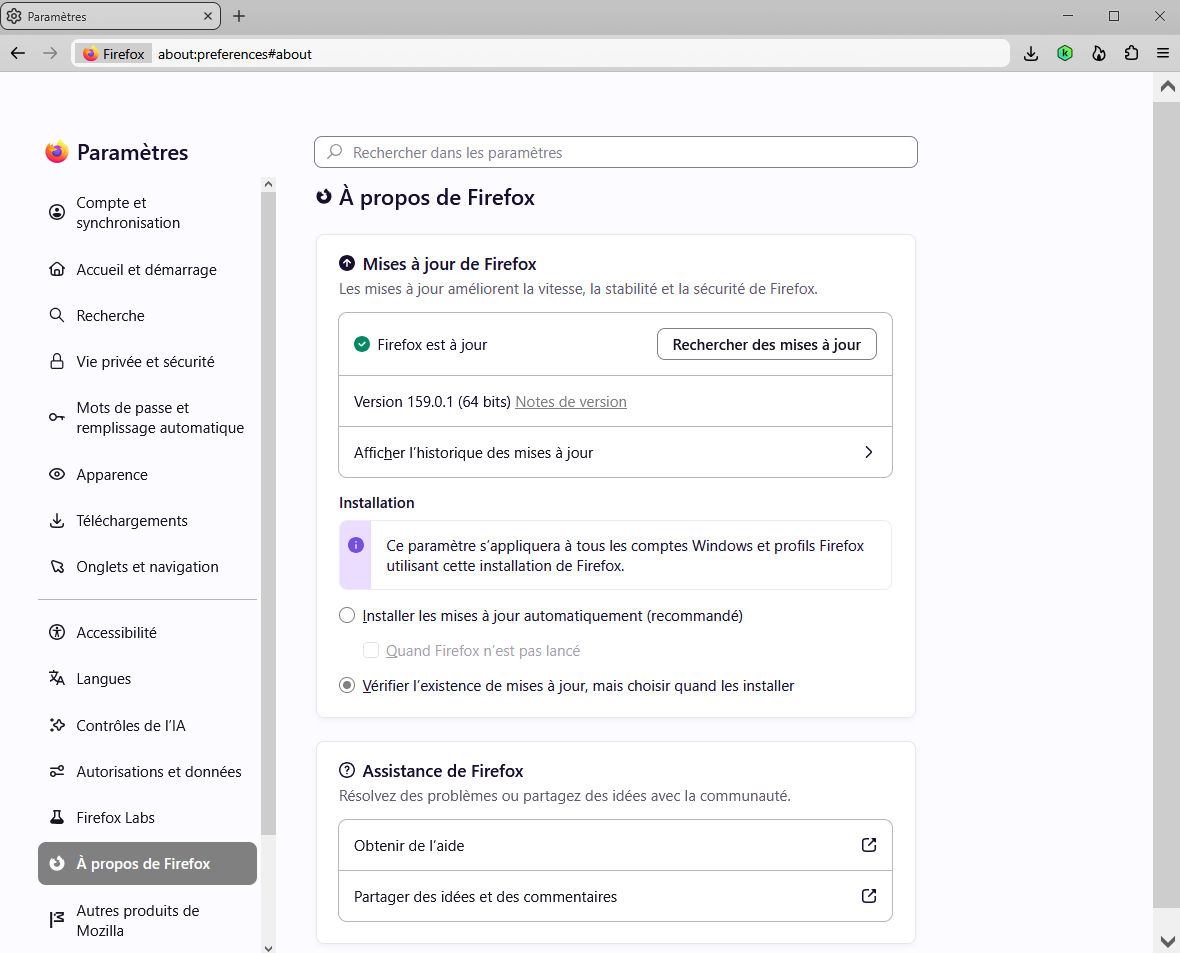
Clarification : screenshot Firefox release 159.0.1. I'm not a fan the Nova Style. I use, css. Among others css.
เปลี่ยนแปลงโดย Agent virtuel เมื่อ