


I can't use Thunderbird email after a sudden power outage.

My computer unexpectedly shut down when the power went out. When I try to open Mozilla Thunderbird, it doesn´t respond. Messages appear on the tabs at the top and a dot flashes on one. When I press anything, the text turns gray and the program doesn´t respond. I´ve turned off my computer many times, and that doesn´t help. I´ve also deleted a locked file according to the instructions. The situation is the same in Safe Mode, and it doesn´t help. What should I do now? Thank you!
การตอบกลับทั้งหมด (5)
Computer crashes and/or power outages often damage the prefs.js file in the Thunderbird profile, thus destroying all email account settings. When you start Thunderbird does your start page ressemble to the one I've attached to this answer?
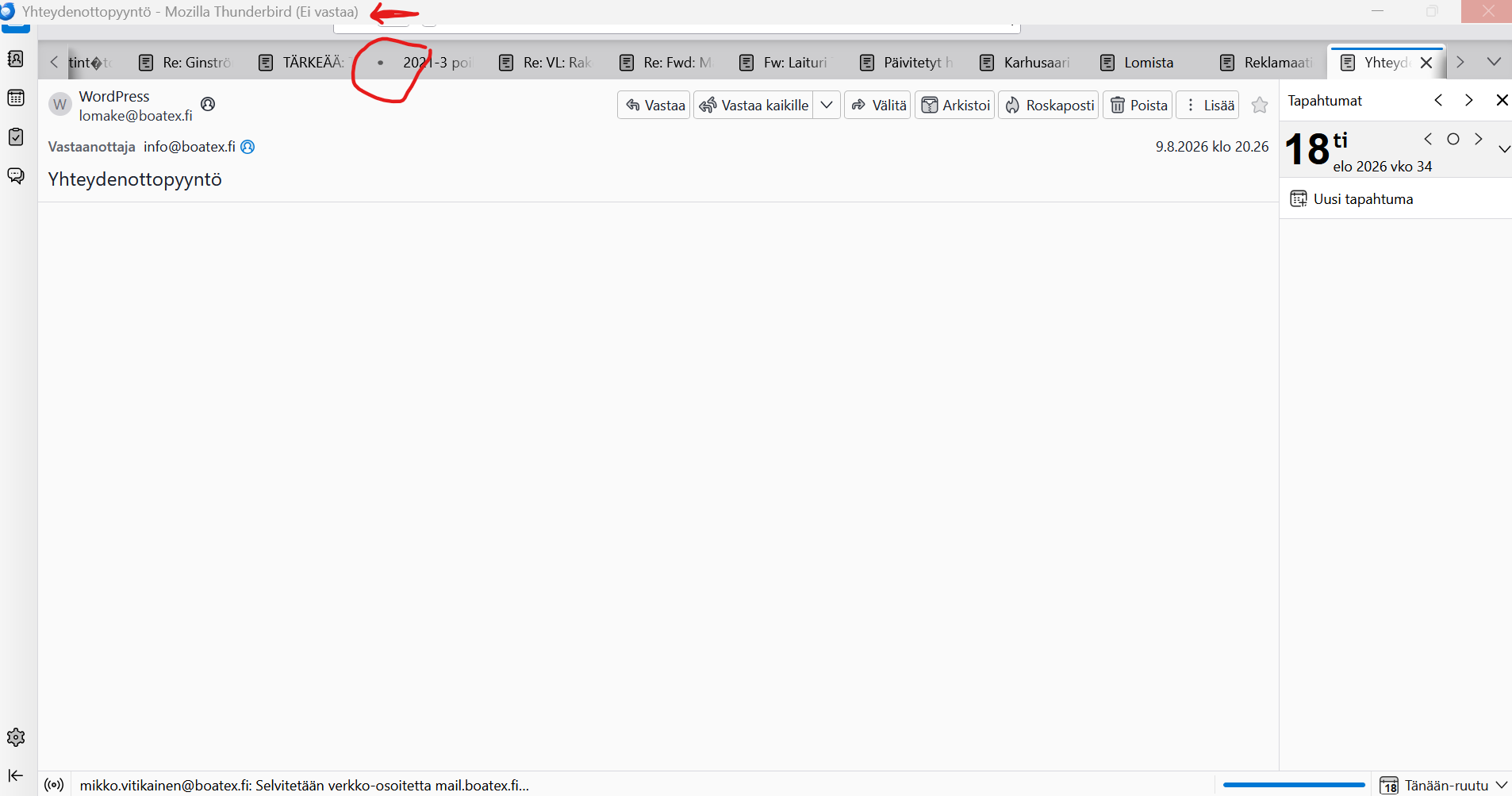
Attached is a picture of the view. At the top, there is a blinking dot or something next to a message. In addition, there is a message at the top that Thunderbird is not responding.
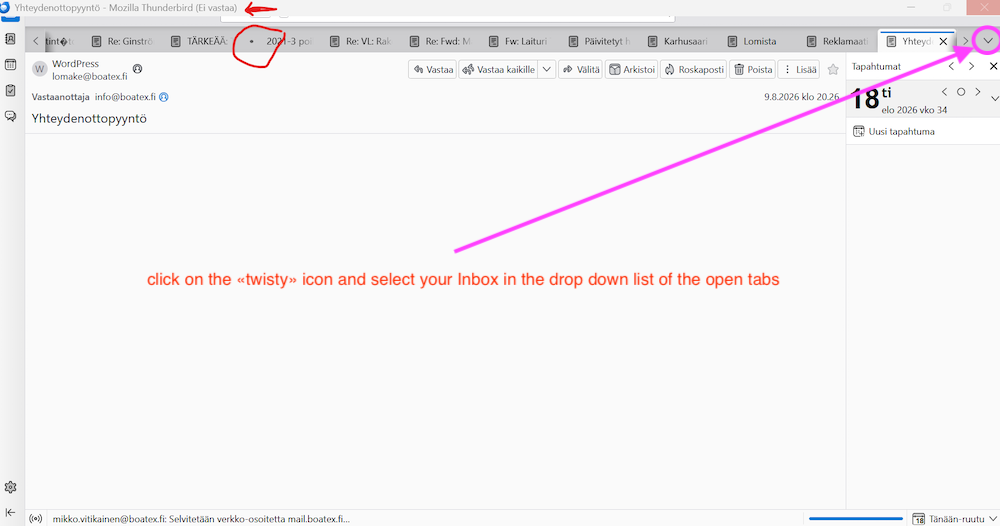
I attach your screen shot which I modified: click on the twisty v I marked with a circle. This will display a list of all opened tabs in the tab bar. Select your Inbox which will be on the top of the list, then do a new screen shot
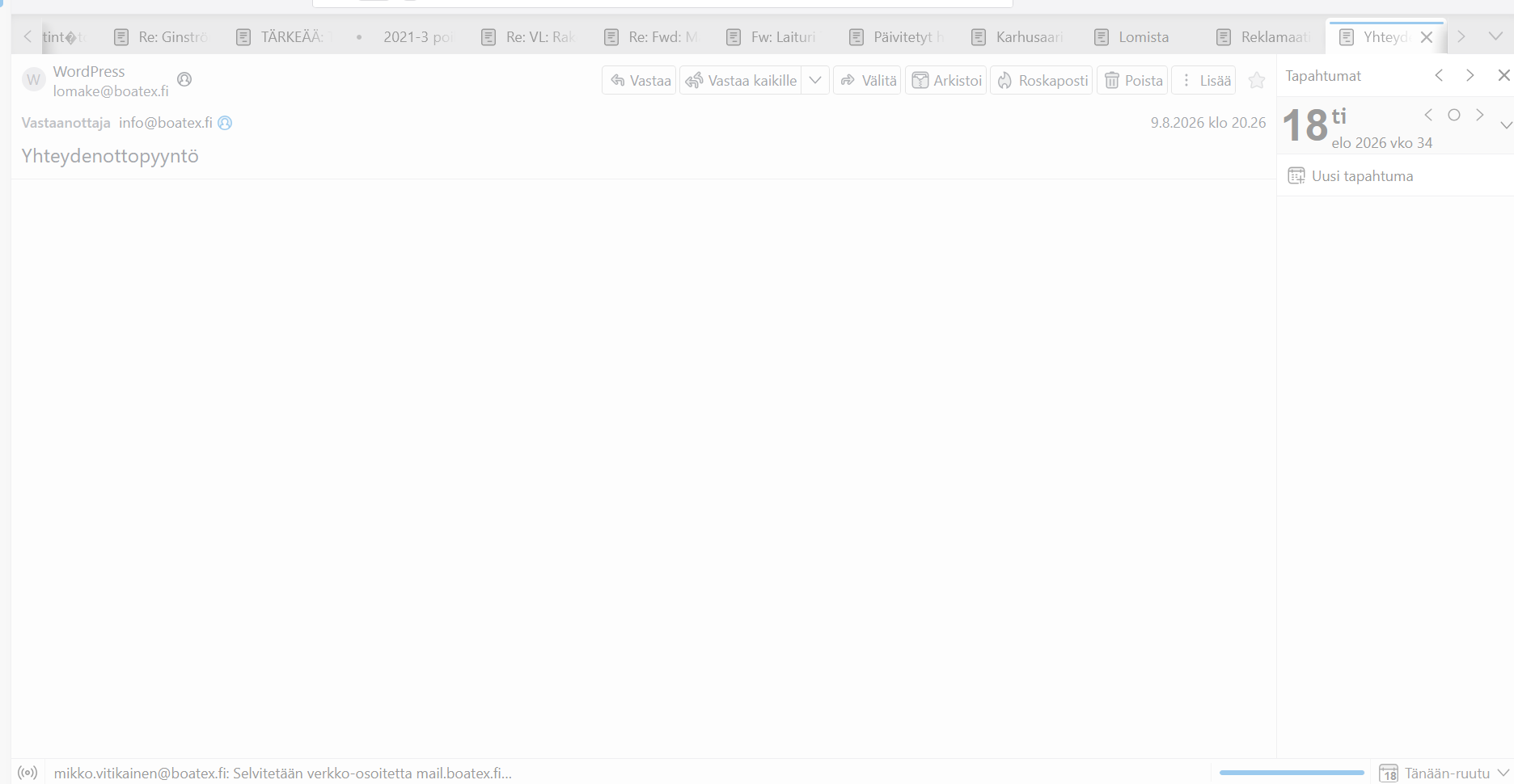
I can't select that as Thunderbird is not responding and when I select something, all the text on the page turns gray and the cursor stays spinning.
OK, I missed that you already mentioned in your first message Thunderbird not responding. Now please try to start Thunderbird in "troubleshoot mode" : hold down the Shift key while launching Thunderbird. https://support.mozilla.org/en-US/kb/troubleshoot-mode-thunderbird If Thunderbird still doesn't respond, force-quit the application:
Now try to open the Thunderbird profile folder: press the Windows key and start typing %APPDATA%\Thunderbird\Profiles\ This will open the folder "Profiles" in the Windows file explorer. "Profiles" may contain one or several folders: if you see only one folder "xxxxxxxx.default", open it, look for the prefs.js file and retrieve its size. If the size is 6 to 7 kB it happens to be a newly created file which doesn't contain any account settings , and you will have to look for a prefs-1.js (or invalidprefs.js) file with a much bigger size and an actual time stamp. This prefs-1.js (or more general prefs-x.js) file would be the corrupt "old" prefs.js file which has be renamed in prefs-1.js by Thunderbird.
If you see more than one folder in "Profiles", such as xxxxxxxx.default and yyyyyyyy.default-release (or ......default-esr) , then open the ...default-release or the default -esr folder and search for the prefs.js and a prefs-1.js files