


Firefox Profile

I reinstalled Firefox on my laptop after it crashed. I also have Firefox on my iPhone. The profile there is up to date. How do I sync that profile to the laptop installation?
I reinstalled Firefox on my laptop after it crashed. I also have Firefox on my iPhone. The profile there is up to date. How do I sync that profile to the laptop installation?
การตอบกลับทั้งหมด (1)

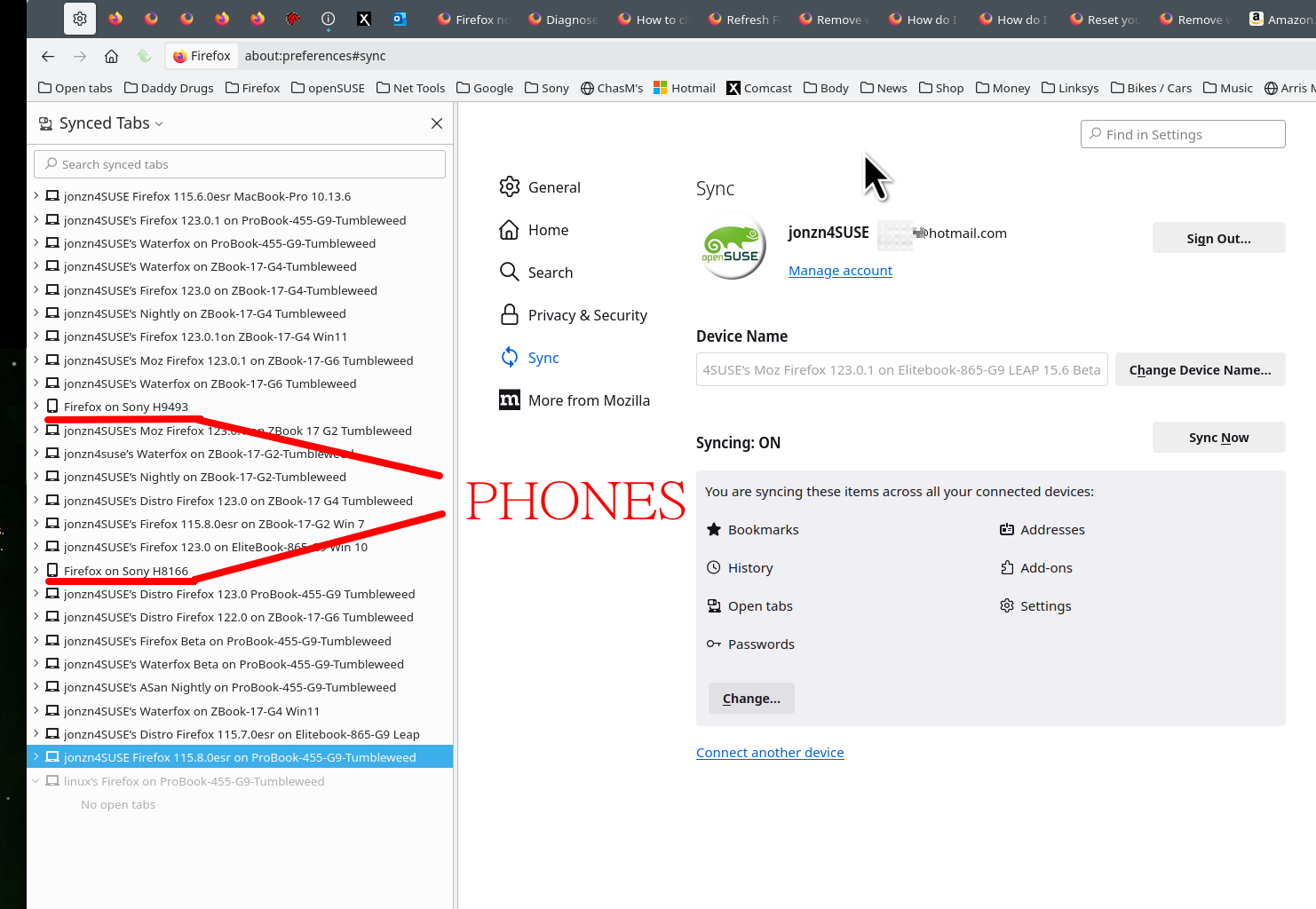
First sign into the account on the phone, make sure the sync options are checked and then the computer. see old screenshot https://support.mozilla.org/en-US/kb/how-do-i-set-sync-my-computer https://support.mozilla.org/en-US/kb/how-do-i-choose-what-information-sync-firefox
เปลี่ยนแปลงโดย jonzn4SUSE เมื่อ