


Firefox update notification failure

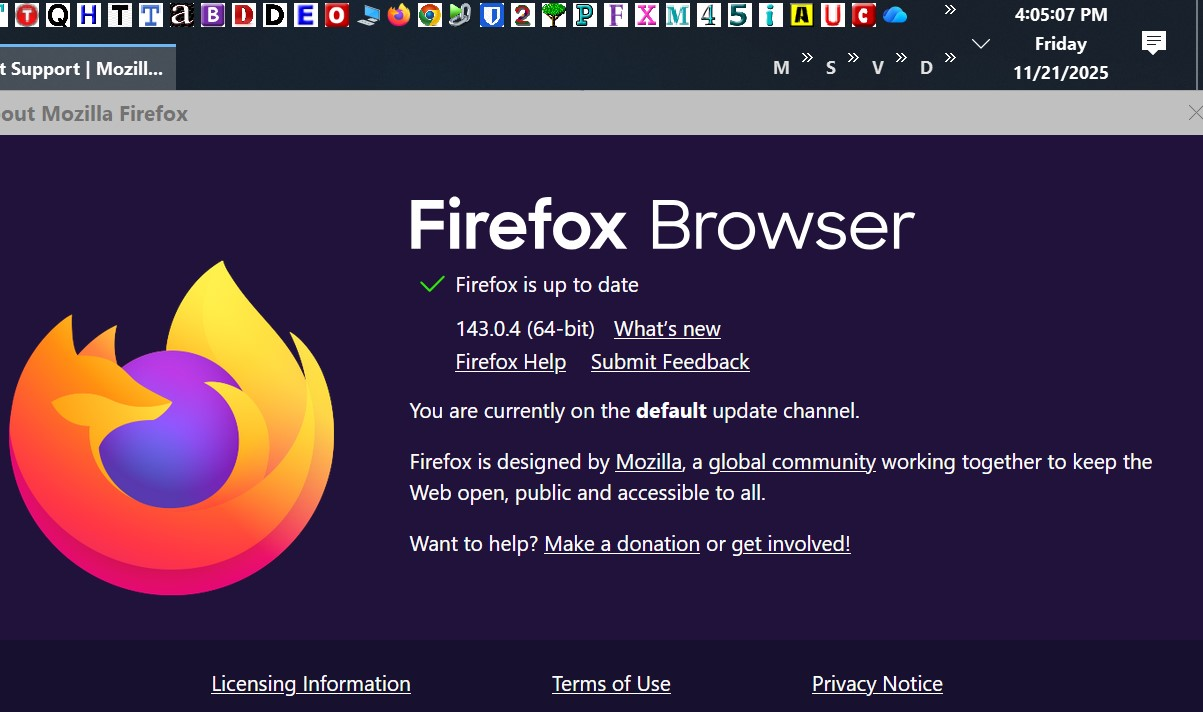
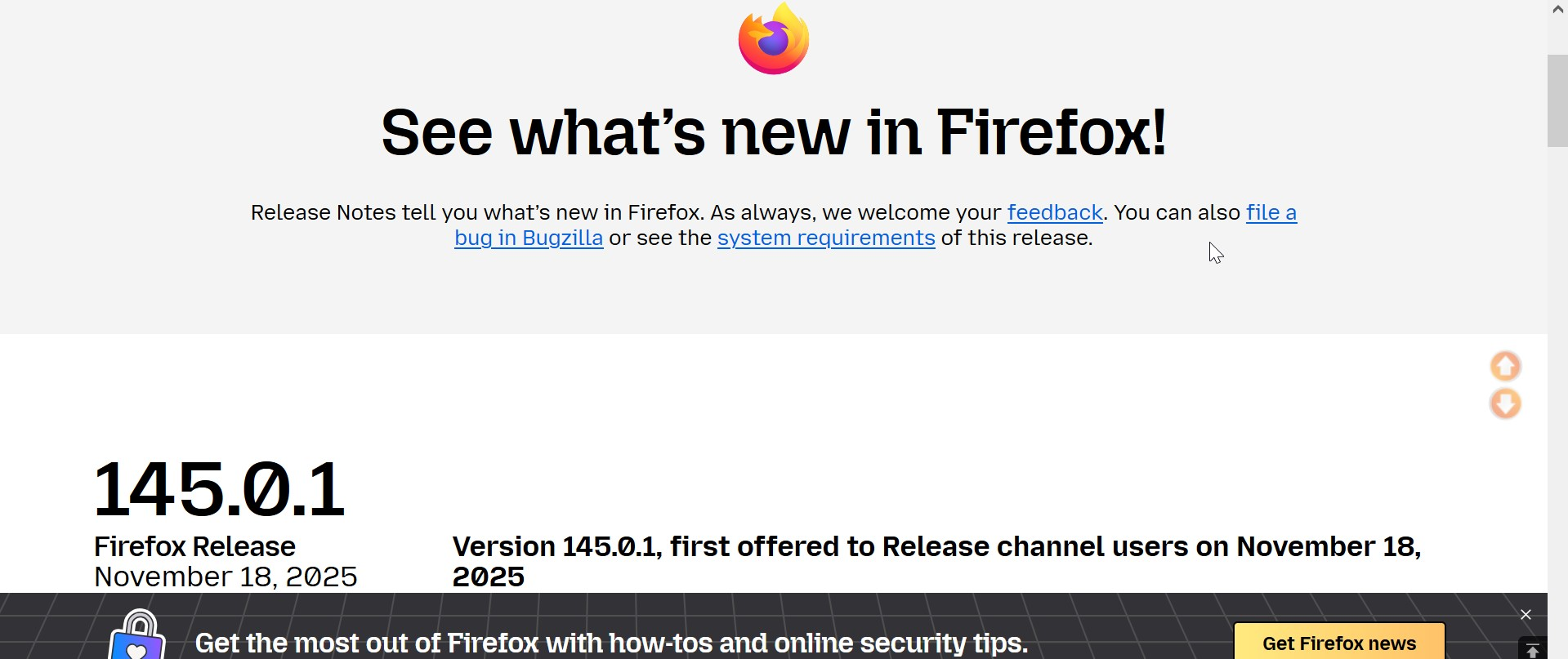
Never seen this before. I installed v143.0.4 on 10/3. Since it was an extended length of time up to now, I went to check (Image 1 & 2)
I still wasn't convinced (Image 3)
Also, I never opt to "Automatically Install Updates". I don't know how that got selected, but even so, it did not work.
Explanation please?
Never seen this before. I installed v143.0.4 on 10/3. Since it was an extended length of time up to now, I went to check (Image 1 & 2)
I still wasn't convinced (Image 3)
Also, I '''never '''opt to "Automatically Install Updates". I don't know how that got selected, but even so, it did not work.
Explanation please?

การตอบกลับทั้งหมด (1)
Hi there,
Your first screenshot mentions the default update channel, which is probably not good... Normally, it should be release. It may be OK for a Linux distribution which manages Firefox updates on its own, but you're on Windows. Could you please try visiting about:config and setting app.update.channel to release?