

หัวข้อนี้ถูกเก็บถาวรแล้ว
โปรดถามคำถามใหม่หากคุณต้องการความช่วยเหลือ

เก็บถาวรแล้ว
where is the home page button firefox now

where is the home page button firefox now
'''where is the home page button firefox now'''
การตอบกลับทั้งหมด (2)
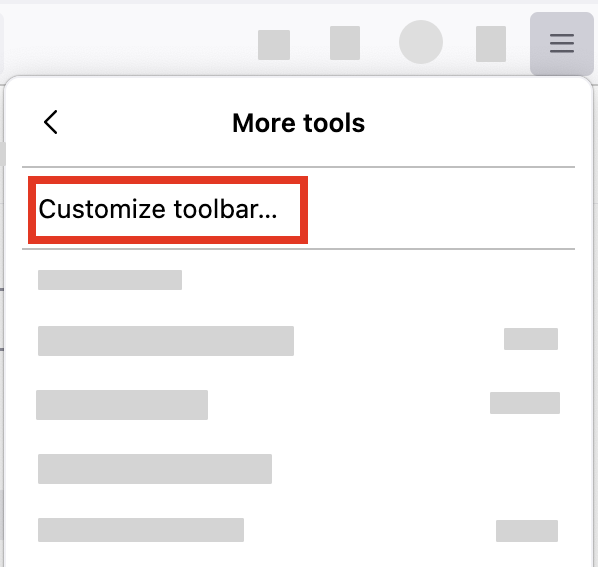
- Click the menu button
 in the top-right corner, click More tools, and choose the Customize toolbar… option.
- A special tab will open that allows you to drag and drop items (including the Home page button) in or out of the toolbar.

I used to use Fennec 148.0 from F-Droid, but now I use Iceraven 147.0 and am no longer doing updates. Why modernize something so recognizable? Bring the house back!?