How can I permanently turn off Firefox's "update available" pop-up reminder?

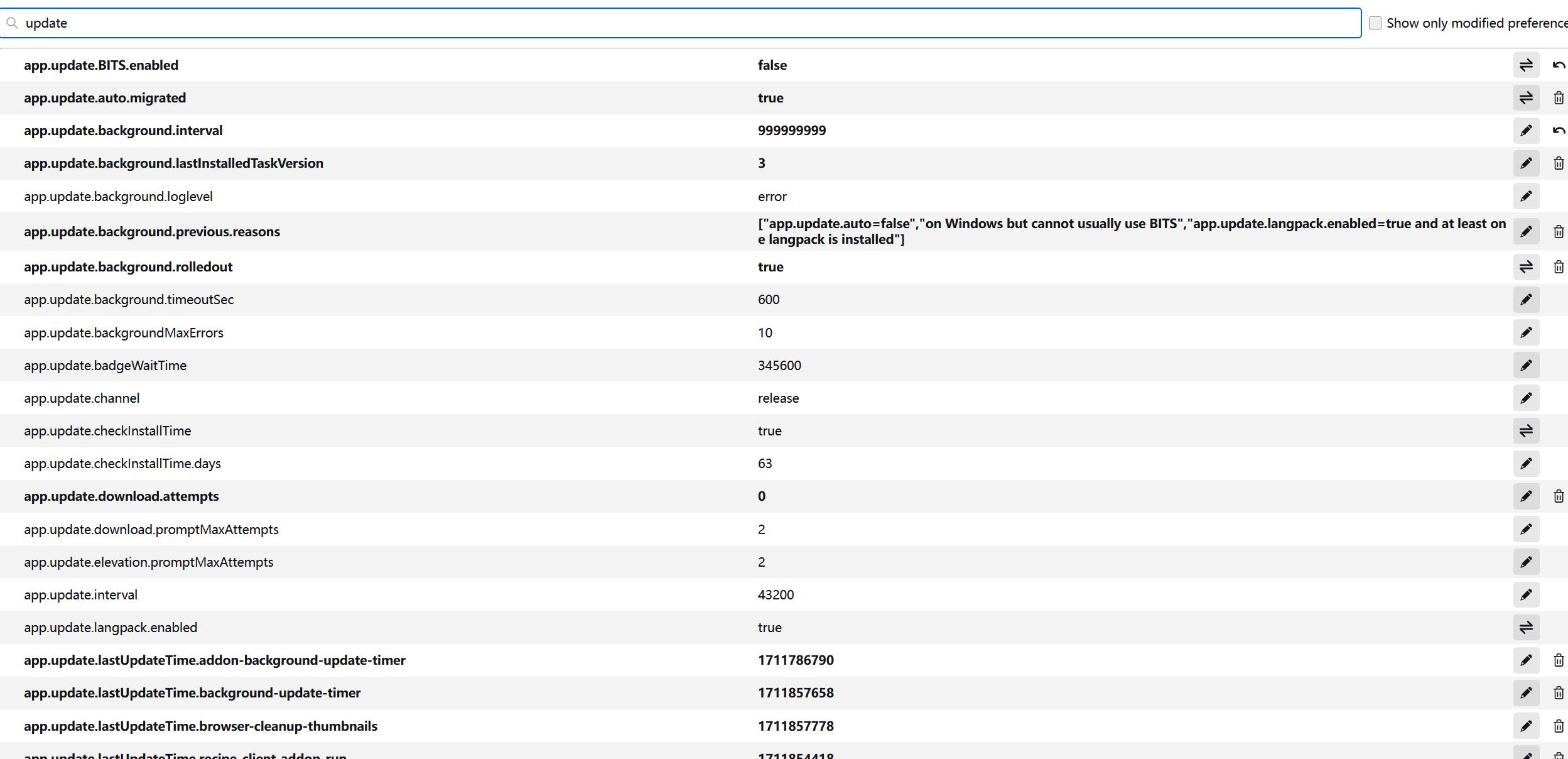
I use Firefox version 103, the old version that is perfectly compatible with an extension I always use. I love this old version, and I don't want to update it to the new version. But the update reminder pops up many times everyday. it's so annoying. I used "about config" to turn it off (see photo 2); it works a bit, but the popup still there once daily after the configuration. I want to turn it off permanently. Is there any way to do it? Thank you very much!!
I use Firefox version 103, the old version that is perfectly compatible with an extension I always use. I love this old version, and I don't want to update it to the new version. But the update reminder pops up many times everyday. it's so annoying. I used "about config" to turn it off (see photo 2); it works a bit, but the popup still there once daily after the configuration. I want to turn it off permanently. Is there any way to do it?
Thank you very much!!