Firefox removes port number from pasted URLs
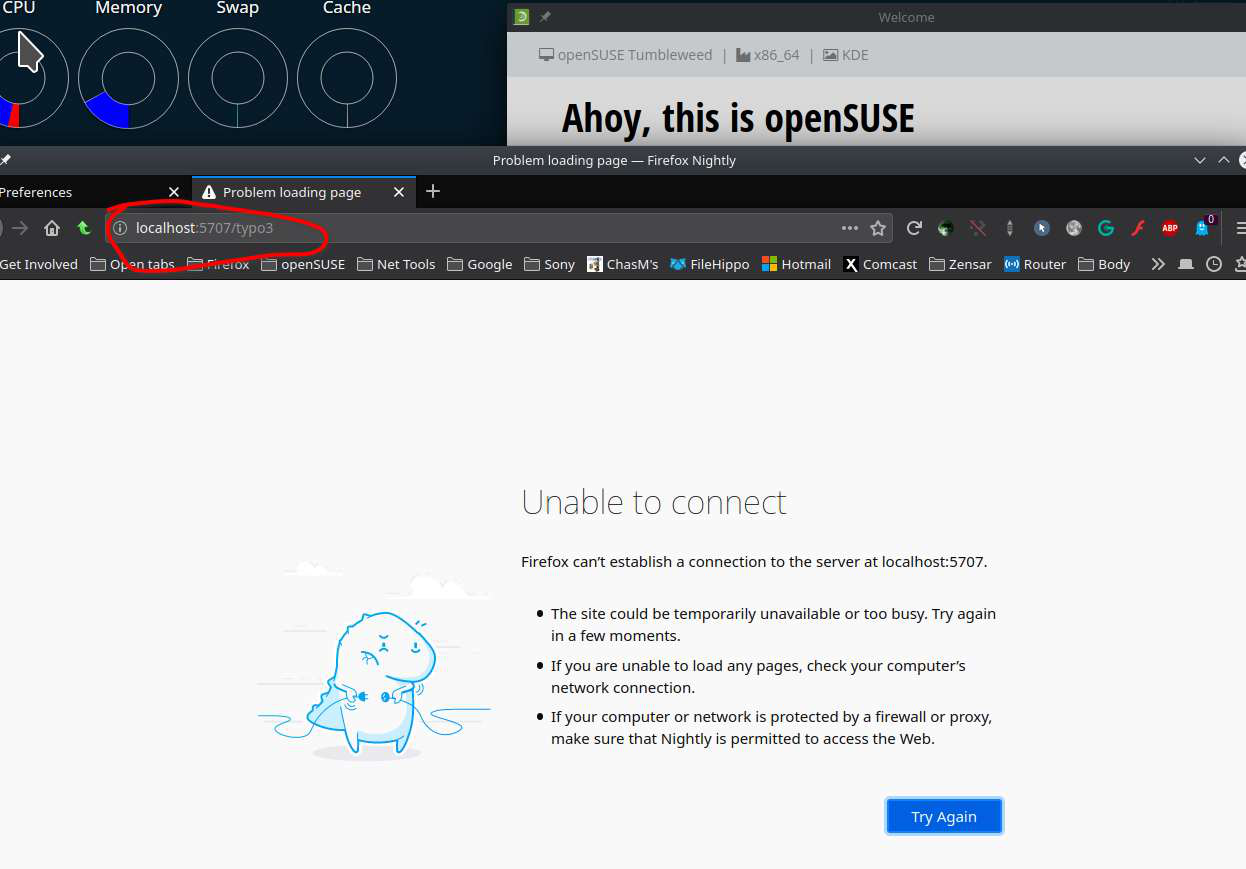
When I paste an URL with a port number in the address field of a new tab and press return, then the port number gets removed.
Example: I paste "http://localhost:5707/typo3" and press return Firefox then tries to connect to "https://localhost/typo3/", which is SSL and has no port number.
How can I disable that behavior?
This happens with Firefox 84
การตอบกลับทั้งหมด (1)
I don't have that issue. see screenshot Can you download another copy of Firefox to a folder, run it, and try again.
https://www.mozilla.org/en-US/firefox/all/#product-desktop-release
Operating System: openSUSE Tumbleweed 20210119 KDE Plasma Version: 5.20.5 KDE Frameworks Version: 5.78.0 Qt Version: 5.15.2 Kernel Version: 5.10.7-1-default OS Type: 64-bit Processors: 8 × Intel® Core™ i7-4810MQ CPU @ 2.80GHz Memory: 31.0 GiB of RAM Graphics Processor: Mesa DRI Intel® HD Graphics 4600