Windows 10 reached EOS (end of support) on October 14, 2025. If you are on Windows 10, see this article.

ค้นหาฝ่ายสนับสนุน

Avoid support scams. We will never ask you to call or text a phone number or share personal information. Please report suspicious activity using the “Report Abuse” option.

เรียนรู้เพิ่มเติม

I installed Linux. It came with FF.

  • 1 การตอบกลับ
  • 1 คนมีปัญหานี้
  • 43 ครั้งที่ดู
  • ตอบกลับล่าสุดโดย cor-el

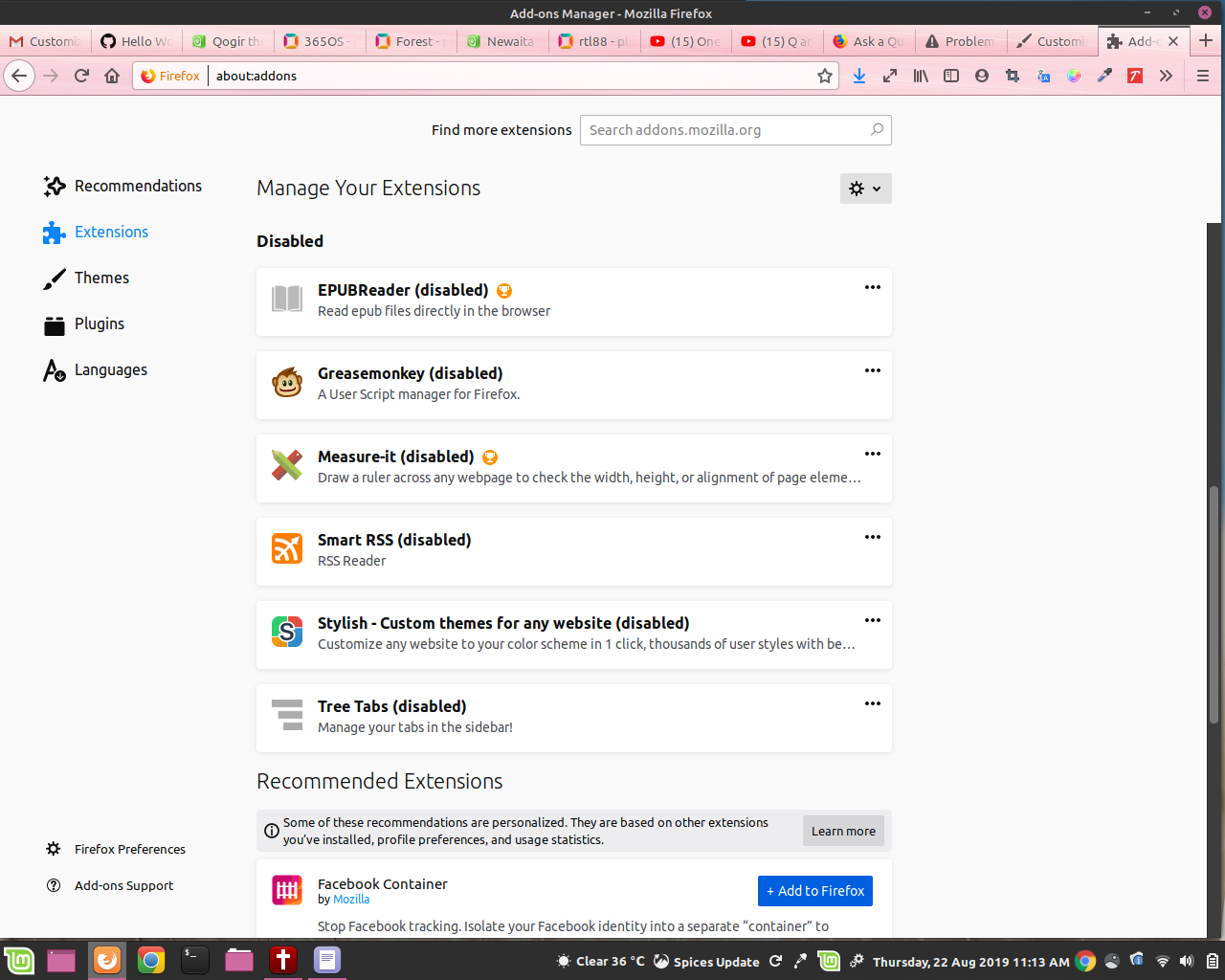
I had been using FF prior to installing a single boot Linux Mint 19.2 Cinnamon Tina. I went from Linux Lite to Mint. When I opened the freshly installed FF and pressed "sync now" it restored all of my add-ons. All of the files were there. All thumbnails too. Now, when I go to Customize and click on the themes menu, I do not see any thumbnails of the downloaded themes except for the 3 default themes that come with FF. I also am unable to mouse over those 3 themes and have them display what they look like real-time. When I click on manage themes (and I have many), there are no thumbnails. When I right click and ask to view the image it gives me the following error:

Firefox can’t find the file at jar:file:///usr/lib/firefox/omni.ja!/chrome/toolkit/content/mozapps/extensions/null.

Everything was functioning properly until yesterday. So a total of 3 days. How can I resolve this?
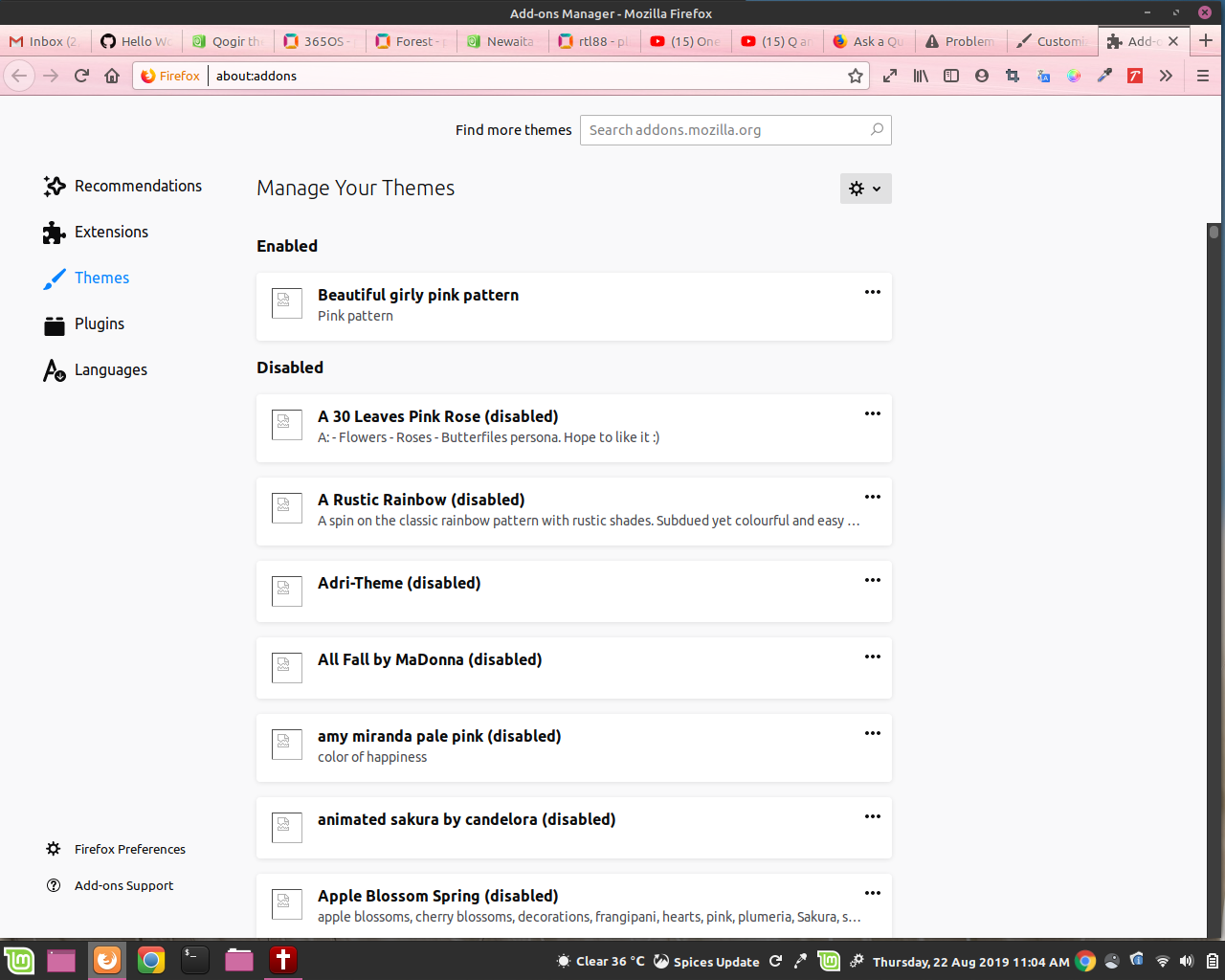
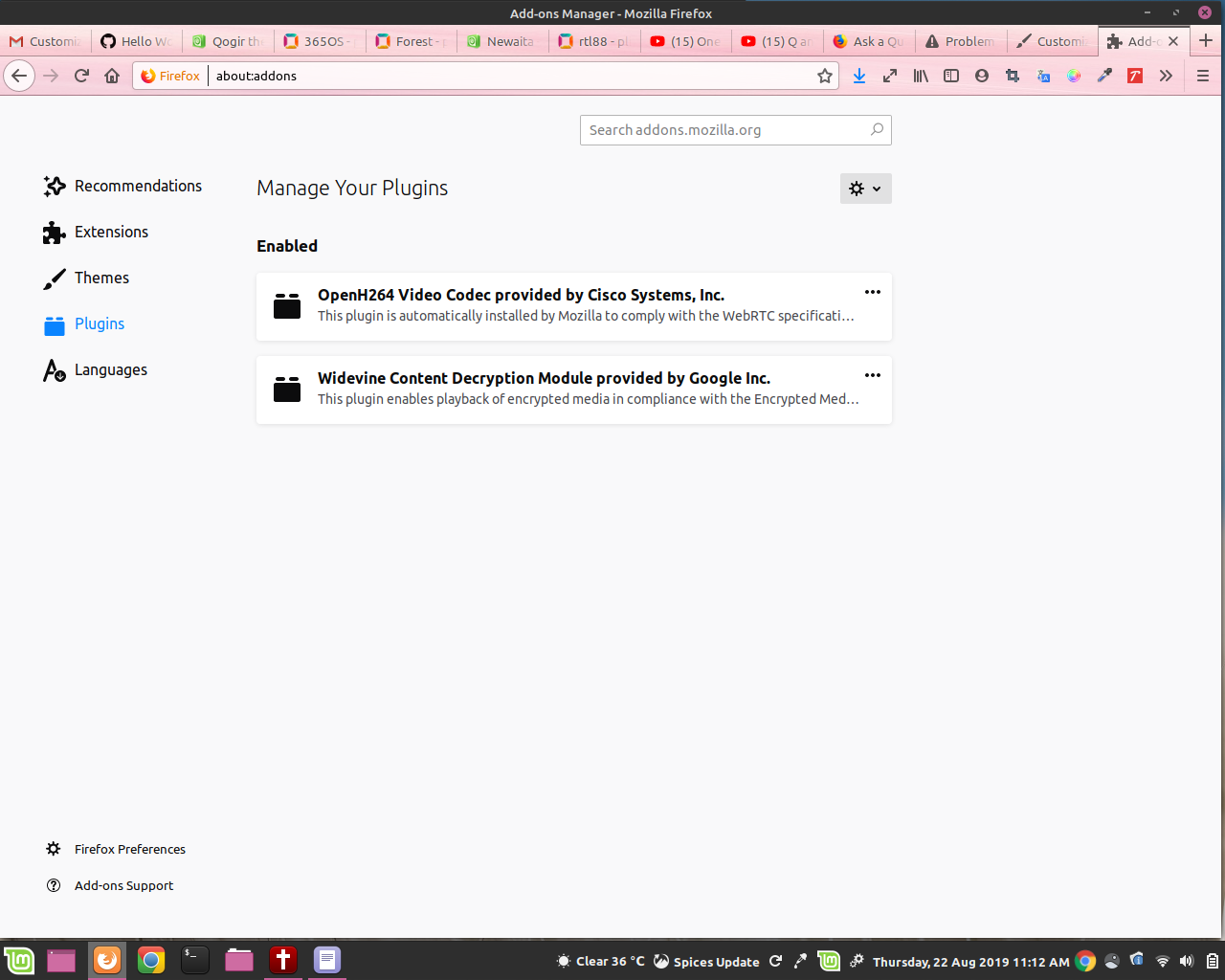
I had been using FF prior to installing a single boot Linux Mint 19.2 Cinnamon Tina. I went from Linux Lite to Mint. When I opened the freshly installed FF and pressed "sync now" it restored all of my add-ons. All of the files were there. All thumbnails too. Now, when I go to Customize and click on the themes menu, I do not see any thumbnails of the downloaded themes except for the 3 default themes that come with FF. I also am unable to mouse over those 3 themes and have them display what they look like real-time. When I click on manage themes (and I have many), there are no thumbnails. When I right click and ask to view the image it gives me the following error: Firefox can’t find the file at jar:file:///usr/lib/firefox/omni.ja!/chrome/toolkit/content/mozapps/extensions/null. Everything was functioning properly until yesterday. So a total of 3 days. How can I resolve this?
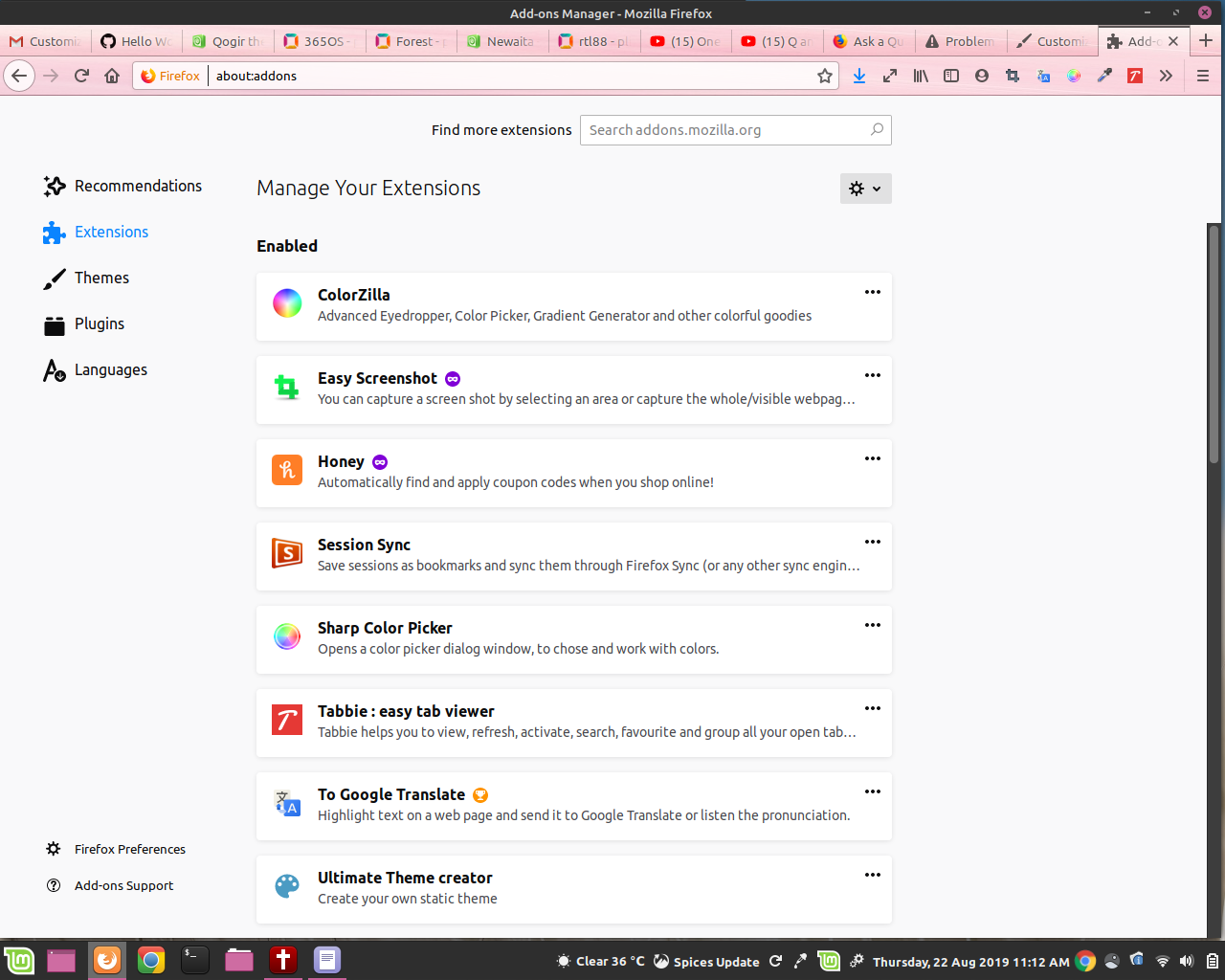
ภาพหน้าจอที่แนบมา

การตอบกลับทั้งหมด (1)

See:

  • resource://gre/chrome/toolkit/content/mozapps/extensions/

You can try the Firefox version from the official Mozilla server if you currently use a version from the repositories of your Linux distribution.