


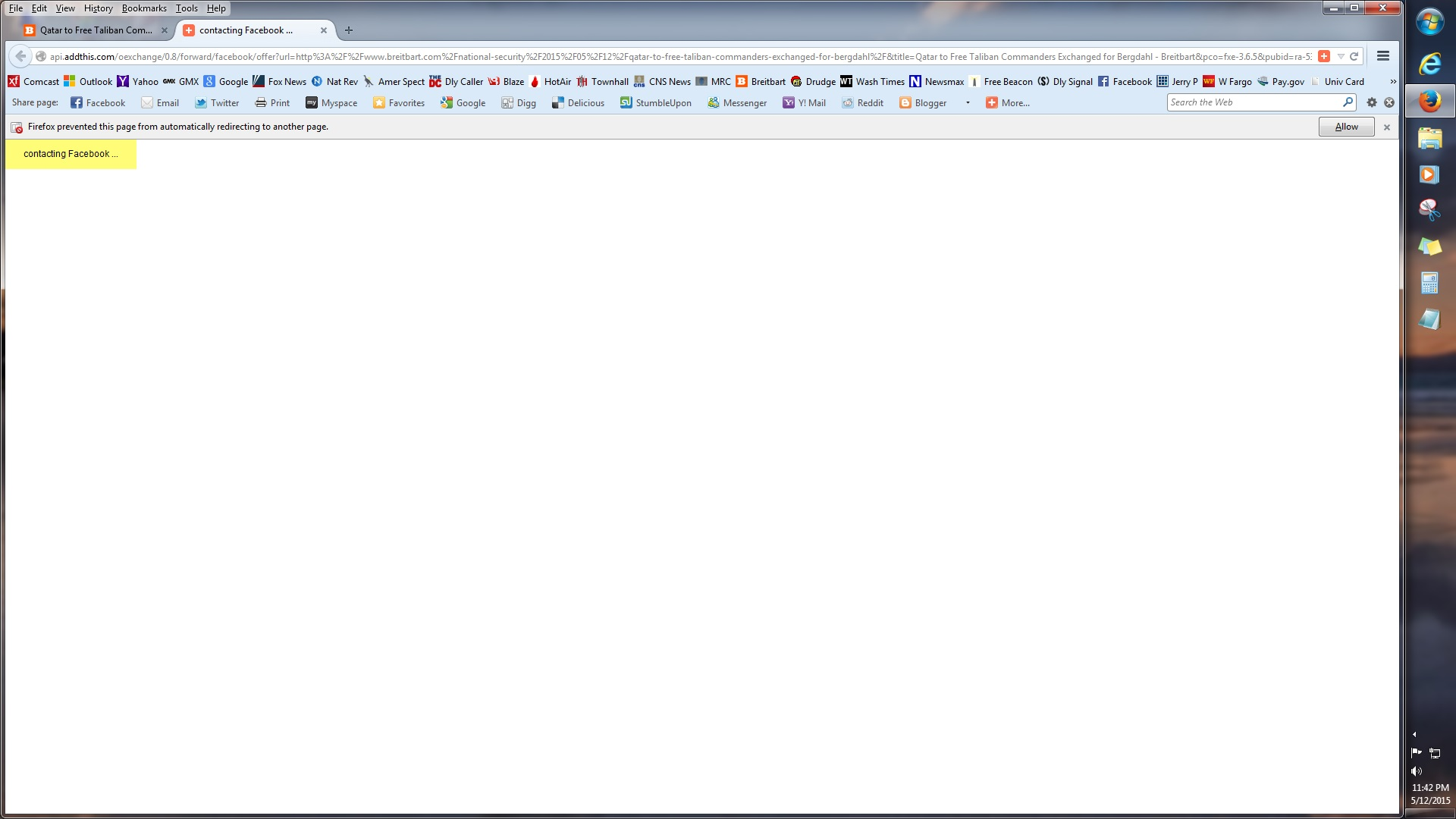
Firefox just started blocking Facebook. How can I stop this?

Message: Firefox prevented this page from automatically redirecting to another page."
Message: Firefox prevented this page from automatically redirecting to another page."
เปลี่ยนแปลงโดย cor-el เมื่อ
การตอบกลับทั้งหมด (1)
You can fix this in the Options dialog:
"3-bar" menu button (or Tools menu) > Options > Advanced
On the "General" mini-tab, uncheck the box for "Warn me when websites try to redirect or reload the page"
That should fix it. Success?