


I cannot sign in to my banking website.

I cannot sign in to my banking website. I assume it's something to do with cookies or permissions. This is on my desktop, but I have no problem on my I-pad. I have the latest version of Firefox and I am using Windows 10.
ప్రత్యుత్తరాలన్నీ (6)

jmquayle said
I cannot sign in to my banking website.
What does that mean? Is it a password issue or are you getting some other errors? Show us something.
Did you try with Firefox in Troubleshoot Mode? https://support.mozilla.org/en-US/kb/diagnose-firefox-issues-using-troubleshoot-mode#w_how-to-start-firefox-in-4troubleshoot-modesf5safe-modesf
Did you clear your browser cache? https://support.mozilla.org/en-US/kb/clear-cookies-and-site-data-firefox
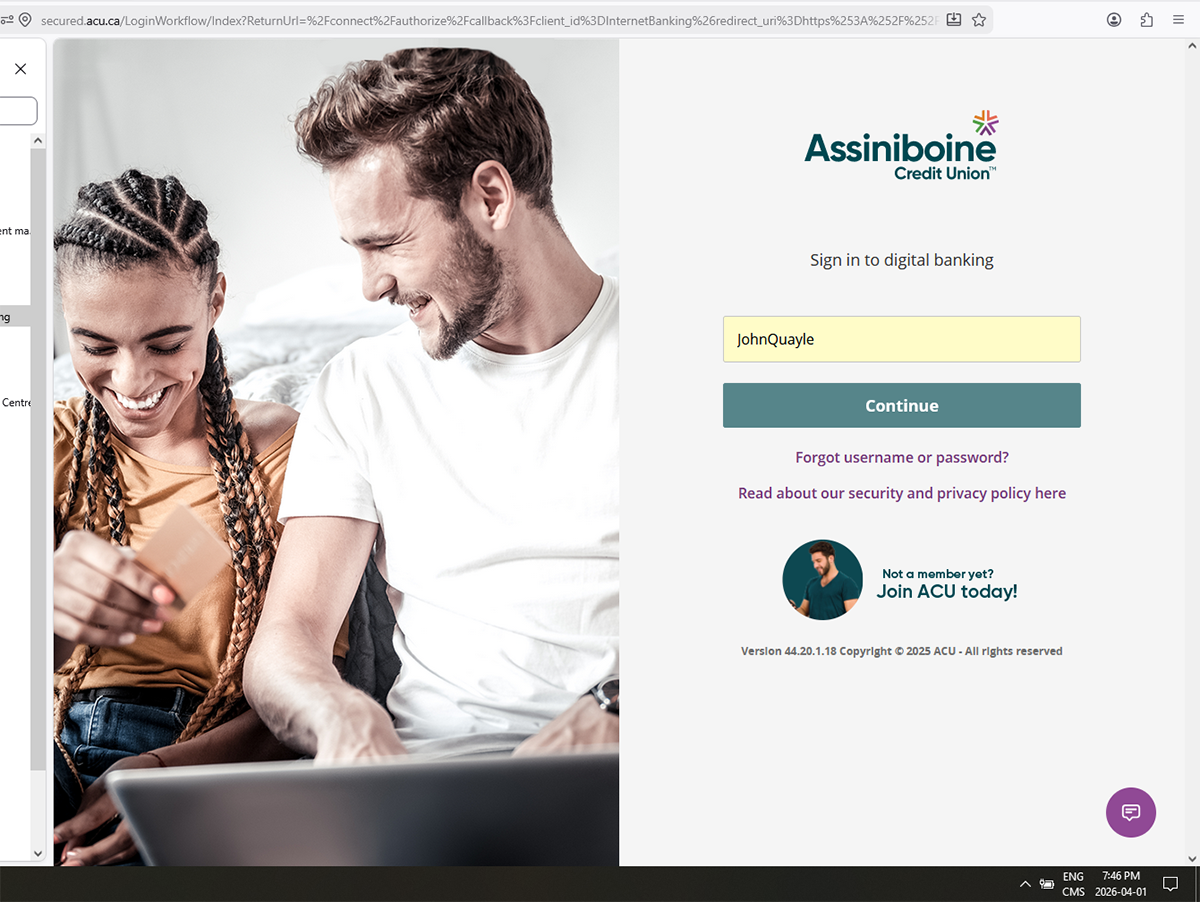
I tried in troubleshooter mode, but it didn't solve the problem. The issue is not a password issue. When I go to sign in, I get my user name, but the 'Continue' button doesn't work on the desktop, but it does on the I-pad. Here's the screen:
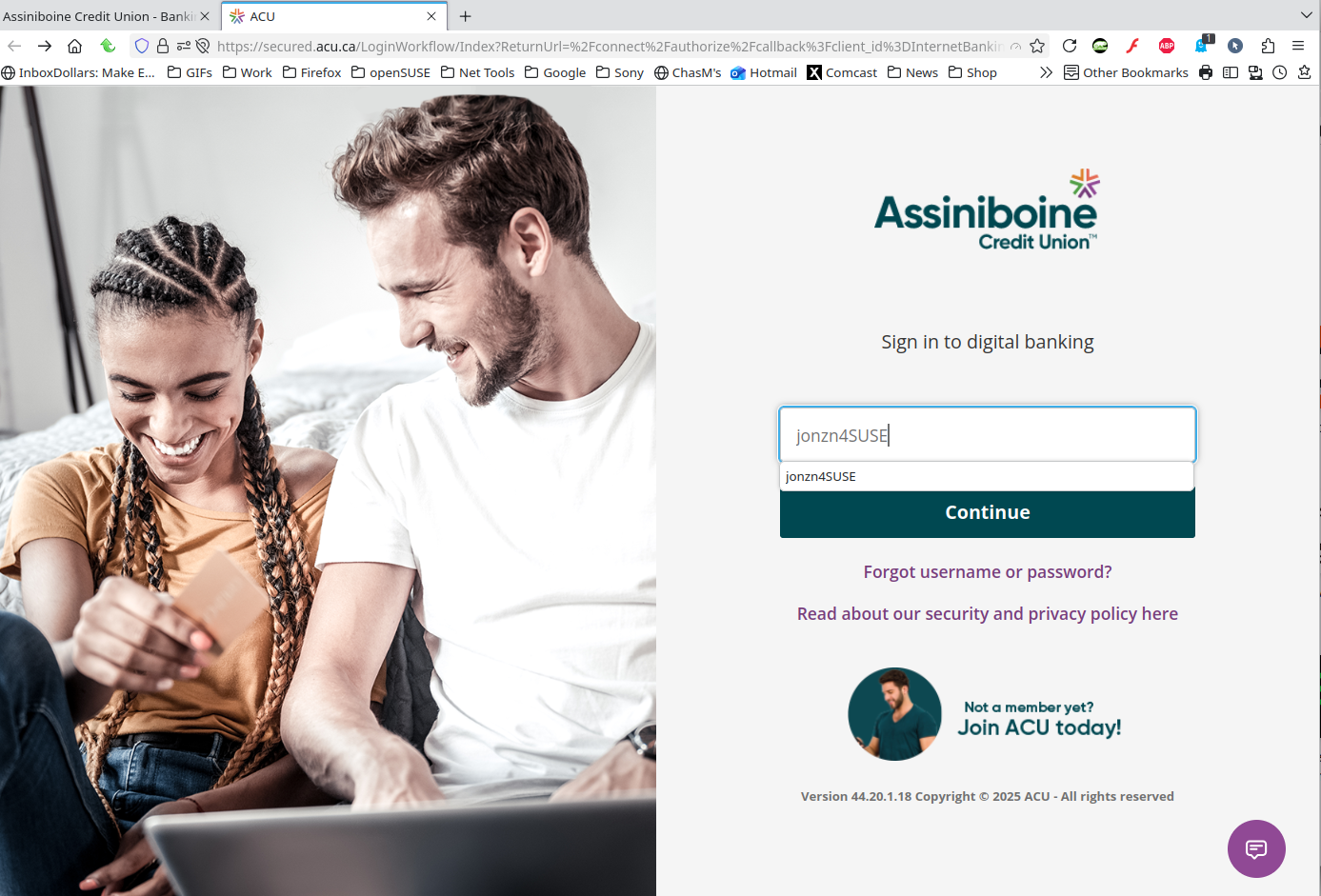
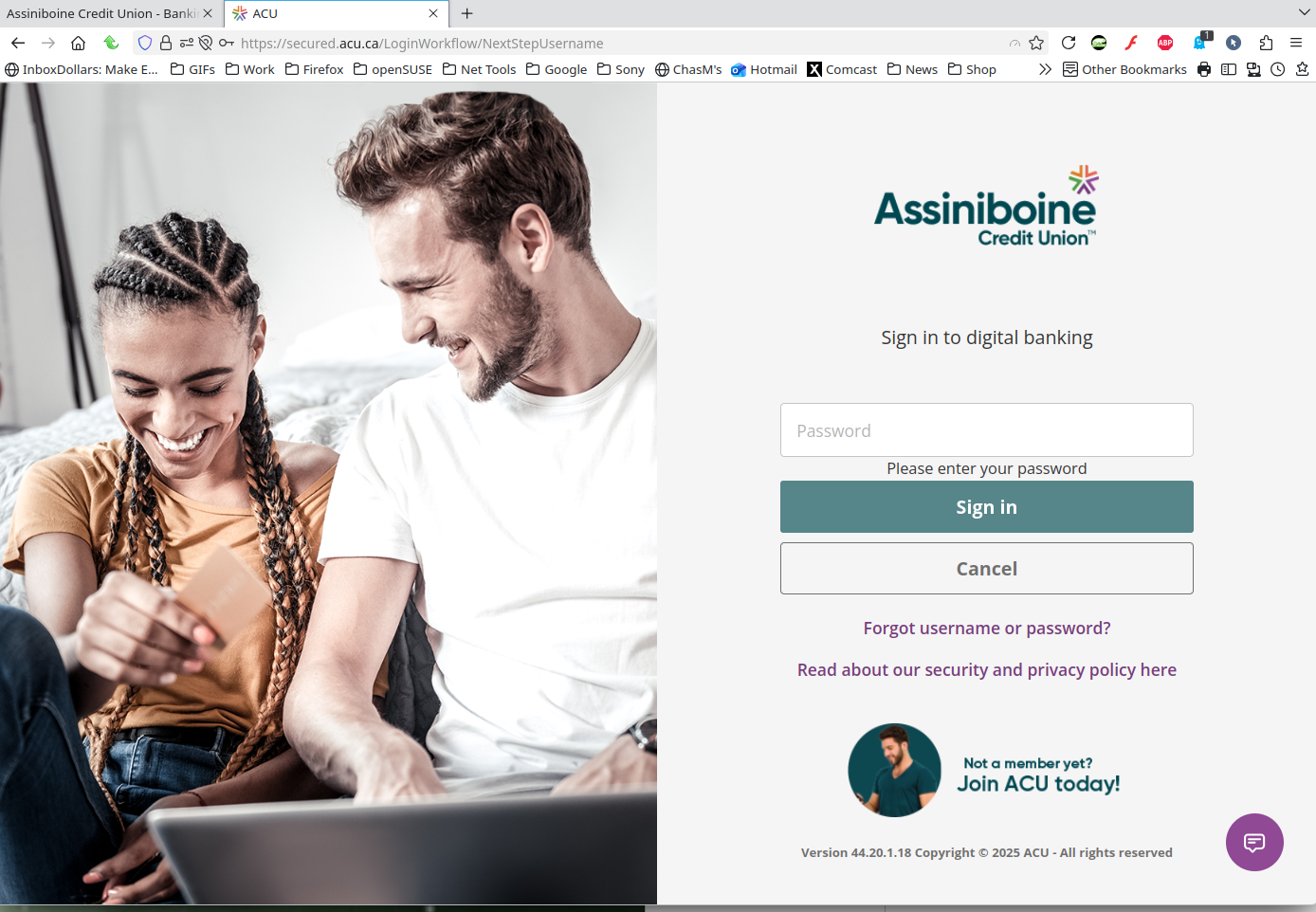
Thanks for the update. The button works for me. see screenshots Are you running any security software besides MS Defender? Windows home or pro?
You can also try Refreshing Firefox. https://support.mozilla.org/en-US/kb/refresh-firefox-reset-add-ons-and-settings
You can also try a different version of Firefox. Make sure to install in a different directory than your current install. https://www.mozilla.org/en-US/firefox/channel/desktop/
Thanks for the reply. I had tried to refresh, but that didn't work. The only other security software I'm running is Avast antivirus. Could this be the problem. It seems to be a problem with the security/permissions settings.
DING DING DING Avast... you can disable it, reboot, and test again. You can also boot windows into safe mode with networking to test. https://support.microsoft.com/en-us/windows/windows-startup-settings-1af6ec8c-4d4a-4b23-adb7-e76eef0b847f