


Getting Cloudflare Captcha in a loop when accessing Extensions Download

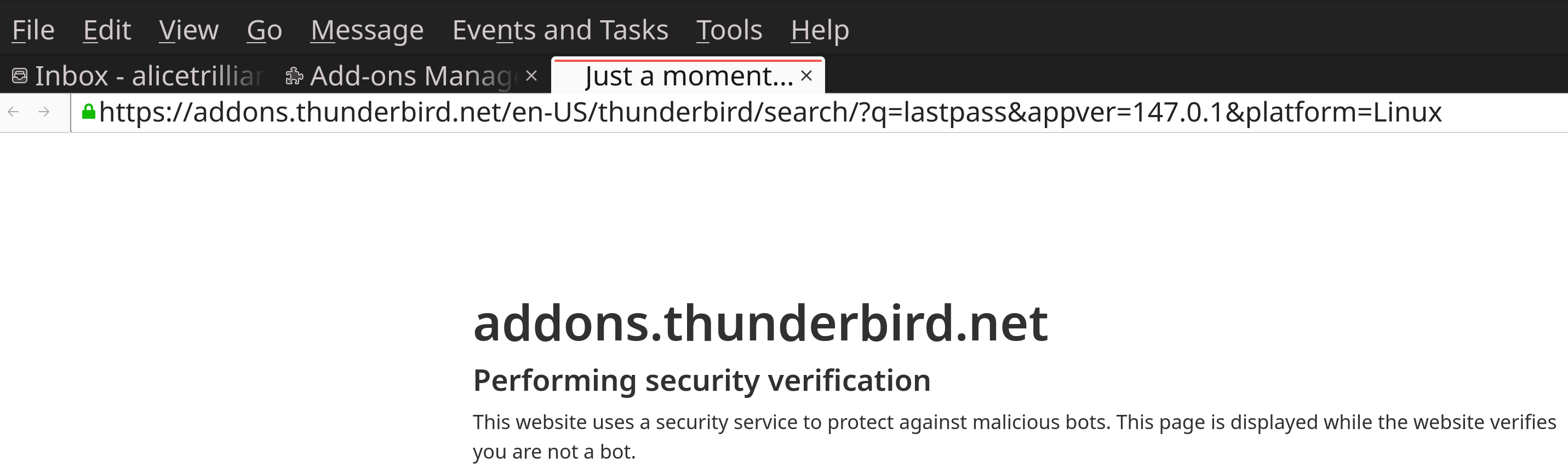
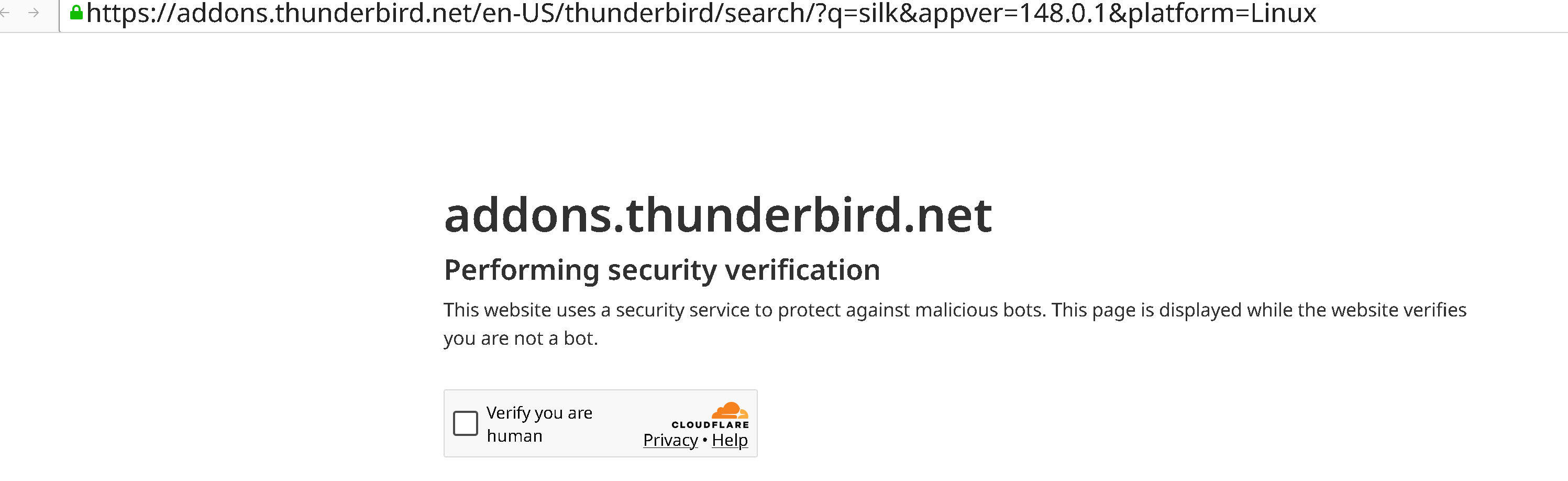
When I attempt to access the Add-Ons service through Thunderbird, it brings me to an HTML page (https://addons.thunderbird.net/en-US/thunderbird/search/?q=lastpass&appver=147.0.1&platform=Linux) reading
> addons.thunderbird.net > Performing security verification > > This website uses a security service to protect against malicious bots. This page is displayed while the > website verifies you are not a bot.
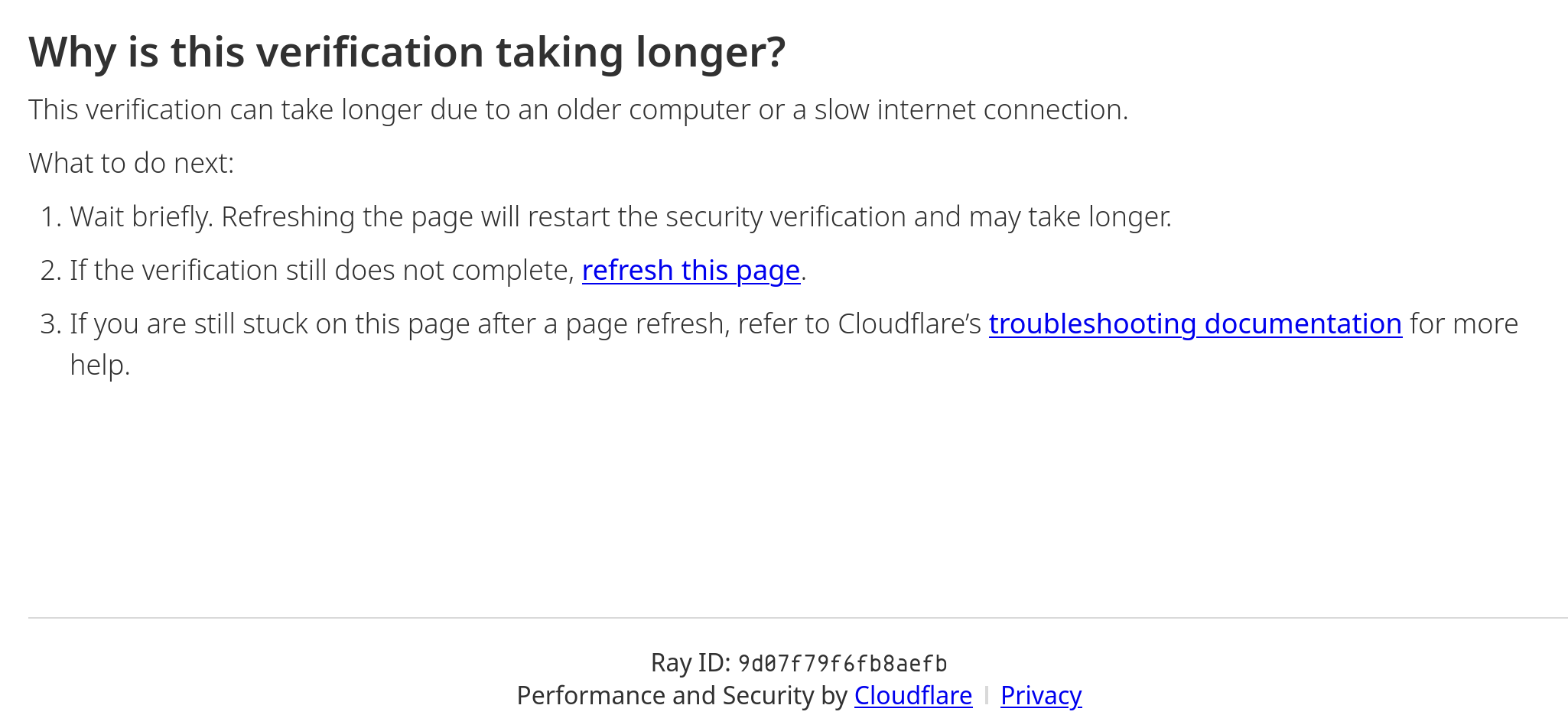
with the following footer: > Ray ID: 9d07fae58cabaefb > Performance and Security by Cloudflare
It will attempt to connect to Cloudflare to verify a Captcha, but the Captcha itself never renders, and after a period adds the following to the text:
> Why is this verification taking longer? >This verification can take longer due to an older computer or a slow internet connection. > What to do next: > # Wait briefly. Refreshing the page will restart the security verification and may take longer. > # If the verification still does not complete, refresh this page. > # If you are still stuck on this page after a page refresh, refer to Cloudflare’s troubleshooting documentation for more help.
After another period it then cycles the verification page. This continues as long as the tab remains open.
Opening the link listed above in Firefox opens the Addons page as expected.
Similar Captcha pages open on launch, as well as when accessing support or attempting to create a Matrix chat account.
There is a potentially related issue in that images and some icons are not rendered. I will make a separate post asking for help with that if it is not related, but it seemed relevant to mention.
The problem has existed for a long time, and I have checked existing responses without finding a solution, but I didn't get around to asking about it until now.
I am using Thunderbird v. 147.0.1 (64-bit) for Linux with no extensions installed), connected via AT&T broadband service with no proxy set, running under Manjaro 26.0, kernel 6.18.8-1, with the XFCE desktop environment (that last is only mentioned for the sake of completeness). I am using GUFW for my firewall, but the problem persists when the firewall is disabled (something I do not wish to do regularly in any case).
ప్రత్యుత్తరాలన్నీ (4)
go to settings and try changing the DNS resolution to DNS over HTTPS. you mention ATT and they have a poisoned DNS that is used to pretend they offer email. the cloudflare DNS use by default with the HTTPS offering does not have that. I have a feeling it is the cause of your issue and it will be quick to try it out.
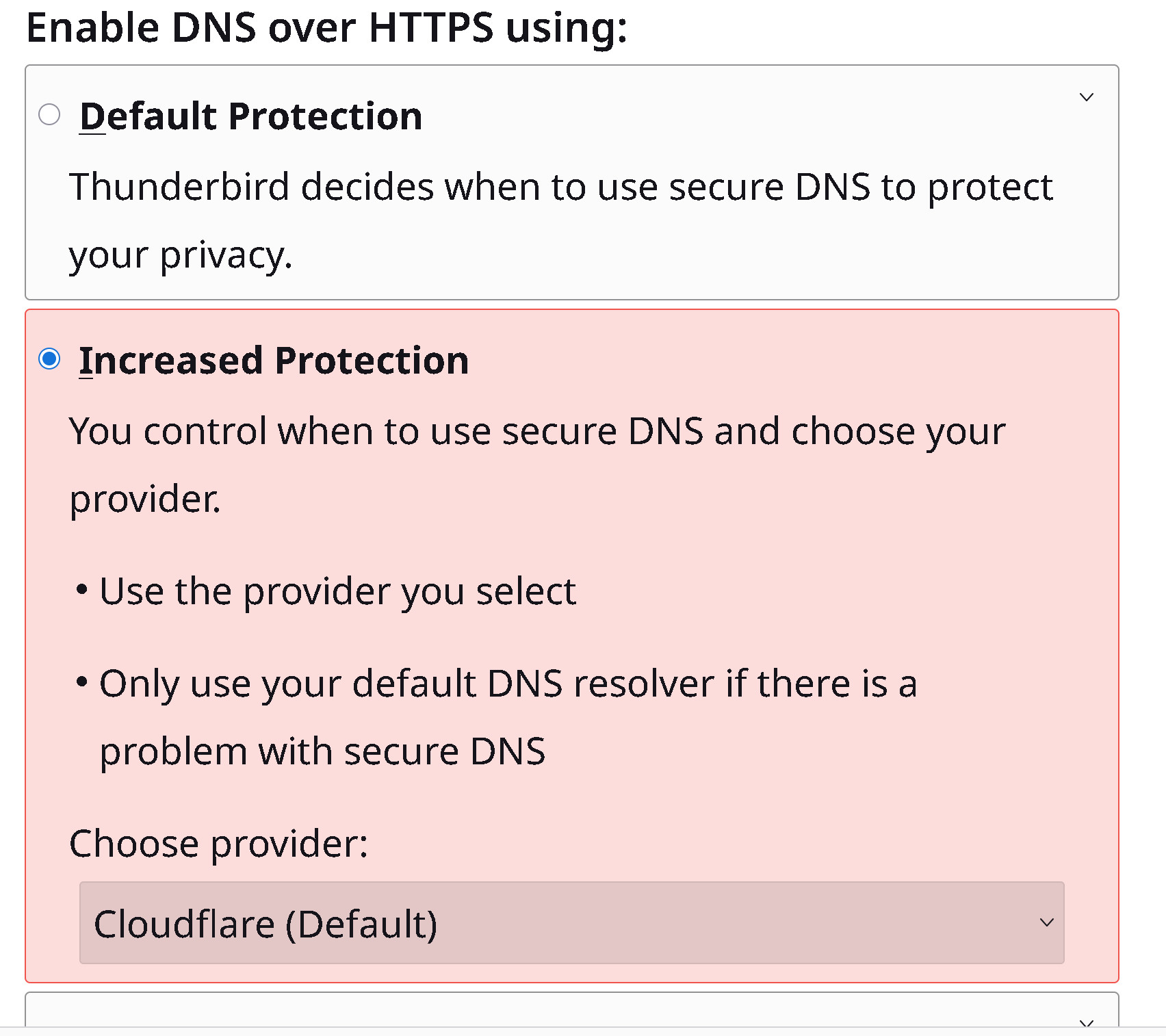
I set up DNS over HTTPS set to use Cloudflare, but the problem continued. I tried Default, Increased, and Max protection with no change in the results.
I also installed Cloudflare Zero Trust, with it set to use Warp, but there was no change. Setting it to DoH only had no effect.
Most recently, I changed my ISP to Spectrum, for reasons unrelated to this, and tried each of those settings in turn. Again, there was no change.
The part that puzzle me most is that - because Thunderbird is opening the addons.thunderbird.net site with the internal web browser, using the HTTPS system, rather than having a completely application specific protocol - it seems the Cloudflare access is failing due to lack of JavaScript support. Thunderbird's internal browser does not support JS at all to the best of my knowledge, so why is this approach used in the first place?
Note that in Firefox, I use the Silk Pass browser extension to access Turnstile-protected sites, so I have no difficulty accessing addons.thunderbird.net on the browser. There does not seem to be an equivalent add-on for Thunderbird, however.
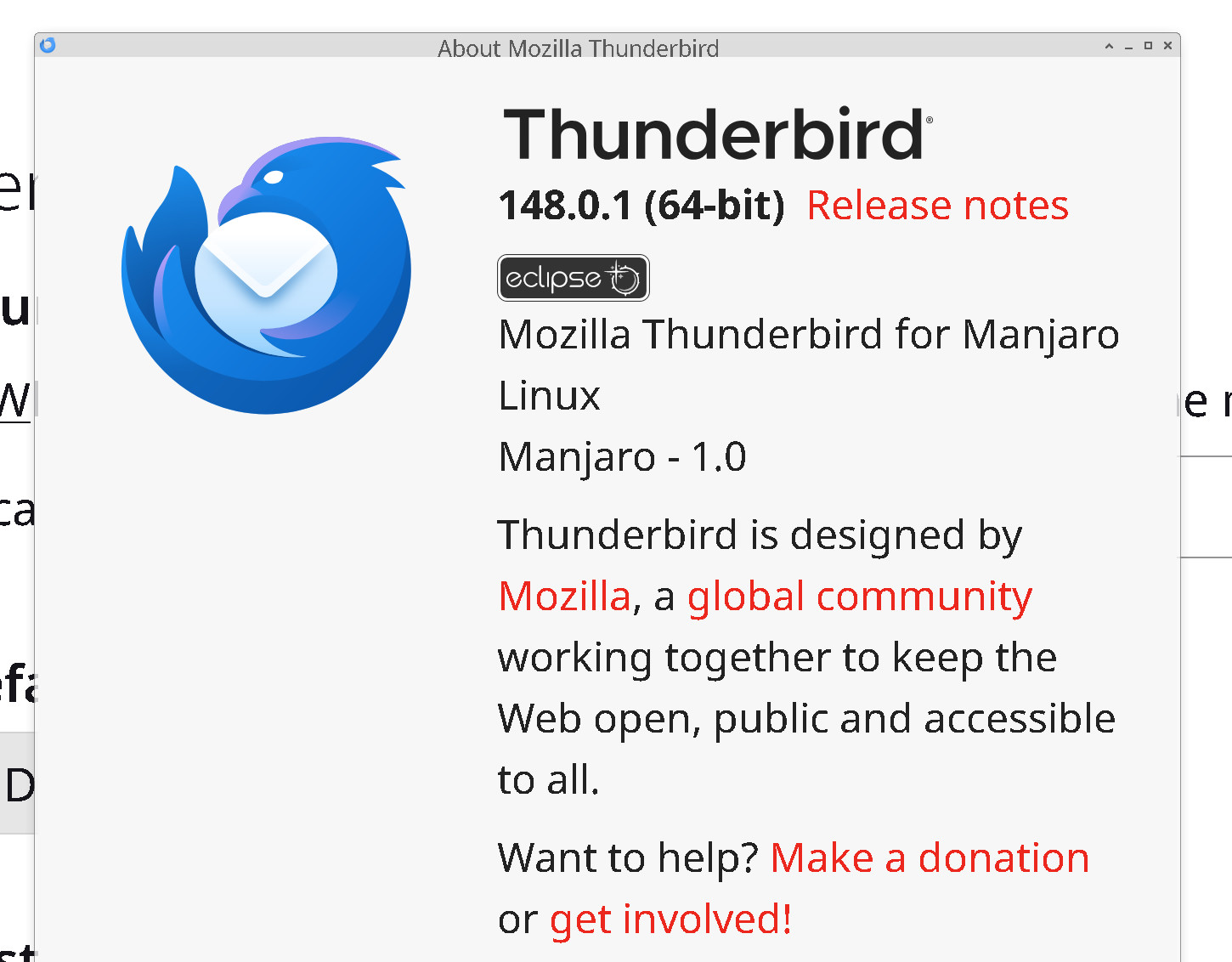
My current version of Thunderbird for Linux is 148.0.1
న Alice Osako చే మార్చబడినది
Thunderbird's browser supports JavaScript and it is enabled there by default. That is why it get a mention in the oauth troubleshooting in this article. https://support.mozilla.org/en-US/kb/automatic-conversion-google-mail-accounts-oauth20
So if you suspect JavaScript, perhaps use the Config Editor to confirm the hidden stetting javascript.enabled is true after all you are using Linux and maintainers there do not feel they are bound by application defaults. Your distro might have it turned off.
Are you using a standard installer, or one of the sandboxed installers like SNAP or Flatpak.both of which raise permissions issues that are not present in a standard installation package.
Thunderbird is installed on my system using the standard Arch/Manjaro package manager (Pacman), and from the default Manjaro official repository. The specific packages are listed as 'thunderbird-148.0.1-2' for the core program and 'thunderbird-i18n-en-us-148.0.1-2' for the language support sub-package. All other installed packages are currently up to date, using either Pacman, Pamac (for AUR, Flatpack, and Snap packages), Guix, or Akku.
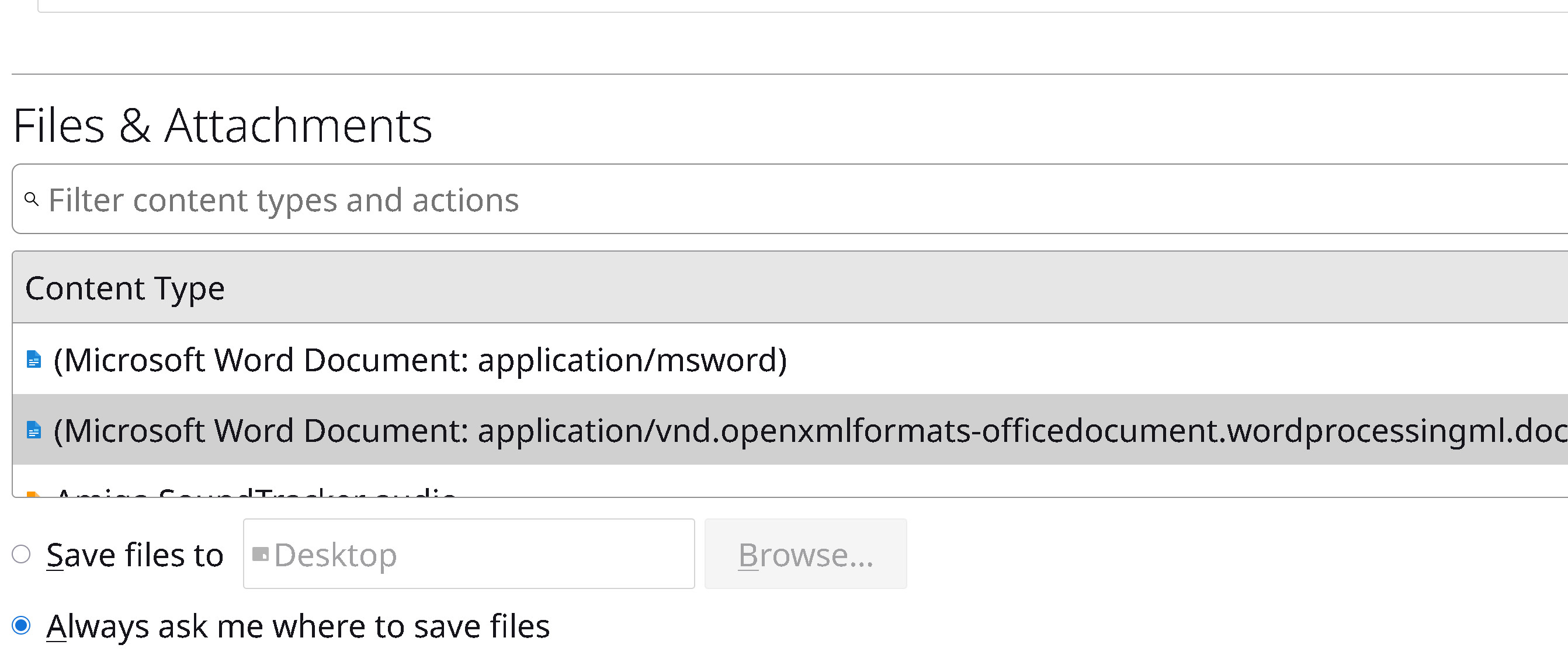
I had some difficulty locating the Config Editor, as the length of an entry in Files and Attachments had caused the screen to widen considerably with the result that items bound to the right border moved off-screen. It took me a moment to realize this.
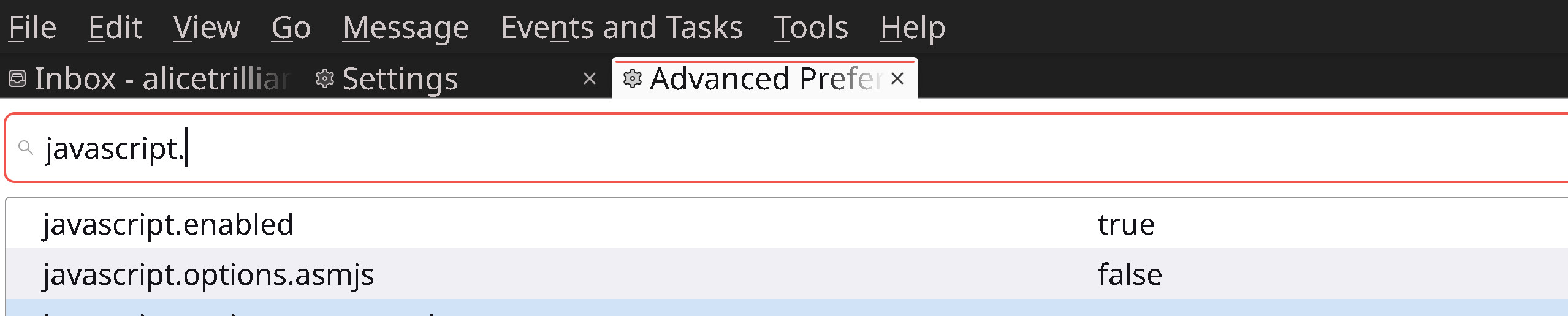
Upon finding the Config Editor I did determine that JavaScript is enabled, so that doesn't seem to be the cause of the problem.
I've attached screenshots of the relevant items, including my current DoH settings.

న Alice Osako చే మార్చబడినది